




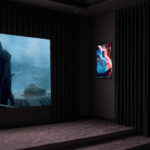
At the time of writing, I already have three other NothingProjector screens in my projection room: a 120-inch motorized BlackSeries ALR screen, a 100-inch motorized ClassicSeries ALR screen and a 100-inch fixed-frame ALR screen. I also still have a 130-inch white Vevor screen and a 100-inch Wupro screen. I have kept these screens because they are good enough to let me test projectors on different types of surfaces. Since I already owned a white screen, you may wonder why I added this one to my collection. That is what I am going to explain in this review.
Where to buy
The NothingProjector matte white floor-rising motorized screen is, of course, available from the brand's official website. It is available in a 100-inch version (€799 at the time of writing) and a 120-inch version (€999 at the time of writing).NothingProjector matte white screen / NothingProjector.com
If you appreciate my work, please remember to purchase your products through my links. This is my only source of income for funding my tests.
Overview
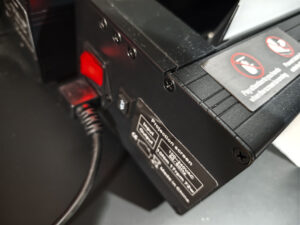
Before describing the product, I first need to set the scene. Motorized screens of this type can give the impression that they can be installed almost anywhere, or even moved around whenever you feel like it. You should nevertheless bear in mind that they can weigh up to 30 kg, or even more, and are far from easy to move. I am still fortunate enough to have the strength required to install this type of screen without assistance, but it does involve a bit of physical effort. Beyond the weight and overall size, there is another important point to consider: the power supply. The connector is located on the left-hand side of the casing and the power cable is not very long, so you need to make sure that a power socket is available nearby.
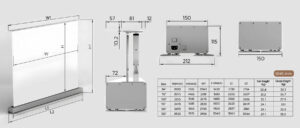
I have reused the image showing the screen dimensions from the official website. This saves me from having to copy everything manually and potentially introducing mistakes.
I tested the 100-inch version and placed it on my Shore RolaTV cabinet. This cabinet was not designed to support screens on top of it, but since the compartment intended for a screen was already occupied by another model, I had no other choice than to place this one on the upper surface. The cabinet is nevertheless particularly sturdy: it already contains a 120-inch motorized screen and a 100-inch motorized screen, and I have now added a second 100-inch motorized screen. The complete setup must weigh at least 90 kg.
This type of cabinet allows the screen to blend into the room much more naturally, but it is by no means essential. You can install it directly on the floor without any problem.
You can read my review of the cabinet here: Shore RolaTV: laser TV home cinema cabinet
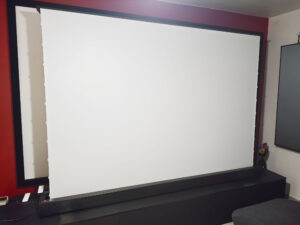
Please do not pay too much attention to the clutter, but this is what the screen looks like when fully deployed. It is positioned in front of three other screens, so this is not an ideal arrangement, but I still need to reorganize the room to make the setup more practical. What struck me from the first use was the immaculate whiteness of the material. I already have a white screen immediately behind it, but its shade is slightly duller and its surface less uniform than that of the NothingProjector screen. Even when standing very close to it, I cannot see any texture comparable to that of the Vevor screen behind it.
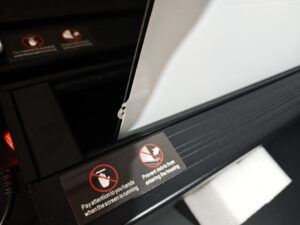
The deployment mechanism is fairly conventional. The top of the screen is attached to a horizontal bar, the edges are held in place by a very thin cable and tension is maintained by two arms at the rear, which push the screen upwards.
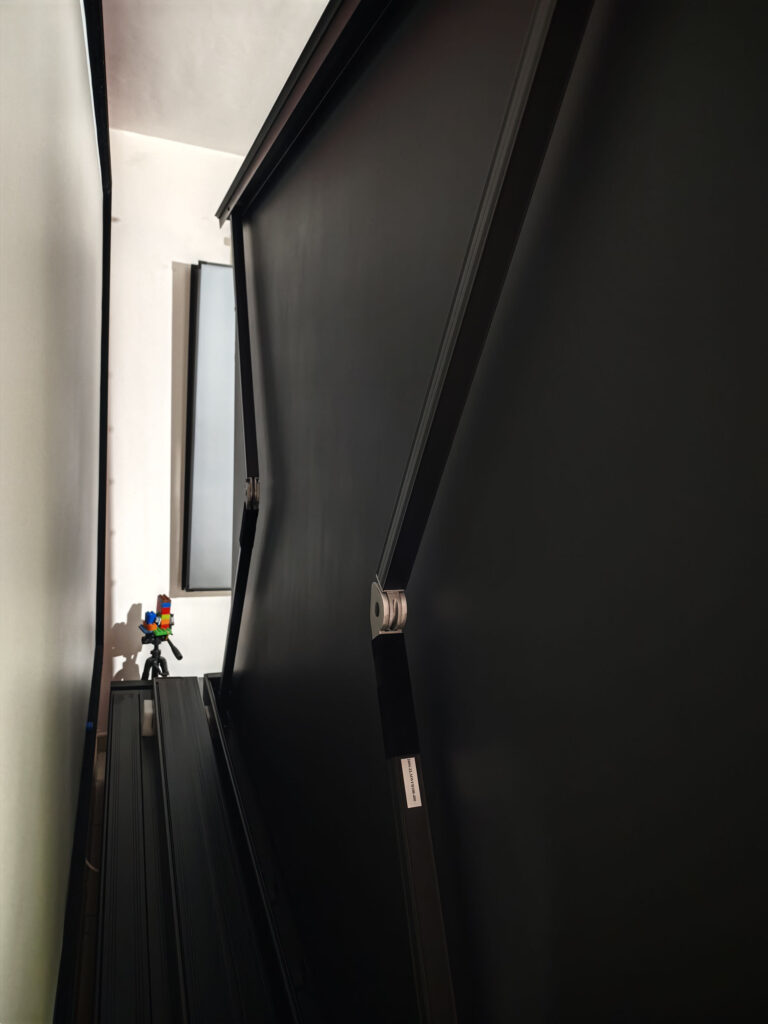
The height of my cabinet is ideal for these screens because, once deployed, they all stop only a few centimetres below the ceiling. A memory function allows you to define the height at which the screen should stop if you have a particular space constraint. There is no acoustically transparent section in the lower part of the screen: the white material is continuous across the entire viewing surface.
The screen can be controlled using the remote control or third-party applications. It appears, for example, in my Google Home interface with open and close controls. You can therefore create automation routines so that it deploys under specific conditions.
The screen material is made of PVC, like my Vevor screen, but the material used here appears to be of better quality. It looks whiter and I cannot see any relief or texture. The comparison is not entirely fair, however: the Vevor screen cost me €120, whereas the NothingProjector costs €799. The more expensive model therefore needs to distinguish itself in some way, and that is precisely what I will address in the following sections.
Chemical smell
Most of the screens I test give off a chemical smell, with the intensity varying from one model to another. This screen produces a slight smell, but there is a clear improvement compared with the first NothingProjector screens I tested. The first one smelled so strong that I had to ventilate the room for several hours to get rid of it. That is not the case here: the screen can be used immediately without the smell becoming genuinely uncomfortable, unless you are particularly sensitive to it.Impact on brightness
I measured brightness on a neutral Teflon reference surface and then repeated the same measurement on the NothingProjector screen to assess its impact. The screen is advertised with a gain of 1.3, but I did not obtain a result anywhere near that value. When measuring brightness from the viewing position, I obtained an average increase of only around 3% compared with my reference surface. I do not know how the 1.3 gain figure was calculated, but when I place my neutral surface in front of the screen, I cannot see any significant difference between the two. This is not a major issue in itself, because I prefer a screen surface that is as neutral as possible.I sent my measurement results to NothingProjector to understand how the brand had determined the 1.3 gain figure. Although my test environment is rigorous, laboratory testing may produce different results. I am nevertheless confident in my measurements: my spectroradiometer is reliable and was calibrated a few months ago.
Day/night comparison
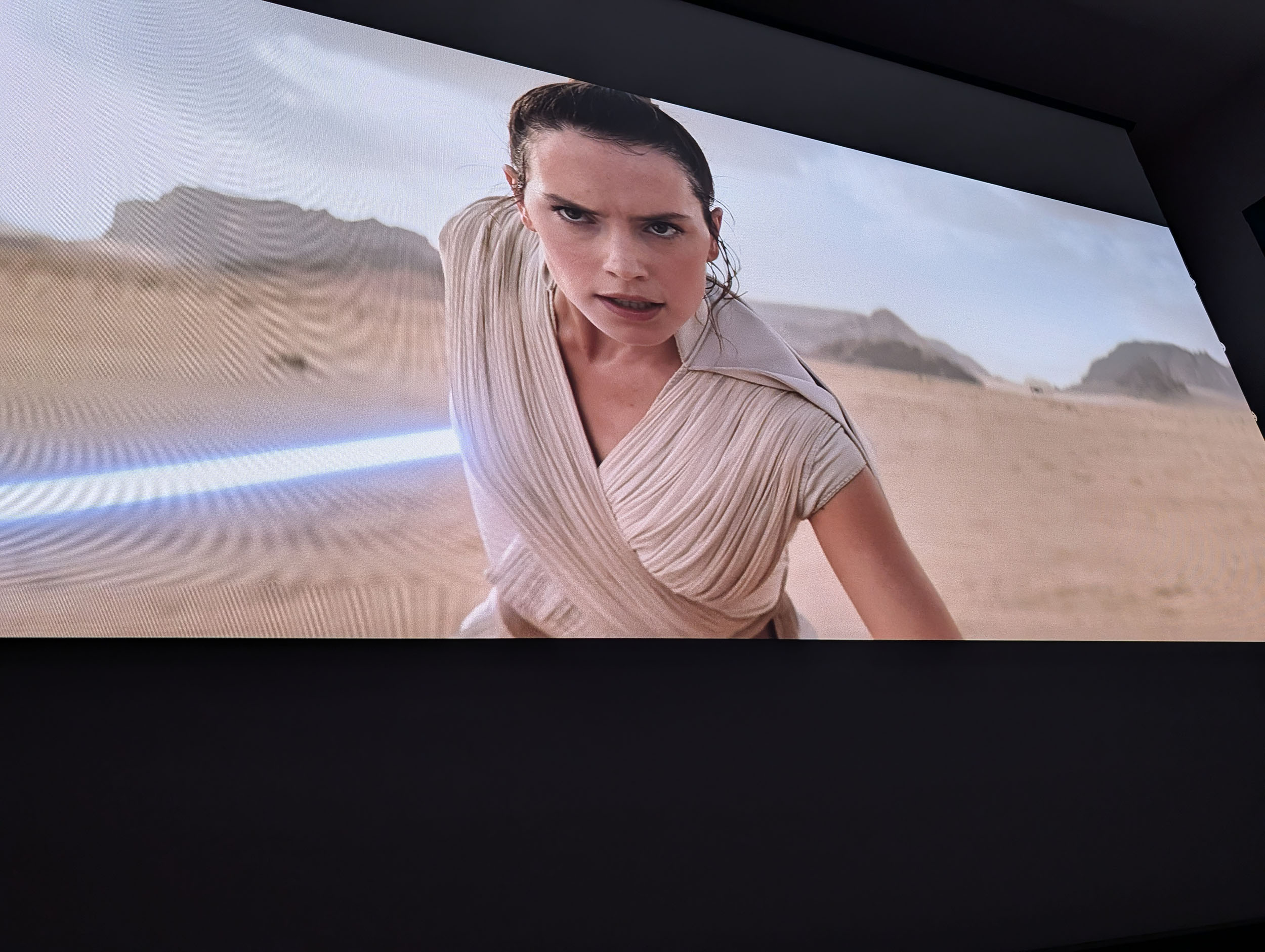
To illustrate the difference between lighting conditions, I took the same photograph in complete darkness and in daylight.Let us start with complete darkness:
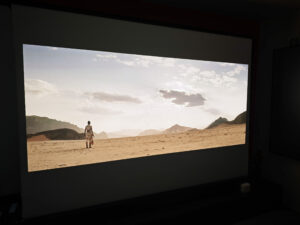
The colour rendering in the photograph is not perfectly accurate, but this is due to my camera. Accurately reproducing an HDR image is very difficult and the colour tone often appears slightly too warm. What I observe with this screen is an image with a very clean appearance. A moiré effect is visible in the photograph, but this is also caused by the camera. I do not, however, see any disturbance in the projected image caused by the texture of the screen. On my inexpensive Vevor screen, I can see a slight graininess linked to the quality of the PVC material; here, I see nothing of the sort. I also did not observe any hotspot, despite using a XGIMI Titan Noir Max, which is by far the brightest projector I have ever tested.
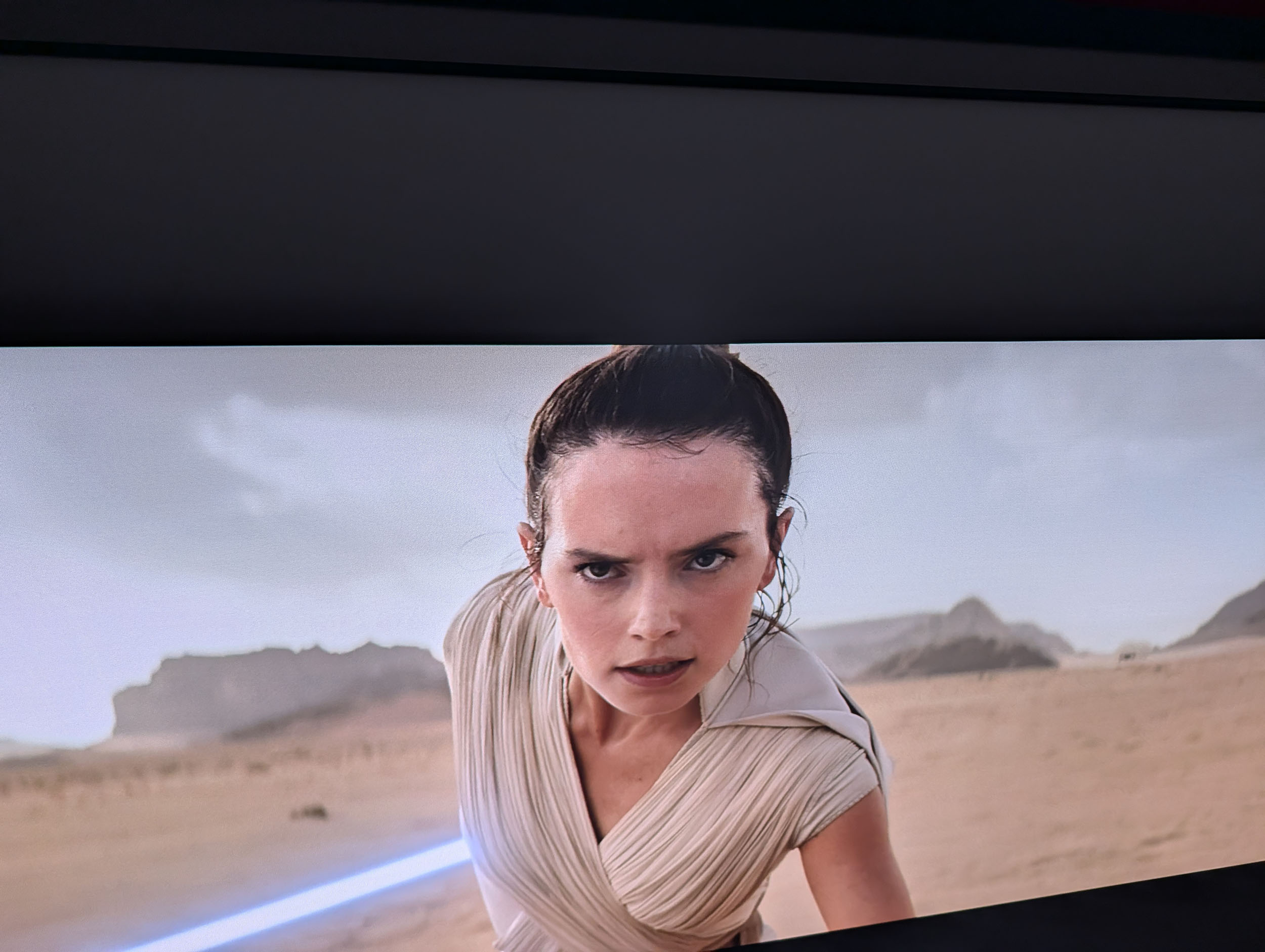
Now let us move on to daylight:
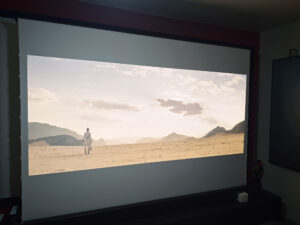
Looking at this photograph, you will probably think that it was not taken in a particularly bright environment. The room was, however, strongly lit. Once again, this is due to the camera compensating for the large difference in exposure. Daytime use is possible provided that you have a very bright projector, but this comes at the expense of black depth and contrast.
Some parts of the projected image are darker than the ambient light level. The ambient light therefore brightens those areas. In this photograph, the entire scene remains clearly visible, but with a dark film, the least luminous sequences would become difficult to watch on this type of screen.
This issue is not specific to this model. It affects all white screens because light is reflected in every direction instead of being redirected mainly towards the viewer, as it is with an ALR screen. Dark areas are projected onto an illuminated white surface, so black can never appear truly black on this type of screen in daylight.
Impact on colours
Projection screens are rarely completely neutral, and this is one of the factors that separates a good screen from an inexpensive one.The following table summarizes the main comparison parameters.
| Parameter | White screen | Teflon | Difference |
|---|---|---|---|
| Luminance | 95.31 cd/m² | 93.20 cd/m² | Screen +2.26% |
| Colour temperature | 6065 K | 5654 K | Screen +411 K |
| x coordinate | 0.32135 | 0.32912 | — |
| y coordinate | 0.32335 | 0.32603 | — |
| Duv | -0.00411 | -0.00641 | Teflon further below the locus |
| Red ratio | 52.23% | 53.63% | Screen -1.40 points |
| Green ratio | 24.82% | 24.39% | Screen +0.44 points |
| Blue ratio | 22.95% | 21.97% | Screen +0.97 points |
- the screen provides a slight gain of between 2 and 3%;
- it introduces a slight shift towards blue, producing a marginally cooler image.
In both cases, these differences are imperceptible to the naked eye. You need experience in comparing screens and a measuring instrument to detect them.
My Vevor screen produces a much stronger green boost than this NothingProjector screen. This is the kind of difference that separates a high-quality screen from an inexpensive one. The green shift on the Vevor has never prevented me from enjoying a film, but under identical conditions, the difference between the two screens is visible.
Impact on contrast
This type of screen will not increase contrast. To achieve that, the luminance of black would need to be reduced, the luminance of white increased, or both changes applied simultaneously, but this screen is not designed for that purpose. In darkness, blacks will always appear slightly greyer than on a grey screen, without necessarily harming the overall image quality. Since I intend to add this screen to my test protocol, I will have an opportunity to assess its impact on black levels more precisely in a future projector review.Impact on viewing angle
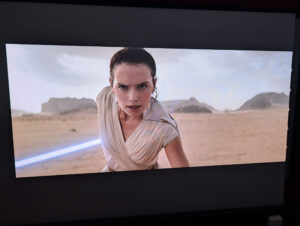
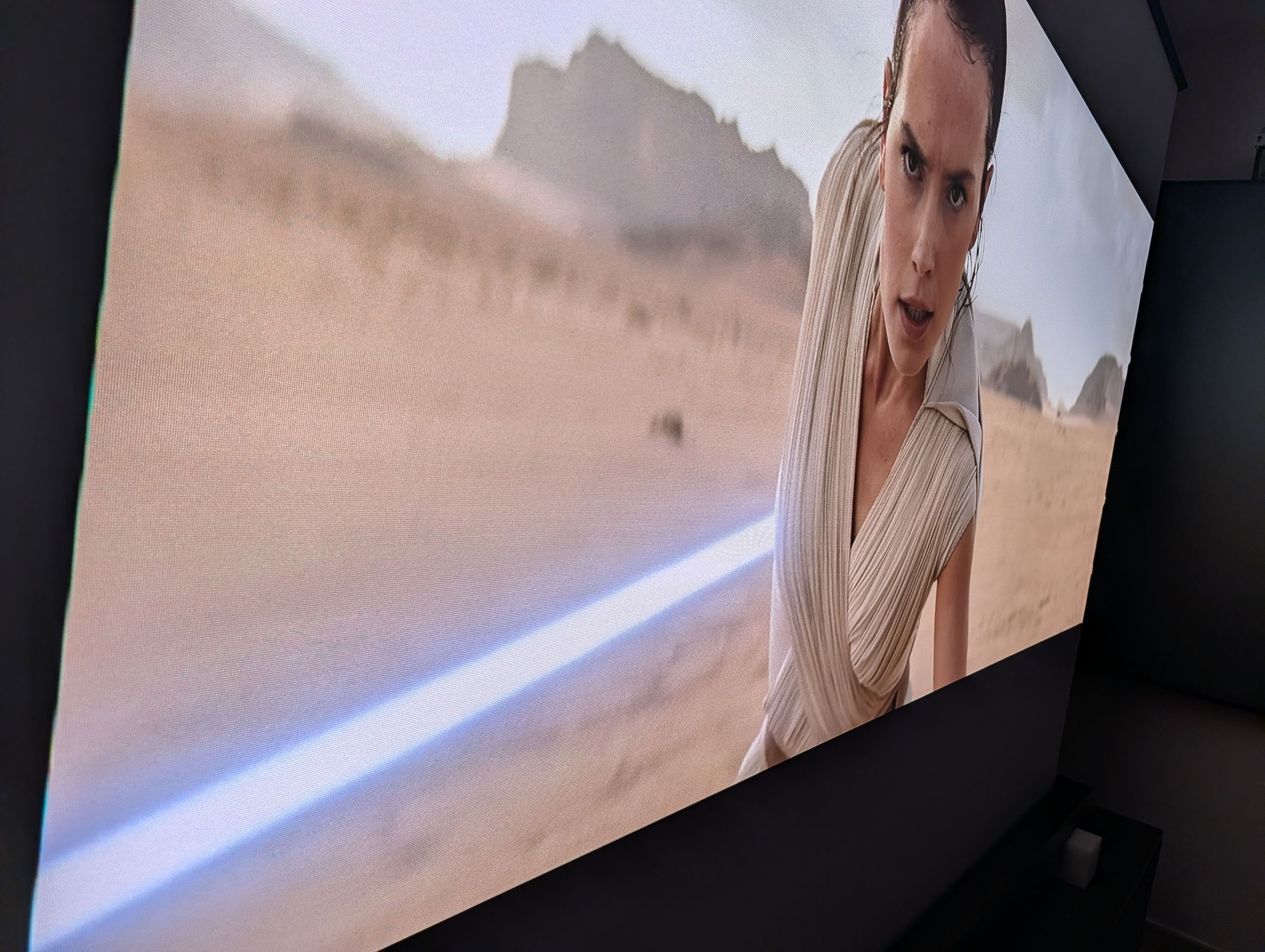
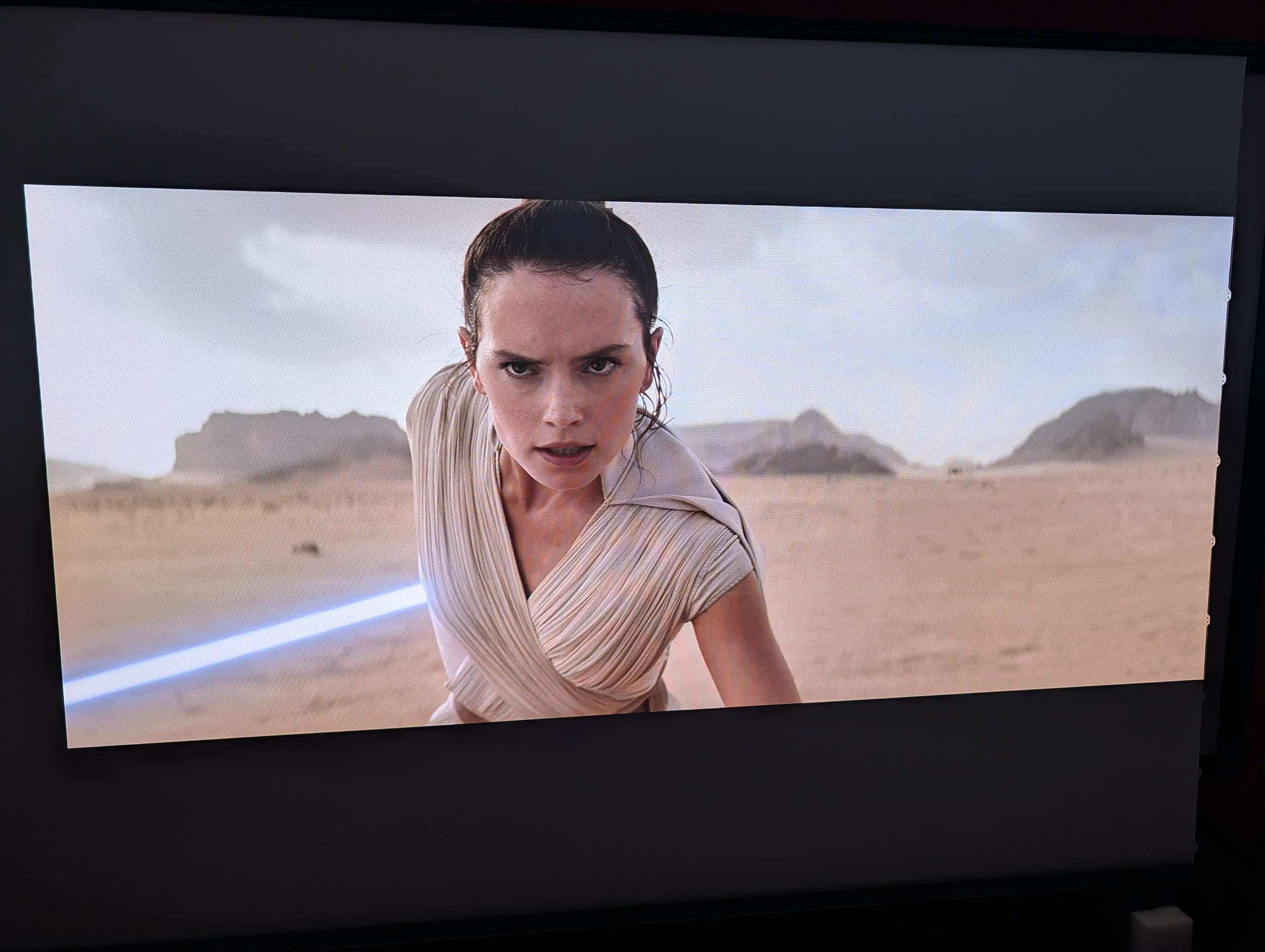
This screen is advertised with a 170° viewing angle. It should therefore, in principle, suffer very little degradation when viewed from the sides. The photographs below confirm that the viewing angle has very little effect on the image. You can view it from the side, from below or from above: it remains excellent in every case. This is one of the advantages over ALR screens, which often have a more limited viewing angle.



Effect on speckle
Neutral white screens such as this one are not particularly prone to speckle. I tested this screen with the XGIMI Titan Noir Max, the XGIMI Elfin Flip 4K and the XGIMI Elfin Flip Laser, and I did not observe any speckle.Operating noise
I measured an average sound level of 53 dB close to the screen and 44 dB at a distance of one metre. This may appear high, but it is the quietest motorized screen I have tested so far. My first motorized screen was noticeably louder. Full deployment takes approximately 25 seconds, and you can configure the maximum height to suit your installation.Conclusion
I have been testing projection screens for around two years and have reviewed all kinds of models: white, grey, ALR, fixed-frame and motorized. This has shown me that the differences between two brands, or even between two models, can be considerable. Since projection screens are generally quite expensive and bulky, making the right choice is important. This NothingProjector matte white screen combines several interesting qualities. As with the other models from the brand that I have tested, it is the combination of several factors that makes it particularly convincing.The first thing that surprised me about this screen was the purity of its PVC surface. I have been using an inexpensive Vevor screen for years, and its material has a visible texture. This is not a major flaw, but when you switch to a screen like this one, the difference is immediately apparent. The quality of the surface is fully comparable with what brands such as Elite Screens, Lumene or Celexon offer.
I was obviously not going to settle for simply saying that the surface looked particularly clean. I therefore measured its behaviour in terms of brightness and colour accuracy. I did not obtain a gain of 1.3, but rather 1.03. This does not necessarily mean that the specifications are incorrect, because the test environment and measurement method can influence the result. If gain is a decisive criterion in your purchasing decision, its importance should probably be put into perspective. If your goal is to compensate for a projector with limited brightness, I would not place this criterion at the top of the list. Screens with a gain above 1 do not create light: they are designed to limit losses or concentrate more light in certain directions, which can make the image appear brighter. They will not, however, turn a dim projector into a very bright one.
I then measured colour accuracy and found that this impression of purity was also reflected in the figures. I recorded a slight shift towards a cooler colour balance, but I do not think most users will notice it.
The motorization system works very well. The motor is noticeably quieter than those in my other motorized screens, deployment is fast and the screen can be linked to applications such as Tuya to create automated usage scenarios.
I am going to keep this screen and add it to my collection for use in future projector reviews. Why? Because it offers more accurate colour reproduction than my other white screen, and its motorization will allow me to change its position according to my needs. I could still move my other white screen, but it is a fixed 130-inch model and is therefore much more difficult to handle.
Strengths
Clean screen surface with no hotspot or visible texture
Accurate colour reproduction
Fast deployment
Quieter than my other screens
Remote-control and smart-home options
Weaknesses
Not well suited to use in a bright room
Measured gain below the advertised figure
Slight chemical smell after unpacking
Heavy to transport


A question? A remark? Feel like shouting? (not too loud)