




The Max model is undoubtedly the best projector in the lineup, but it costs significantly more—is the price difference justified? Does the base model pale in comparison to the Max? Without giving too much away in the first paragraph, I can already tell you that this base model has strong arguments for finding its place in many homes. The reviews of the XGIMI Titan Black Max are ready and available on this blog’s homepage.
Where to buy?
The XGIMI Titan Black is now available on XGIMI’s official website:XGIMI Titan Black / xgimi.com
Manufacturer web site: https://www.xgimi.com
Timeline
may 29, 2026: reception of the XGIMI Titan Noir and XGIMI Titan Noir Pro. Testing can begin. I'm not sure I'll be able to finish testing the 2 projectors before the end of the Kickstarter campaign, but I'll try to publish the most important information to help you make your choice. The rest of the test will take its course after the campaign. I need 2 to 3 weeks to complete a test of this magnitude.Why this projector?
Not yet available / testedUnpacking
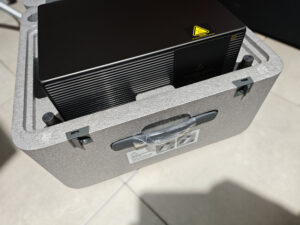
The XGIMI Titan Black's carrying case looks like a large suitcase, with a carrying handle and flaps to open it. The case is mainly composed of a thick layer of protective foam, so I wouldn't go so far as to say you could play soccer with the case, but the projector is well protected all the same.
The box contains the projector, power supply, manual, remote control and two AAA batteries.
Operating system
The Titan Noir series has no operating system, so you'll need to use an external source to stream your films and series. I used an Nvidia Shield for this test, but any solution of this type will work, and you can also pair it with a BluRay player if you use this type of format.Finish
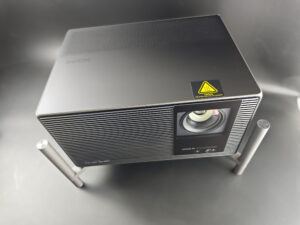
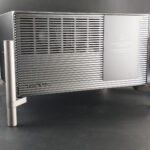
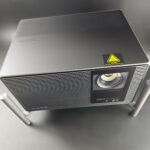
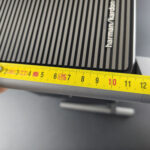
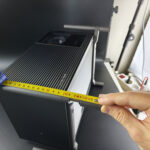
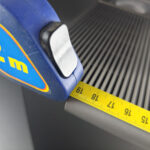
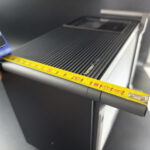
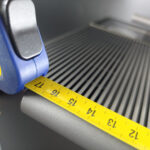
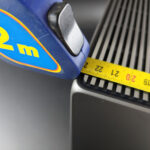
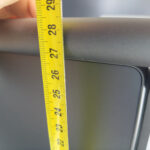
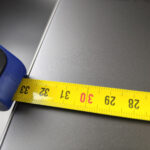
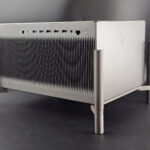
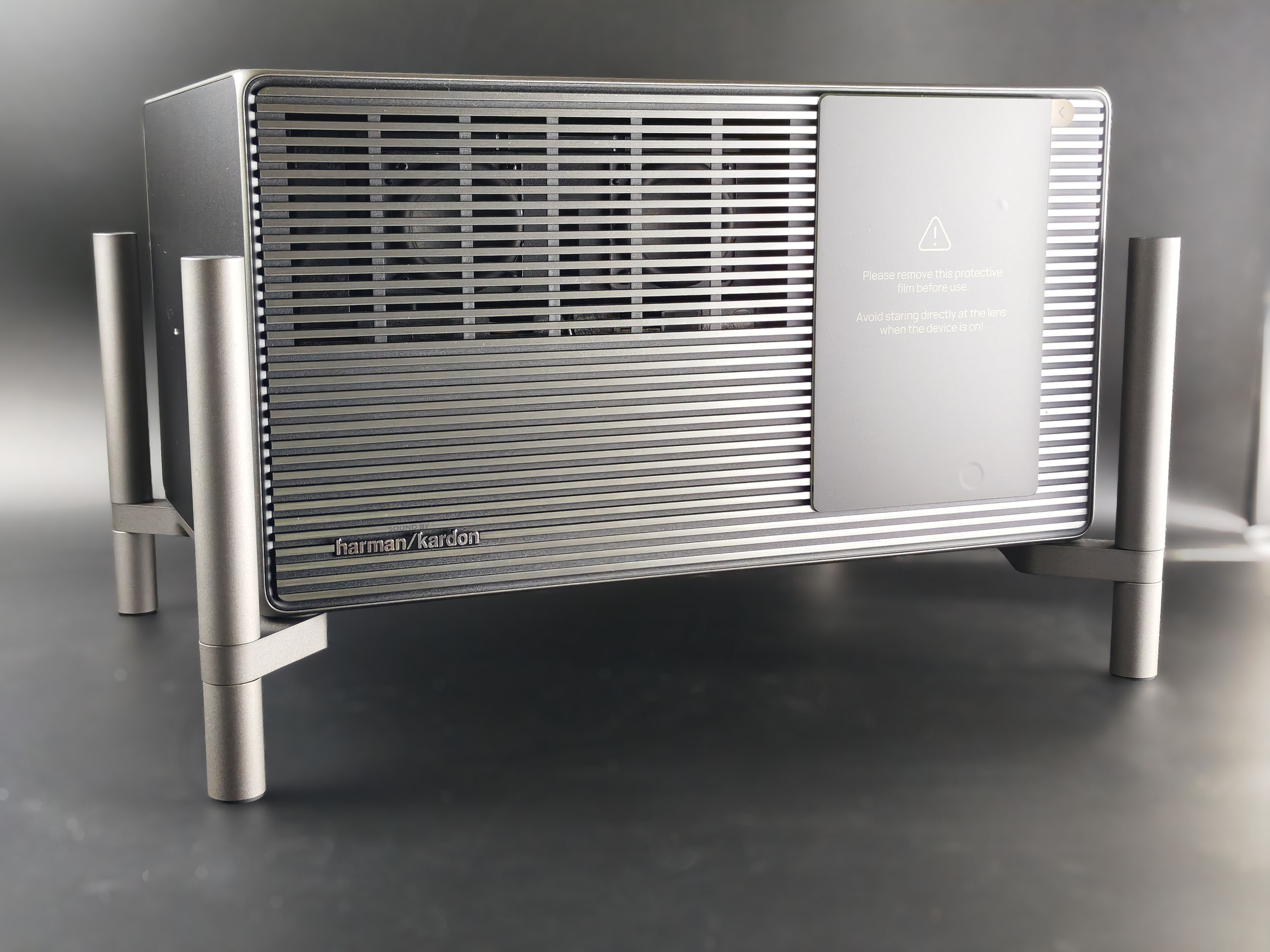
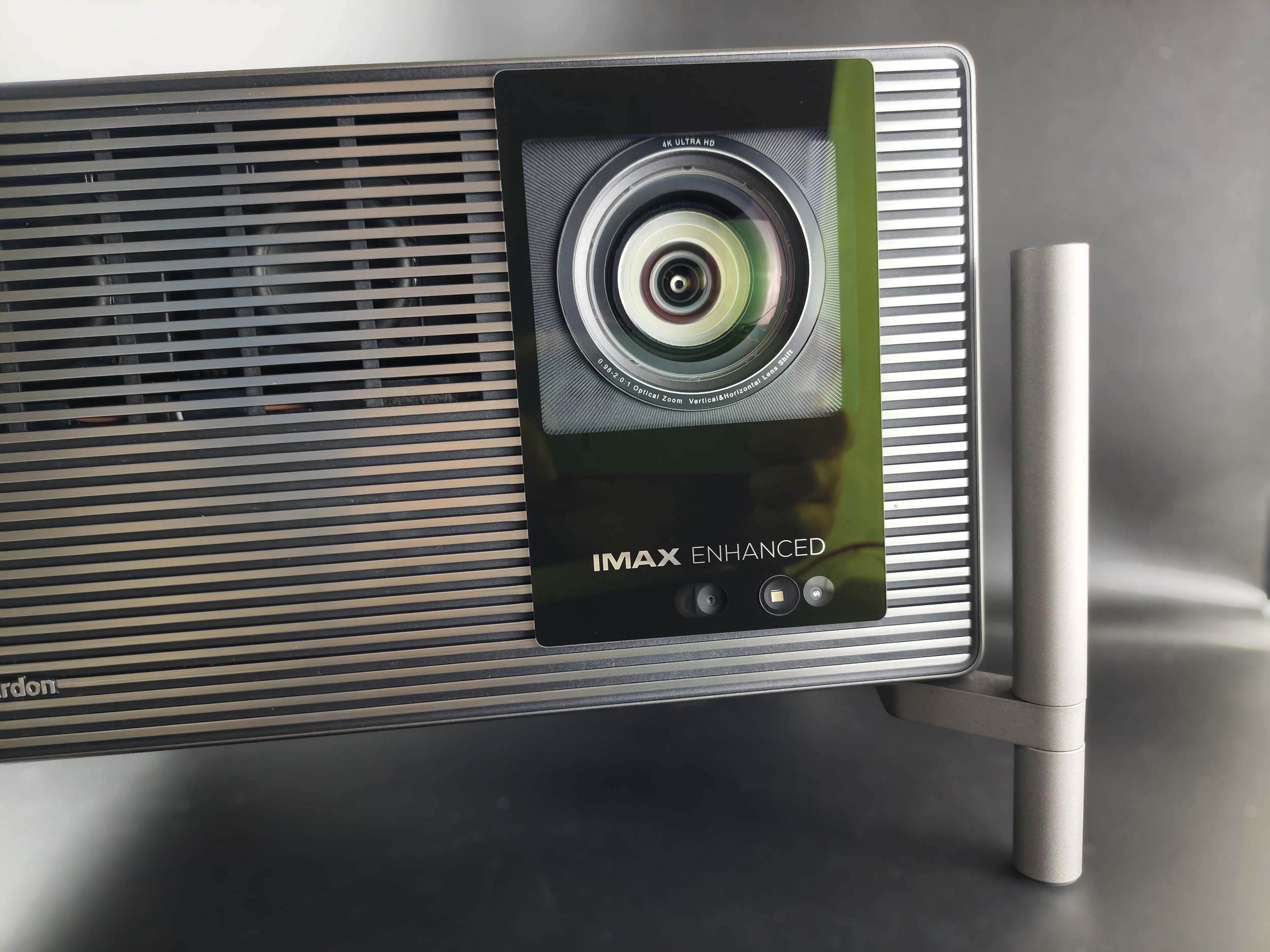
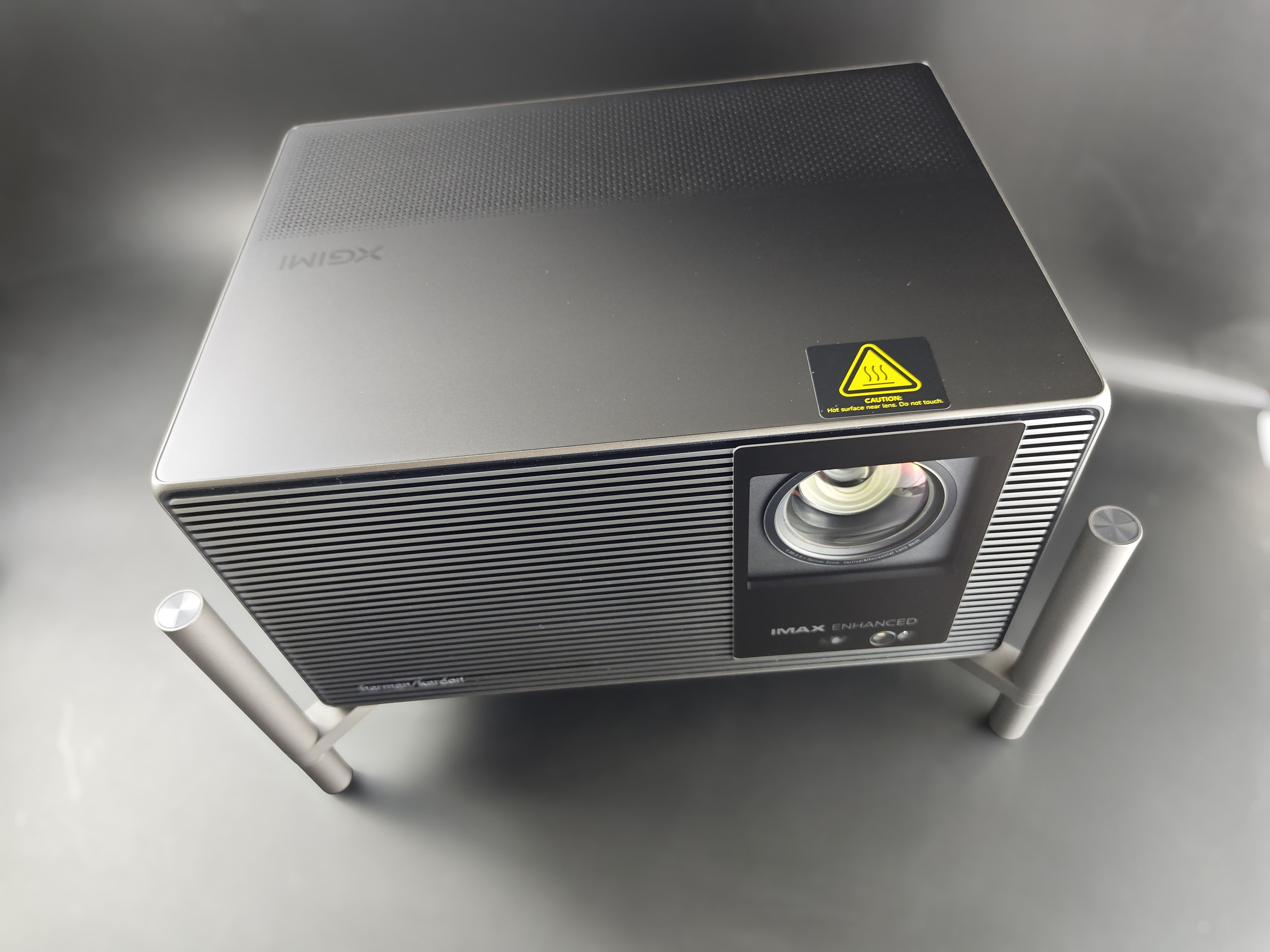
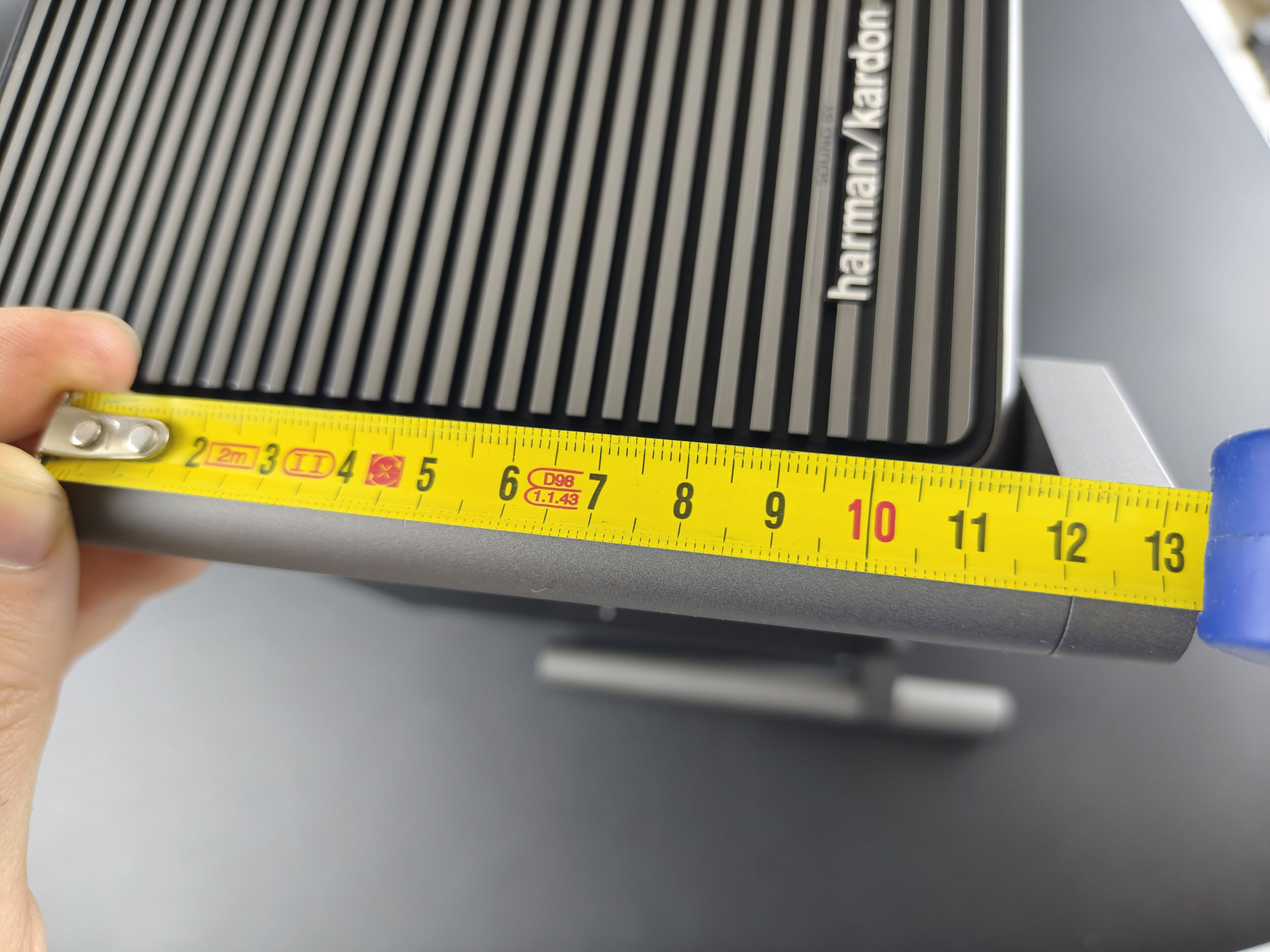
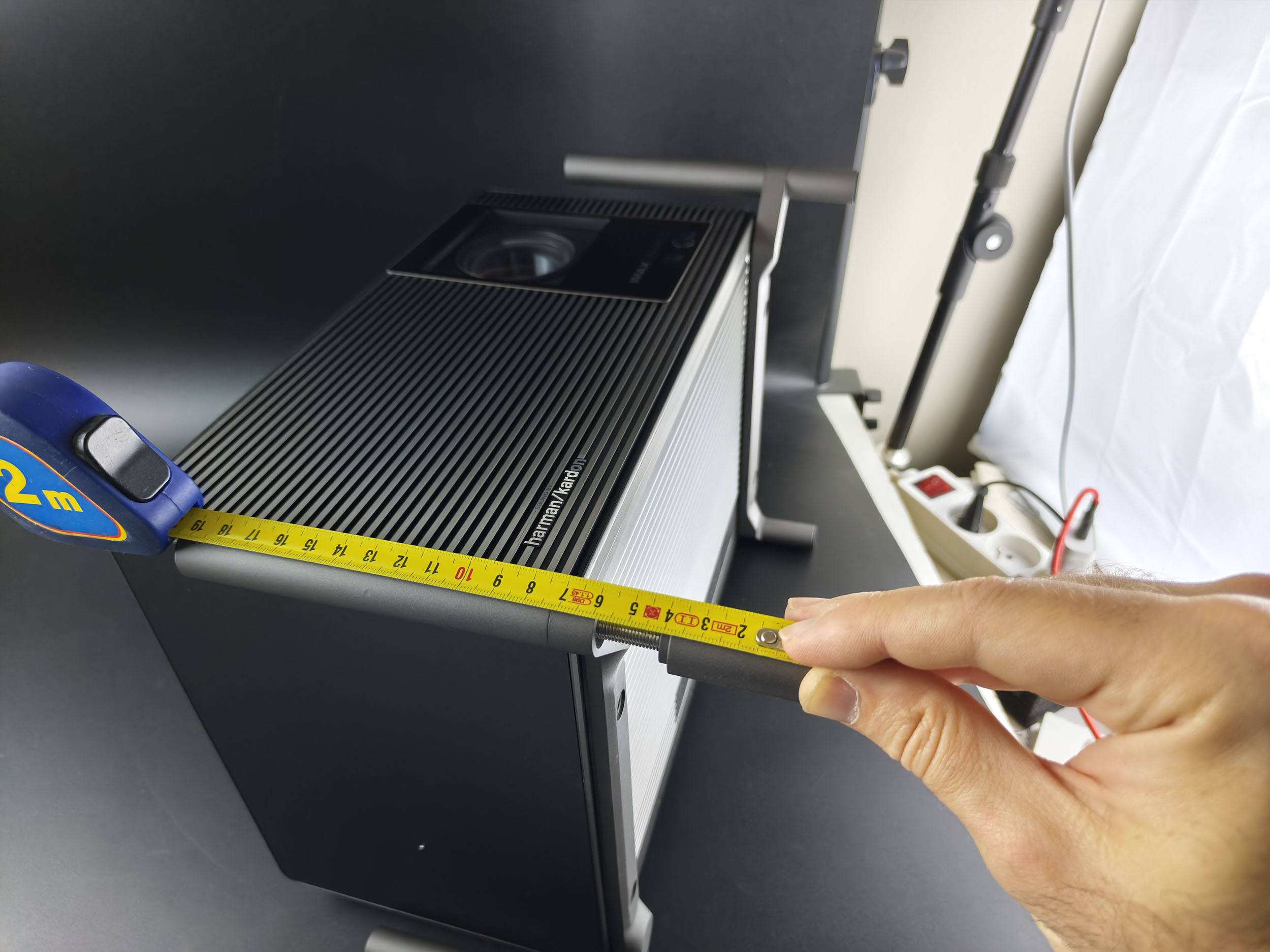
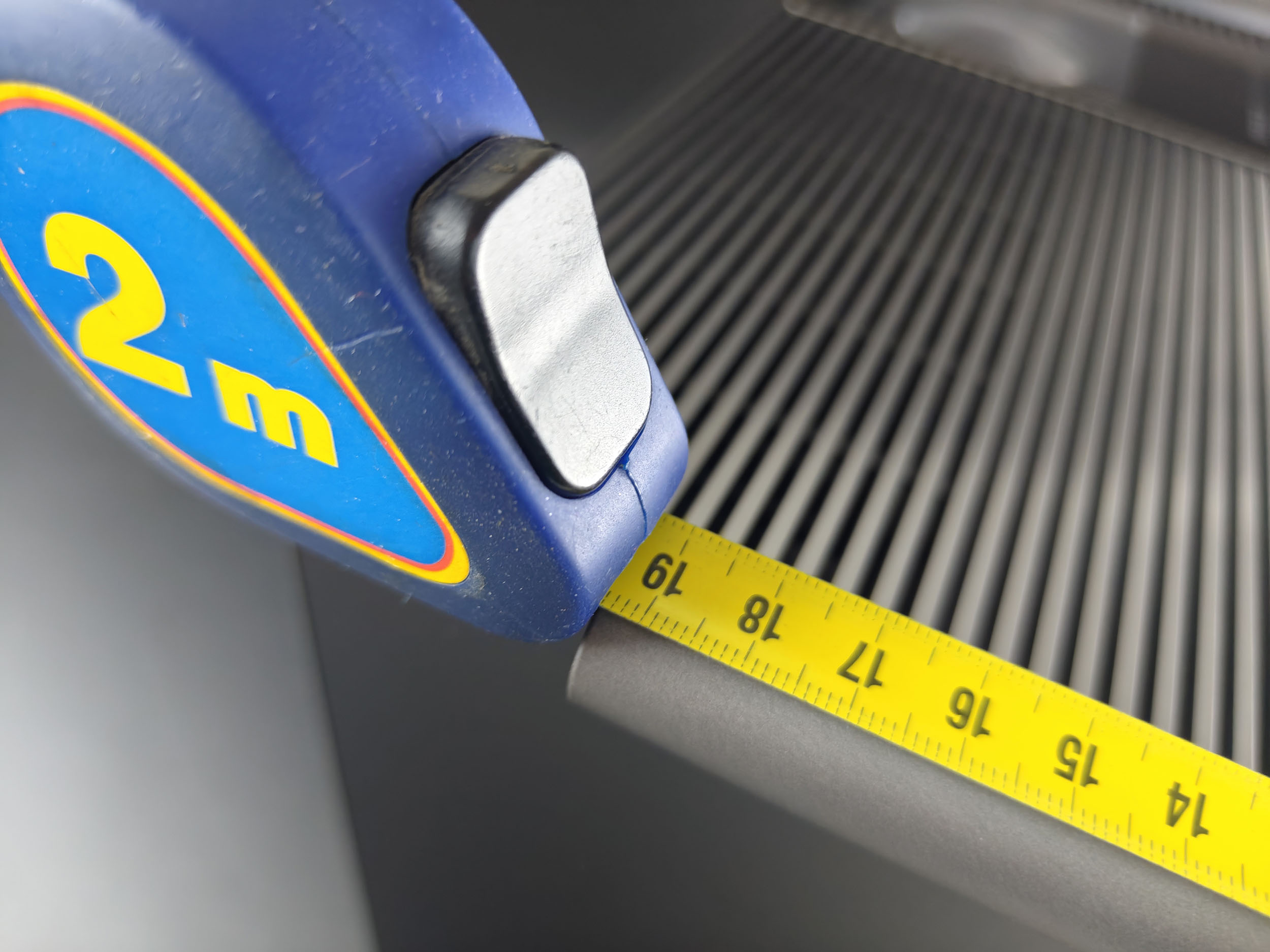
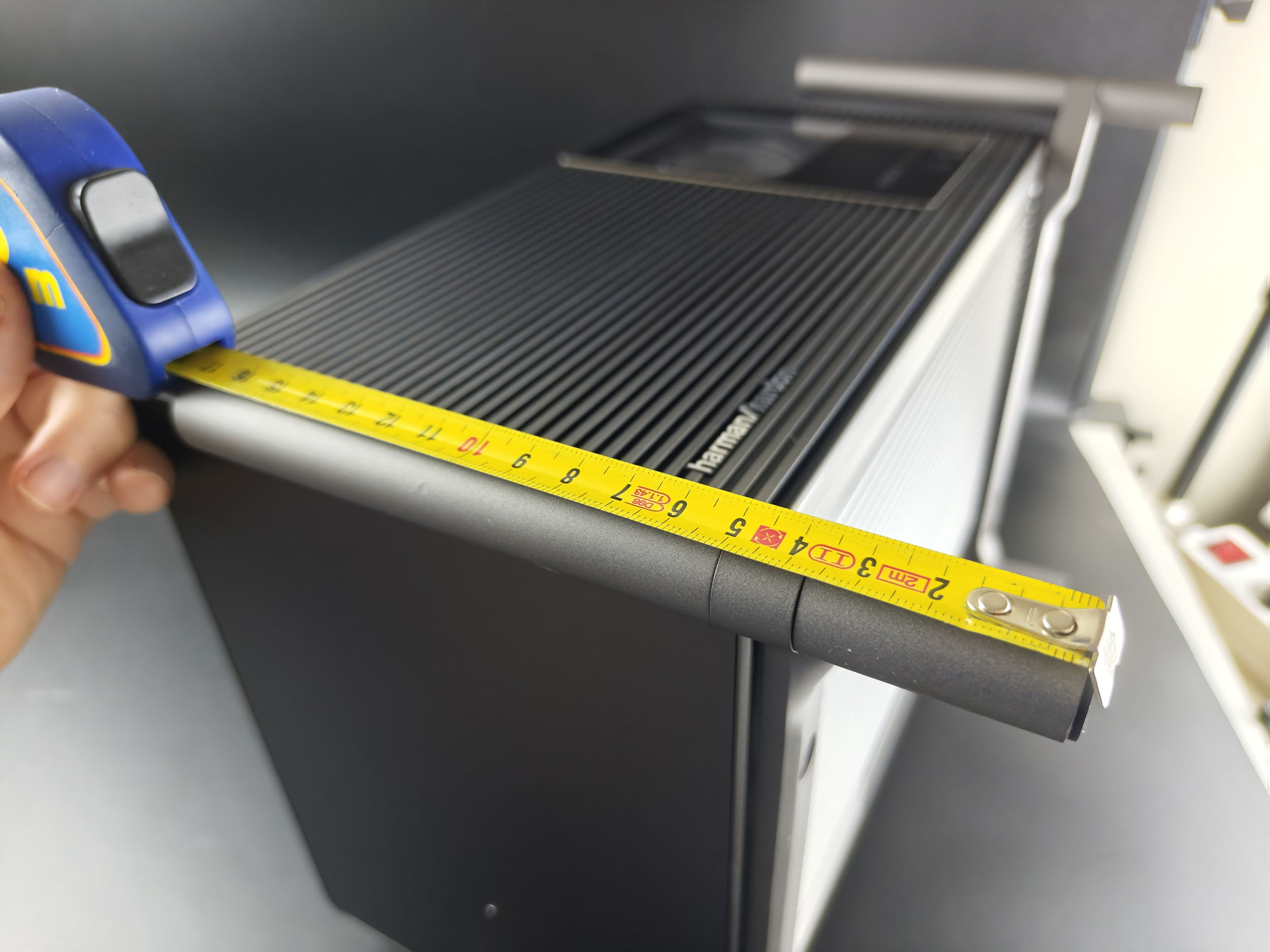
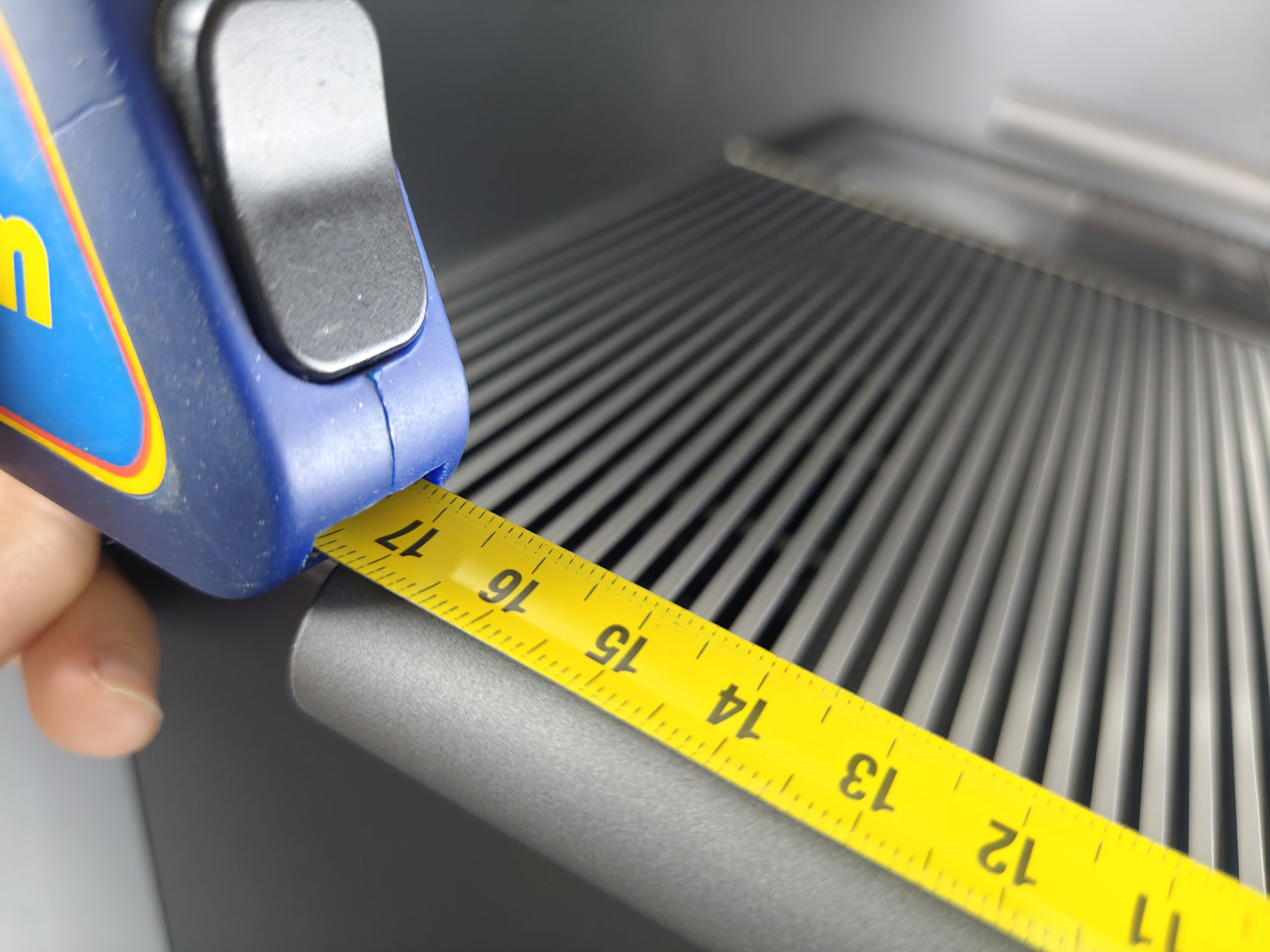
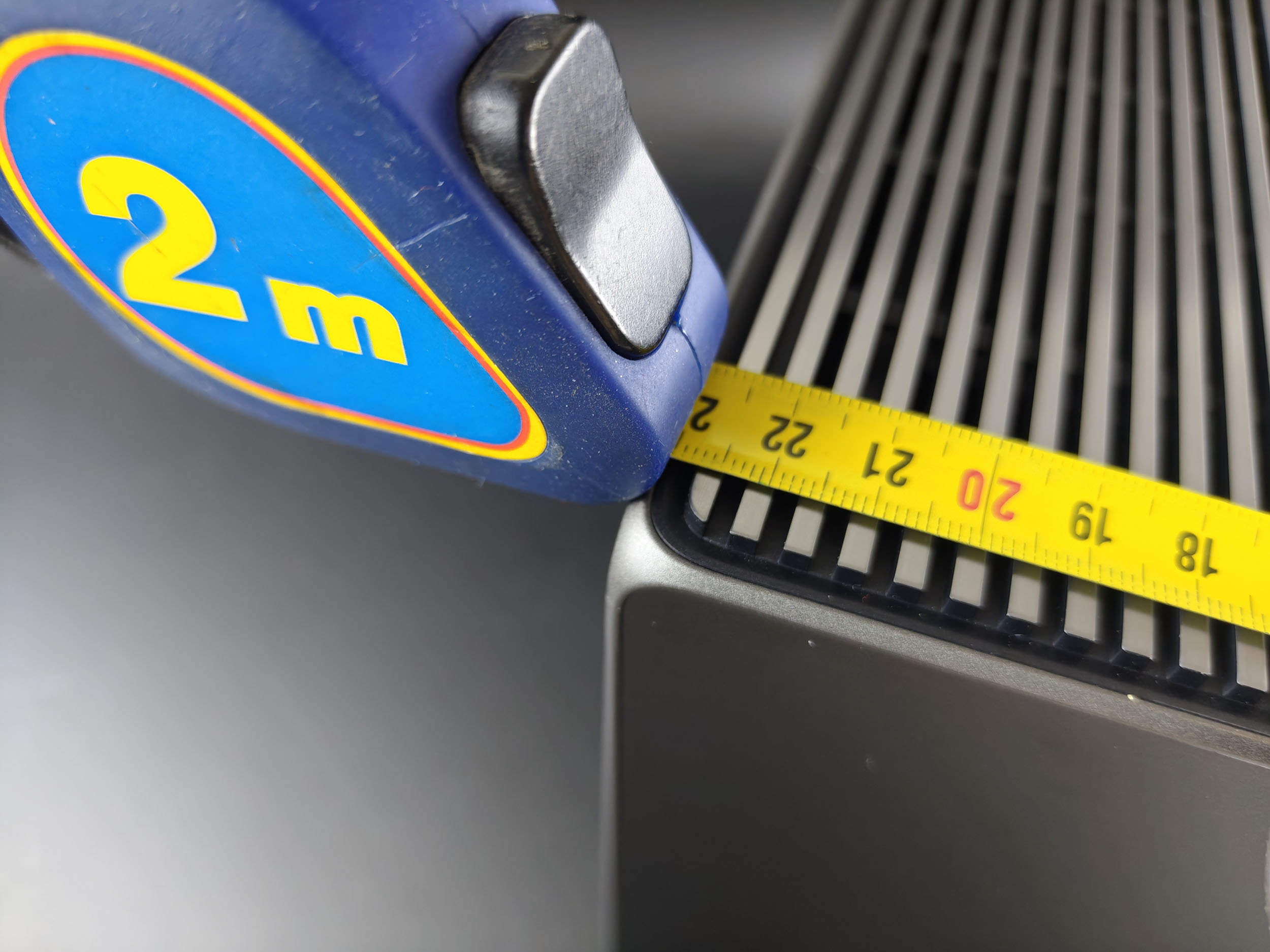
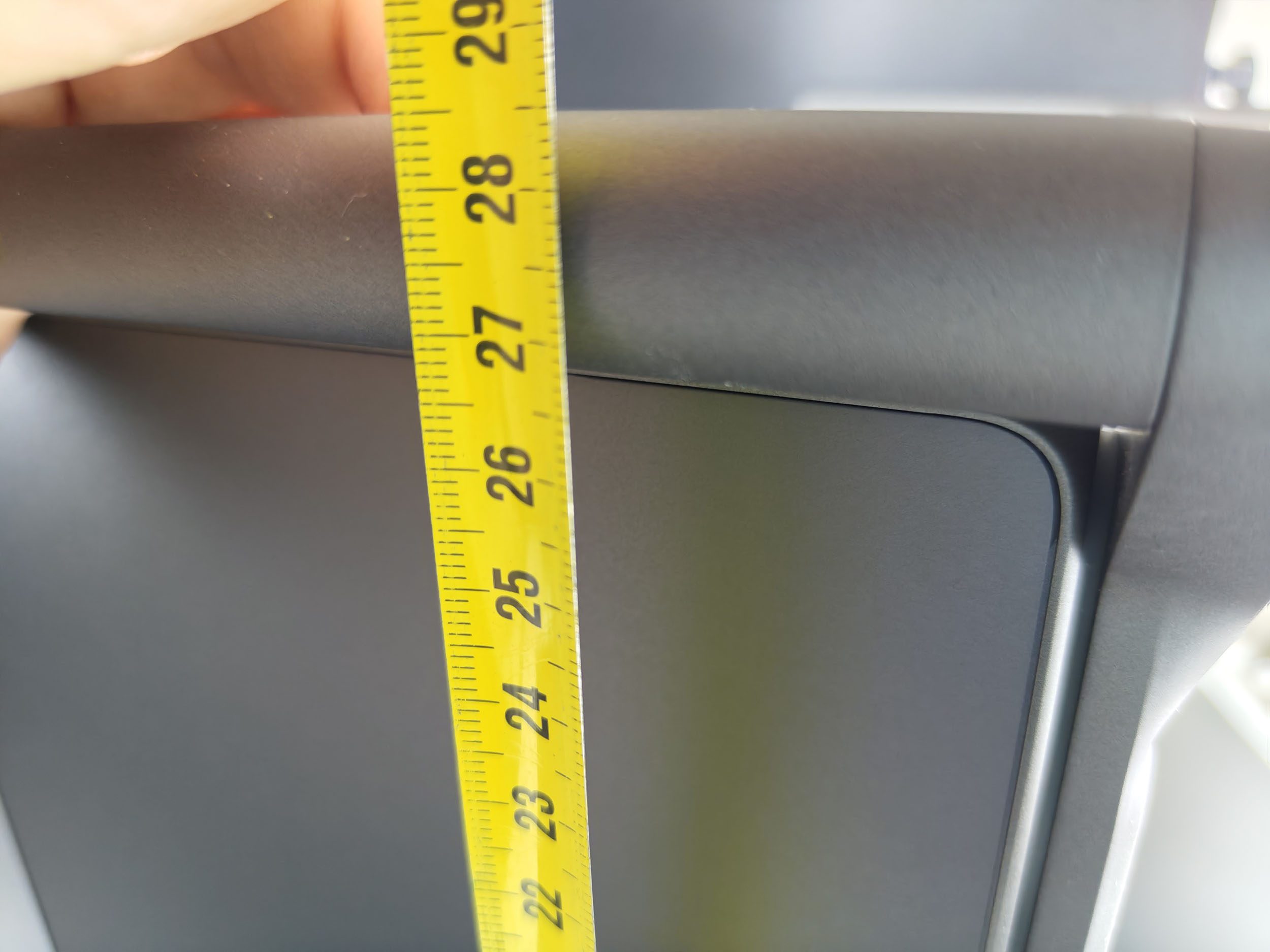
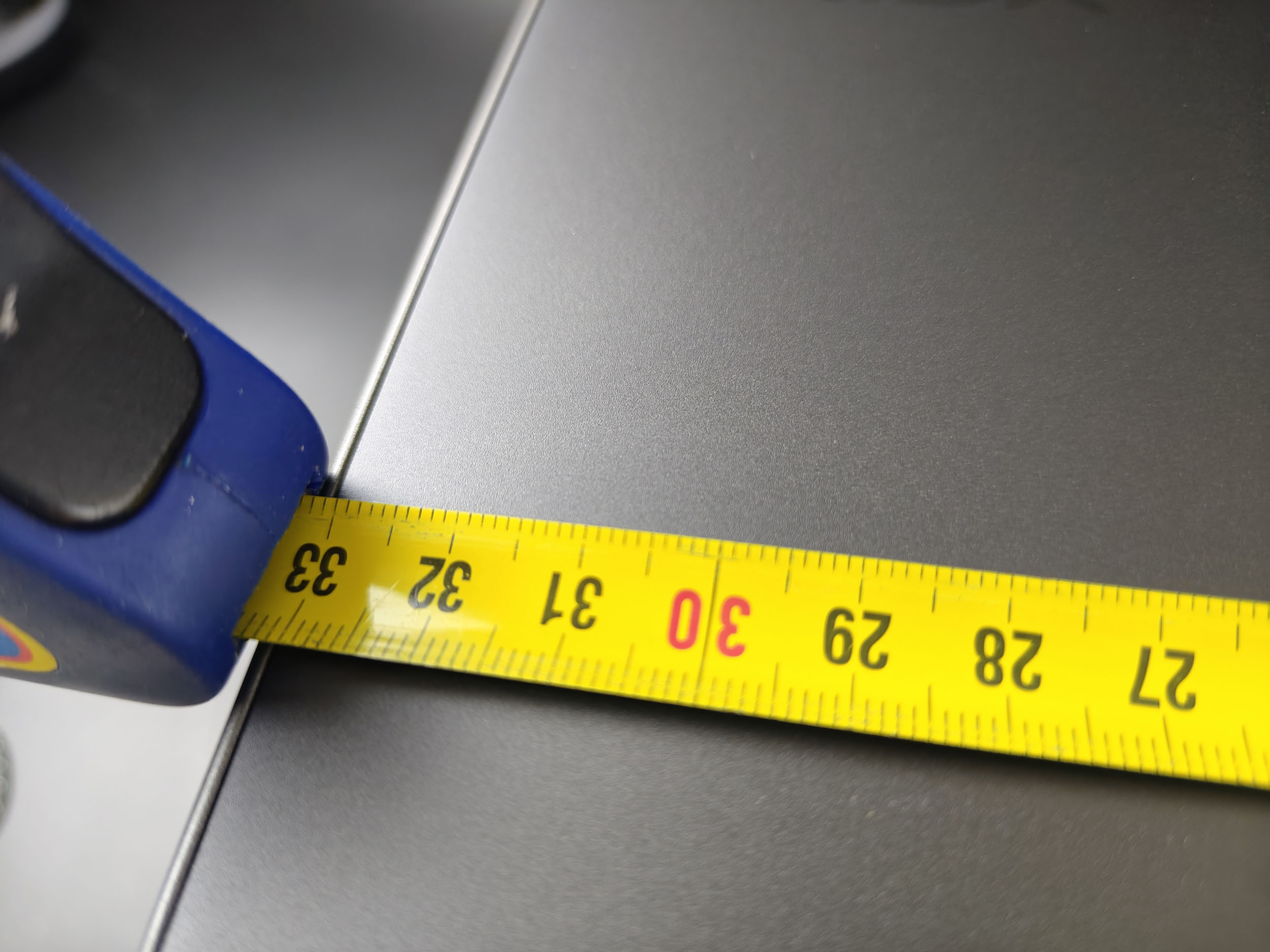
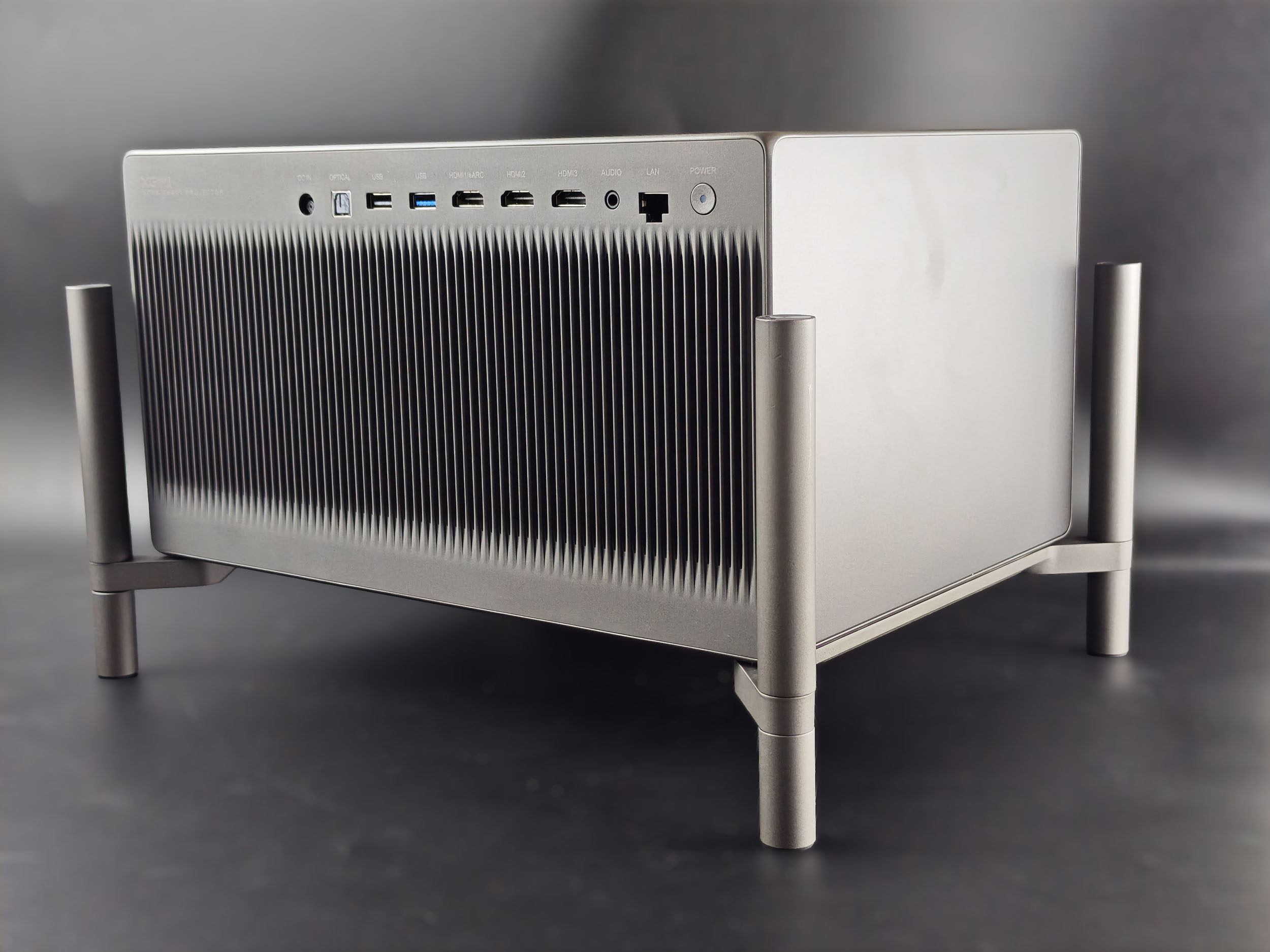
The headlamps in the Titan Noir range are identical in every respect except for the optical compartment, but I'll come back to this point later. The housing is quite imposing, measuring 23 cm in height, almost 29 in width and almost 38 in depth. It weighs just over 8 kg.
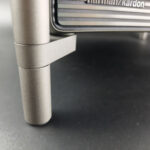
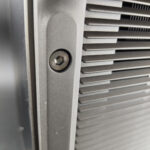
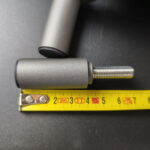
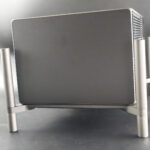
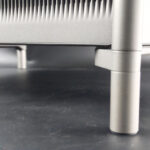
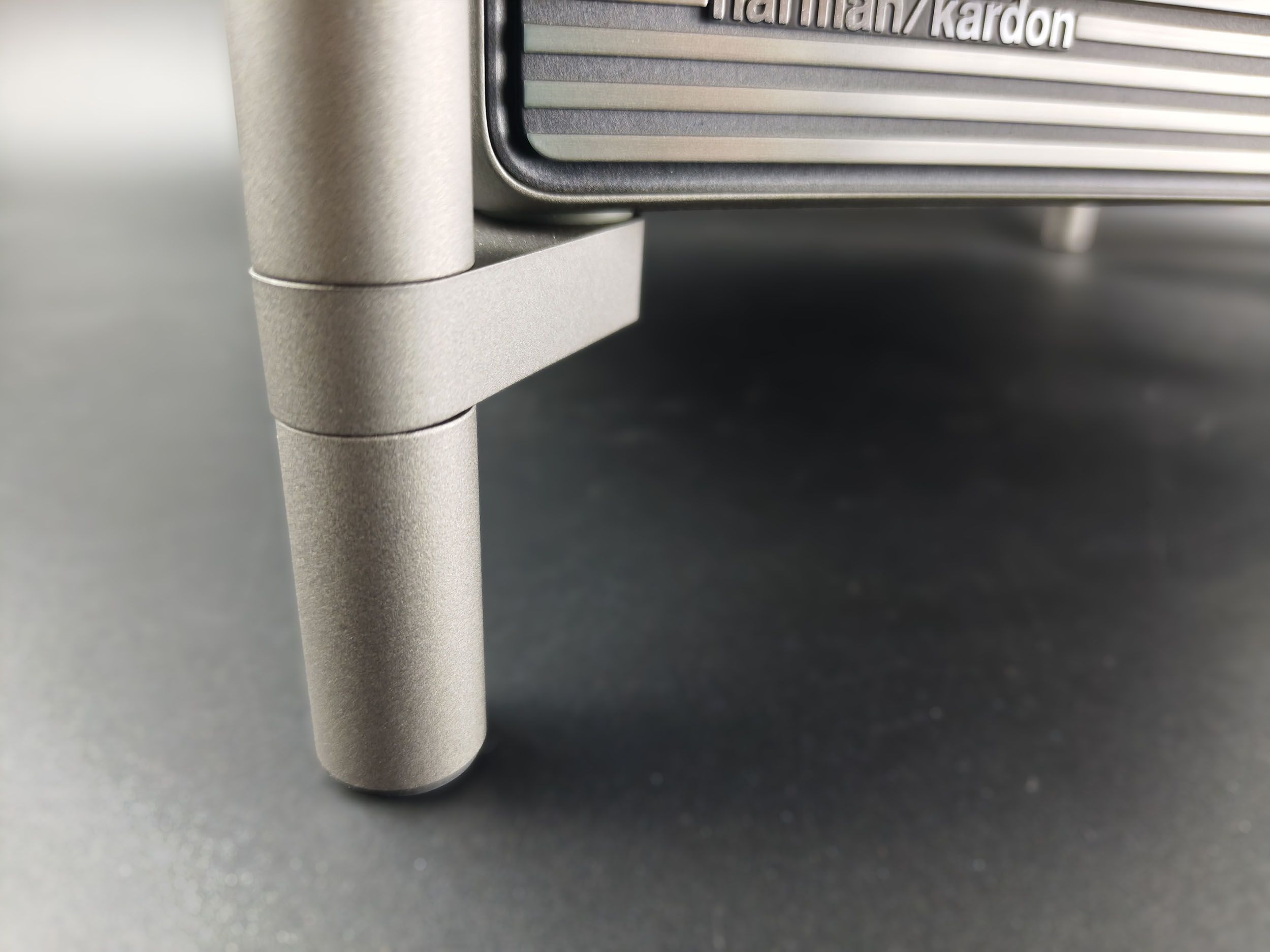
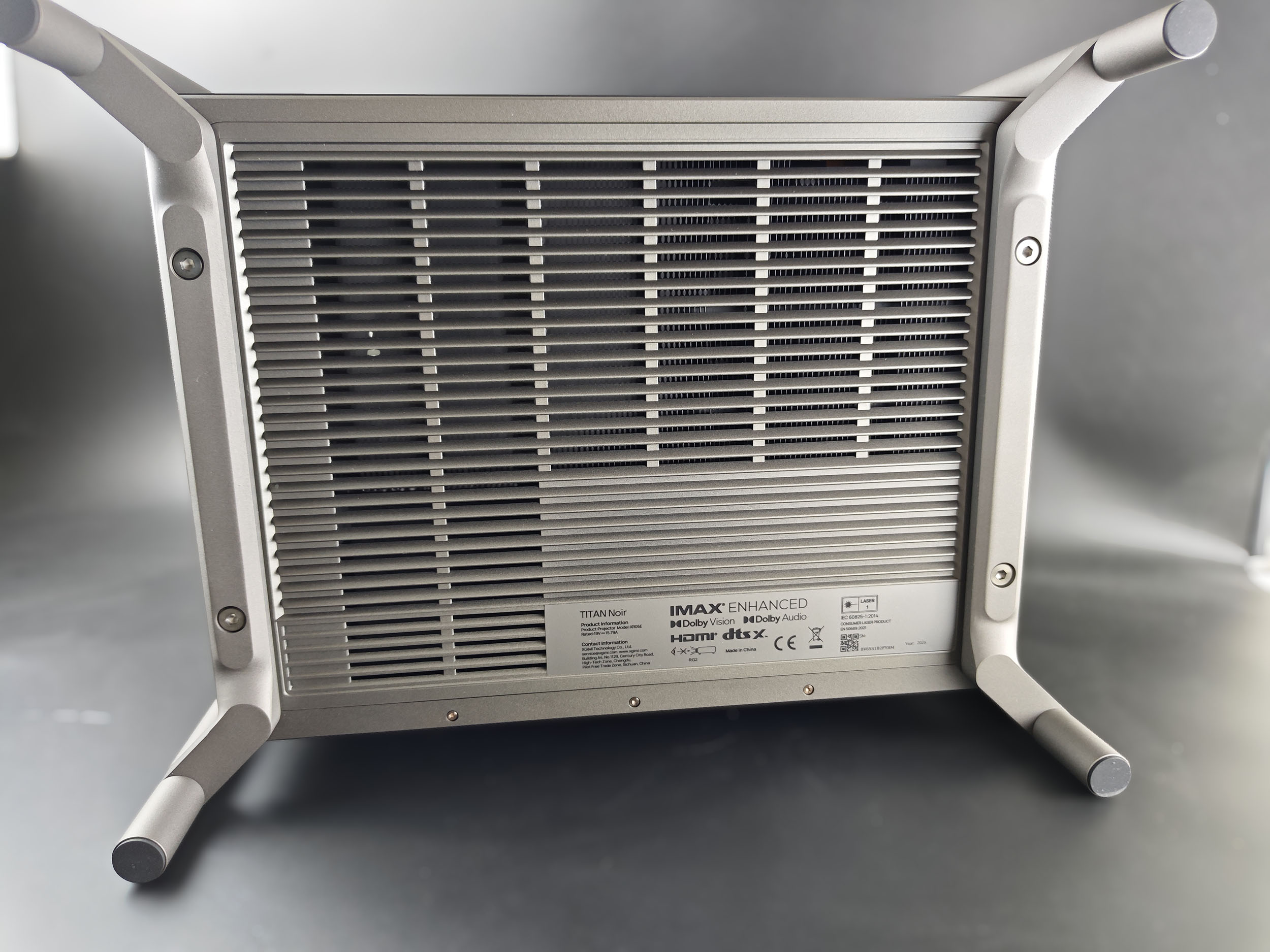
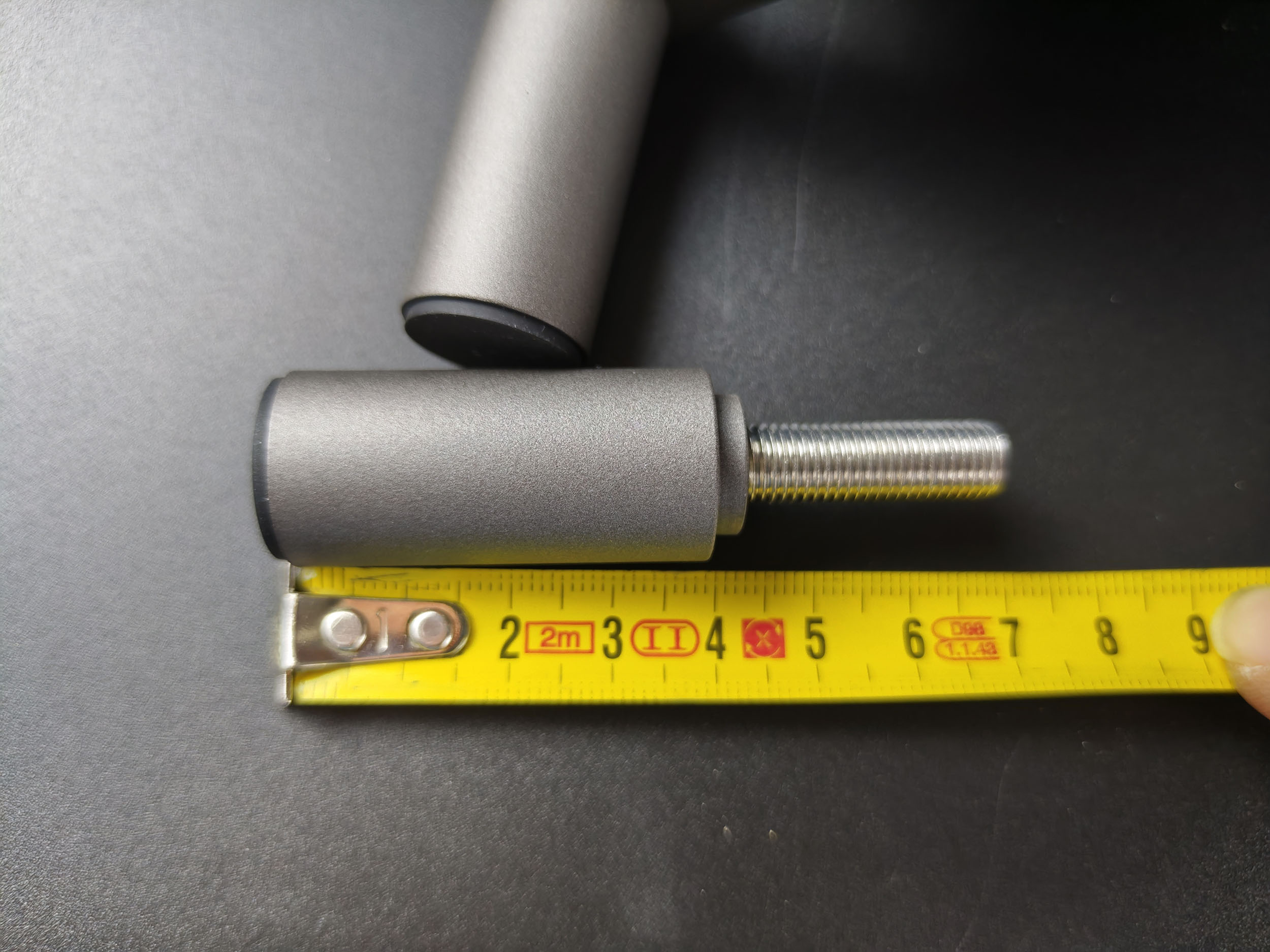
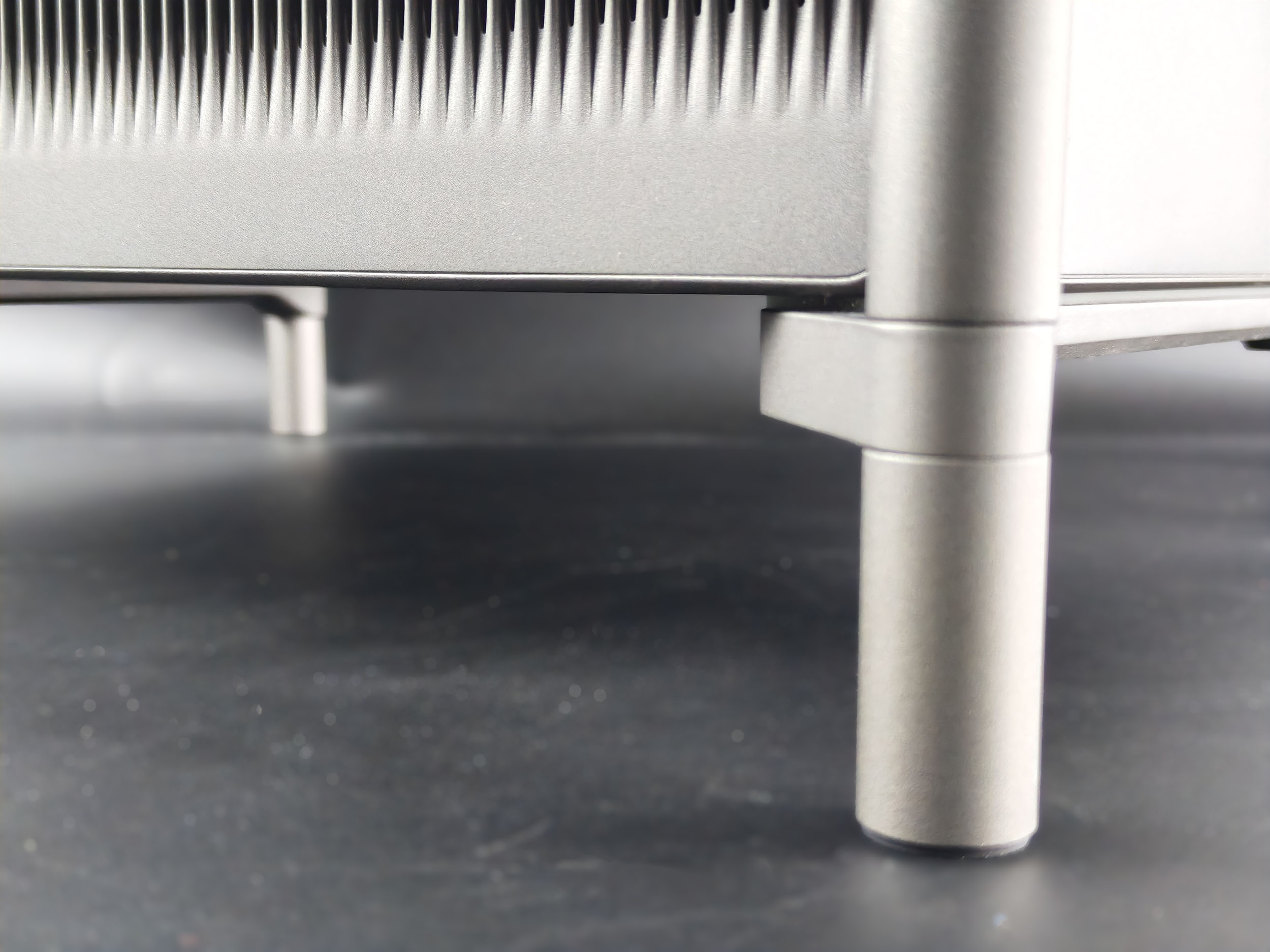
The bracket system gives it a more imposing appearance. These legs can be unscrewed from the base to gain a few centimetres, but care must be taken as heat is evacuated through the lower part of the projector, so it's imperative to allow it to evacuate excess heat.
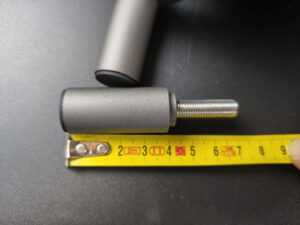
It is also possible to unscrew the lower part of the feet to gain a few centimetres, or you can unscrew them to the limit to increase the height of the projector. The upper part is non-removable.
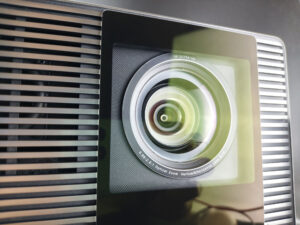
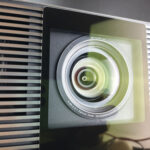
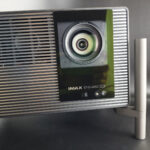
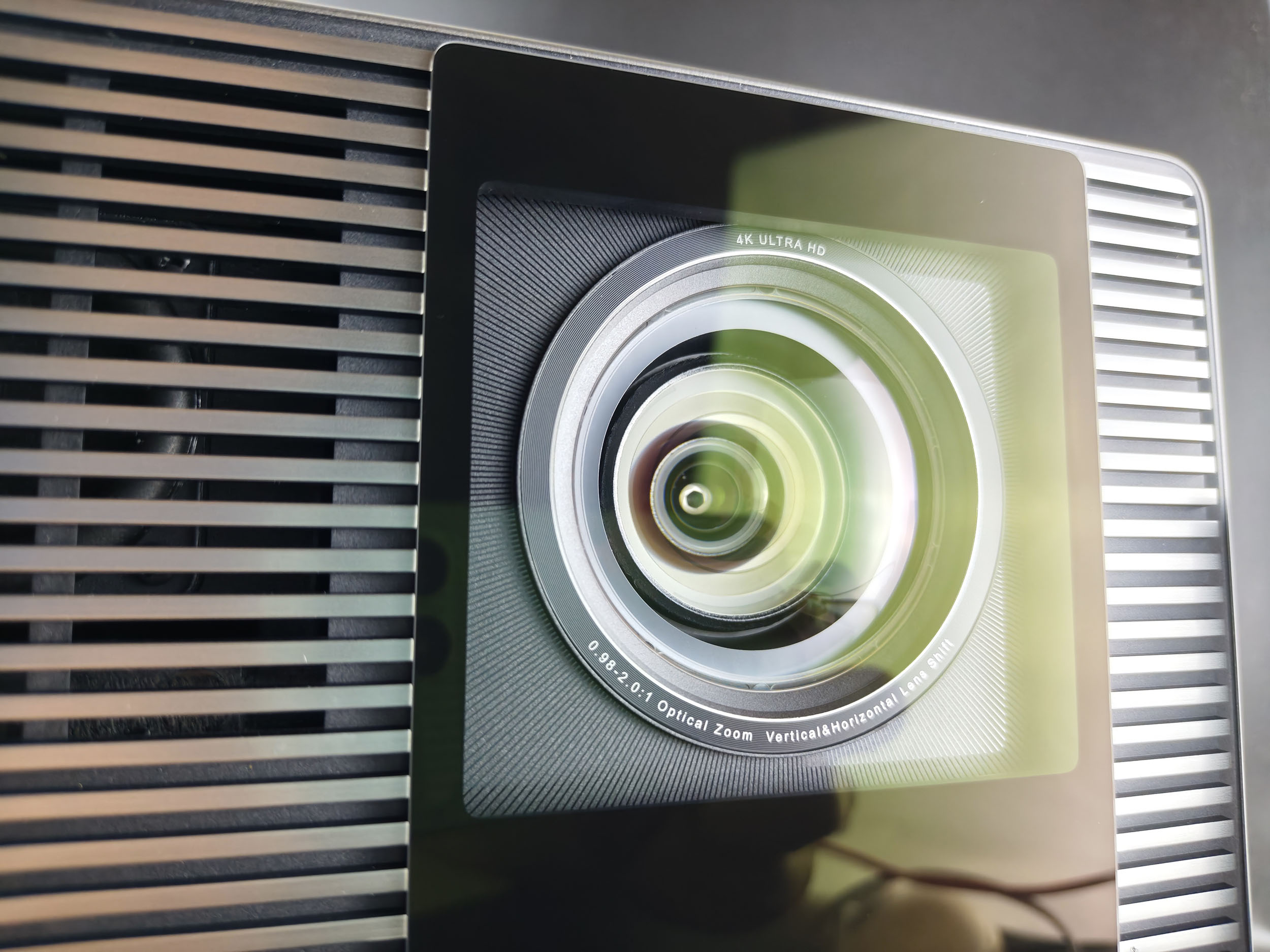
The optical compartment distinguishes the basic model from the two others, as it is surrounded by a black circle, whereas the Pro and Max are surrounded by a red circle. Why this difference? The circle isn't just a decoration to distinguish the models, they're different optical blocks.
The Max and Pro models use a higher-quality optical block for better light diffusion and image sharpness. When you put it like that, you might think that the model doesn't have good optics, but fortunately that's not the case. I'd already tested both types of lens unit with the Horizon 20 series, and the red-circle unit is better, but the black-circle unit is also very good.
Behind the optics is a new DMD 0.47 SST chip, designed to generate 3 times more luminosity than the previous generation. On paper, this may seem like a lot, but there's a real gain between this generation of Titan Noir and the previous generation Horizon 20.
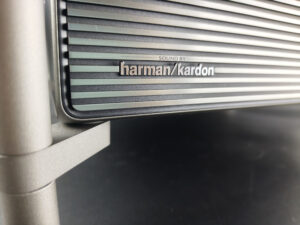
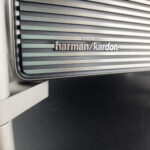
For sound, we find the usual Harman Kardon 12-watt speakers, which have been the same since the Horizon S Pro/Max generation.
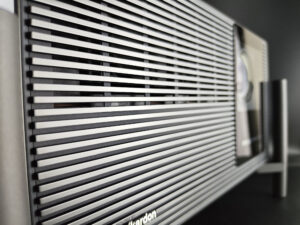
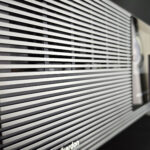
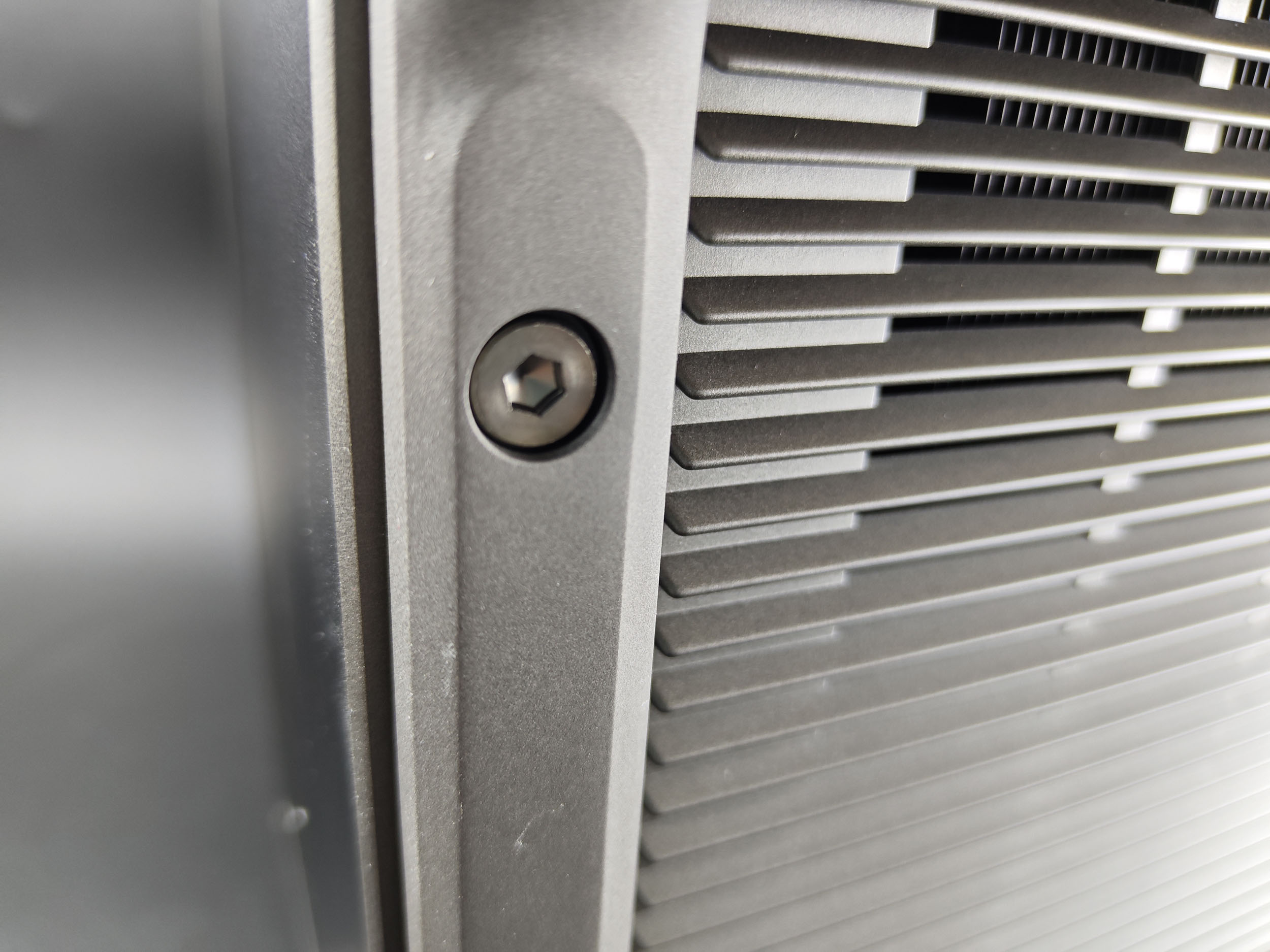
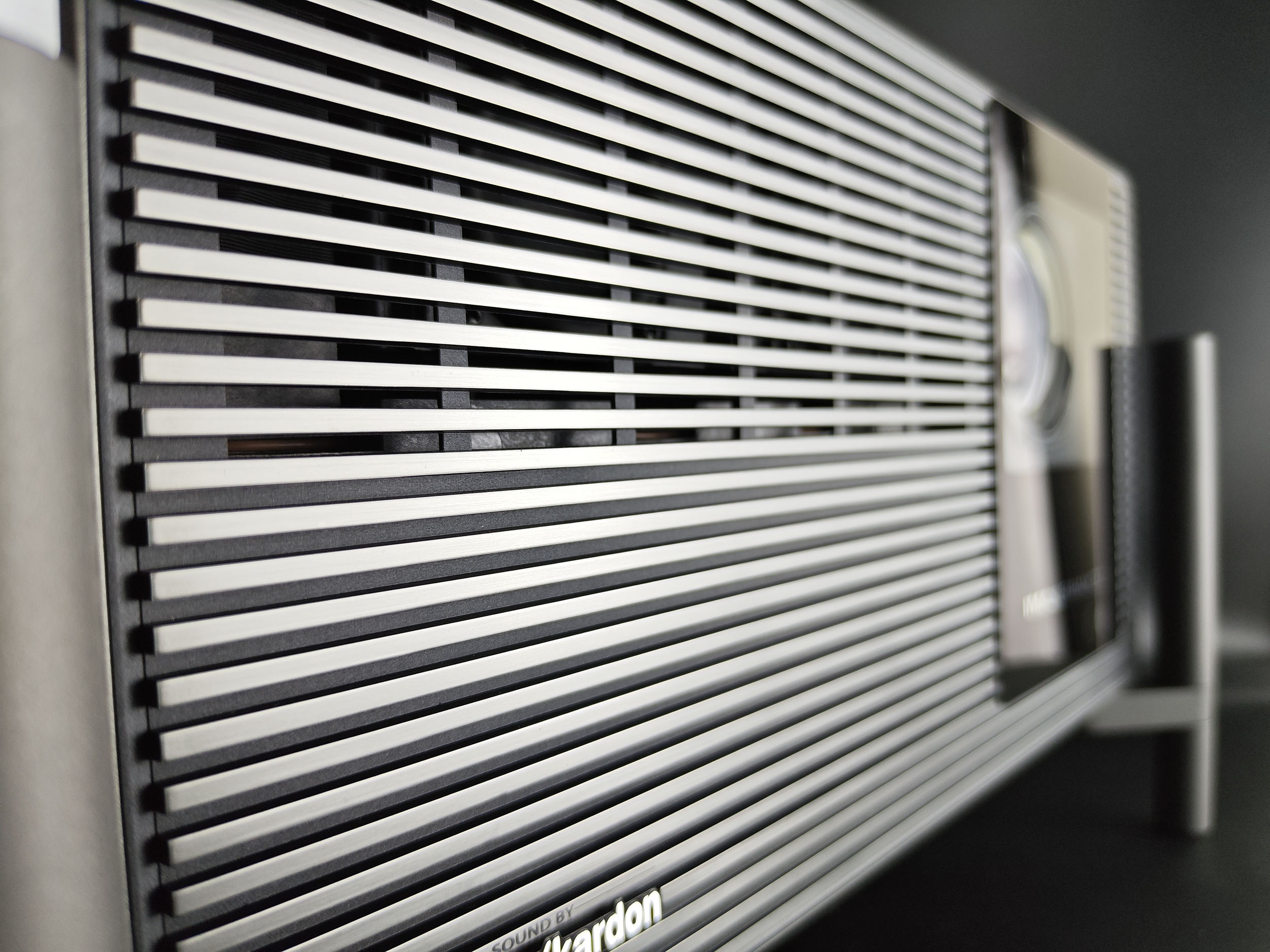
The front panel is crossed by horizontal metal lines, the first time XGIMI has used this type of design. The result is a cooler, metallic look that's still very premium. This new series is positioned at the top end of the market, so this had to be reflected in the machine's design.
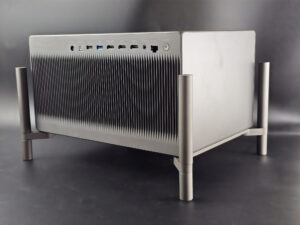
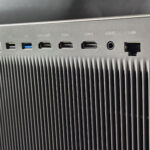
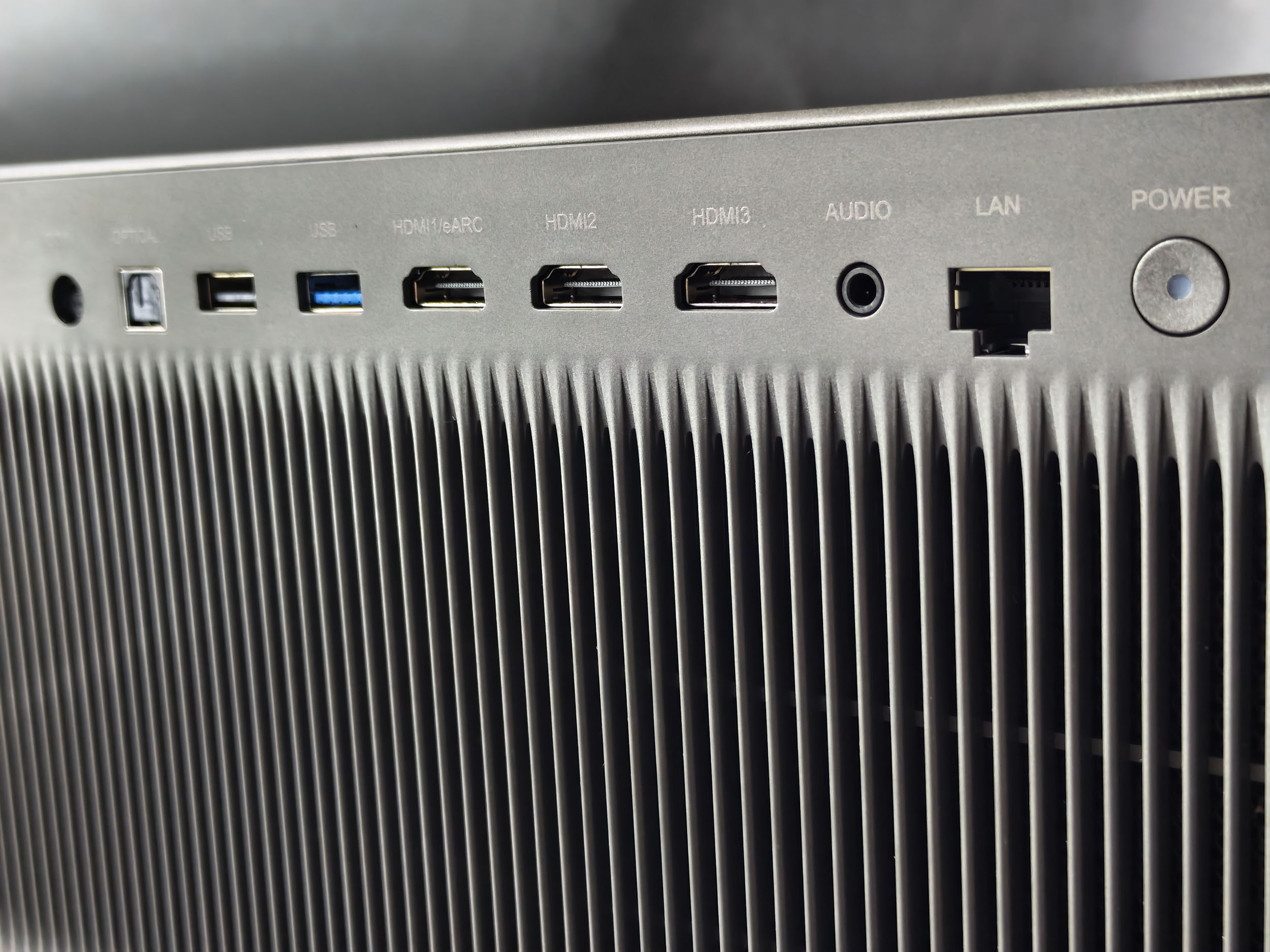
At the rear, you'll find a full range of connectors, including an SP/DIF optical output, a USB2.0 port, a USB3.0 port, 3 HDMI ports (1 of which is eARC), a jack-type audio output and an RJ45 ethernet connector. This is the most comprehensive connectivity available from XGIMI, so you'll be able to link several external devices to it without having to constantly change the connections.
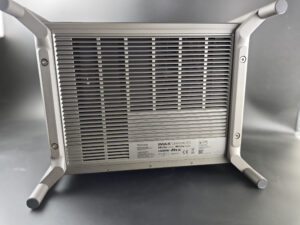
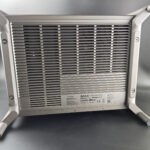
Underneath is a huge heat dissipation grille. This is a curious choice, as it's usually done from the rear, and would have allowed you to take advantage of the wiring to have a non-compressible space to evacuate the heat. Personally, I never had a problem with this during testing, but I did receive a lot of questions from people looking for a support that didn't block this outlet. This is particularly the case for those who want to hang this projector from the ceiling. On the XGIMI website, there's an illustration for a ceiling mount, but I don't yet see this accessory in their catalog.

Projection room
My projection room is rectangular, 4.6m by 2.9m (height 2.2m). I have two projection walls, one white wall 2.9m wide with just white paint with a possible 4m setback. I then have a 133 inch ALR screen on another wall with a possible setback of 2.8m. I mainly use the ALR screen except when the layout or type of projector is not suitable for this situation.Battery autonomy
Not yet available / testedPower consumption
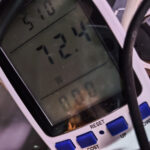
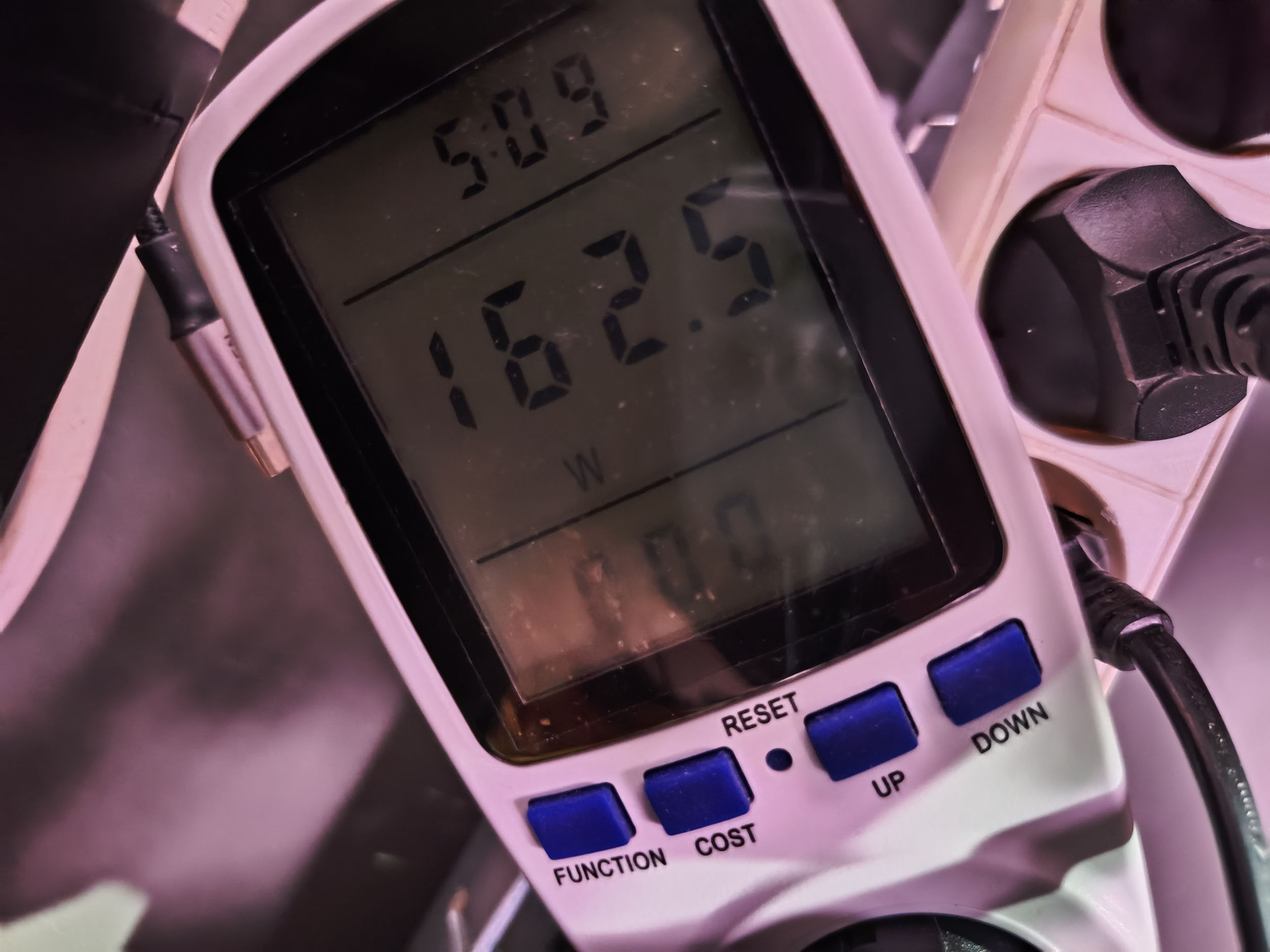
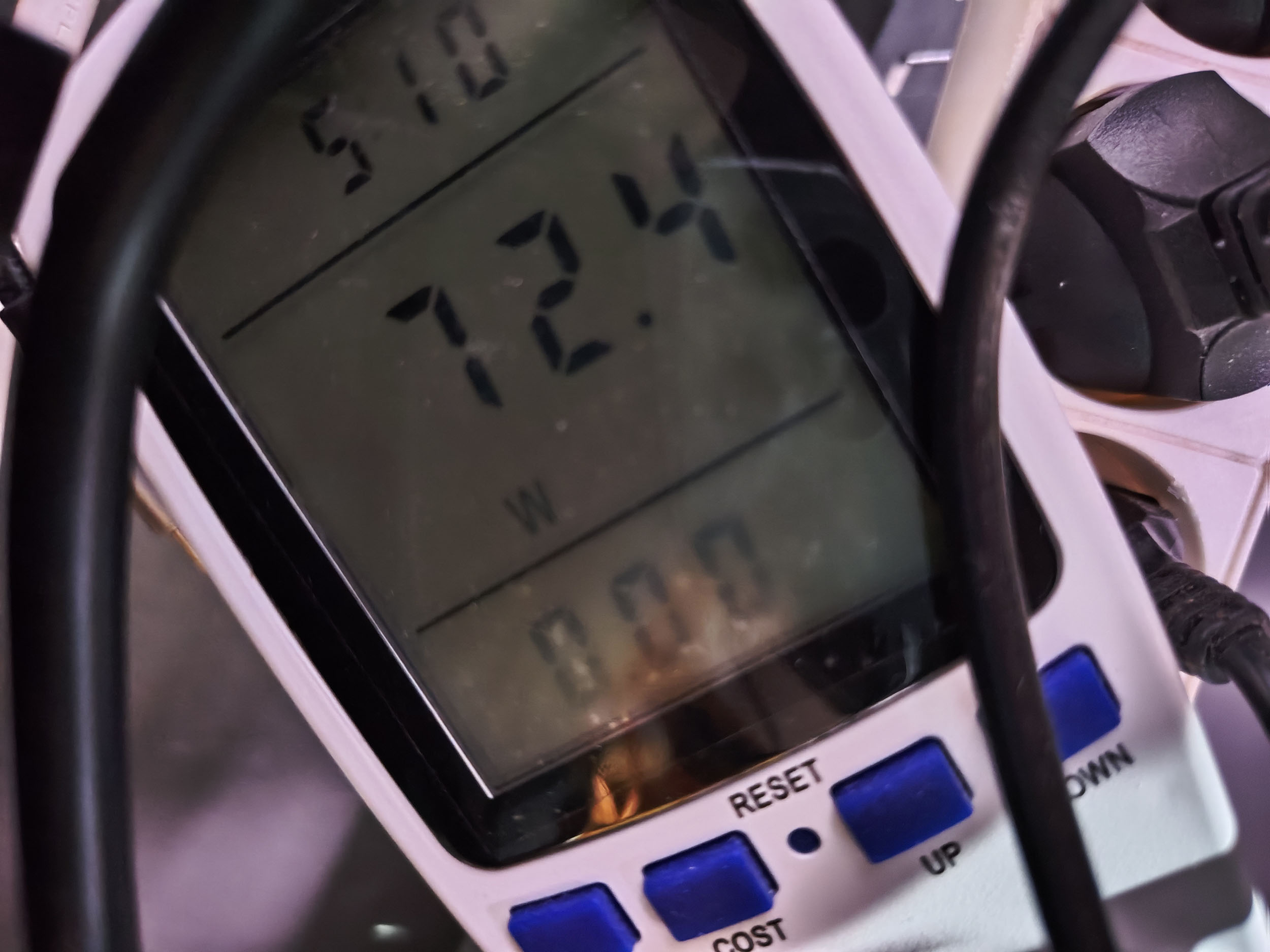
I measured the power consumption of this projector for laser 1 and laser 10. I obtained a consumption of 72 watts with the 1 laser and 162 watts with the 10 laser. These are average consumption levels for the brightness offered. The Max model is almost twice as bright, but consumes barely twenty watts more.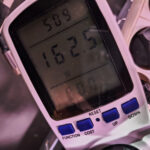
Operating noise
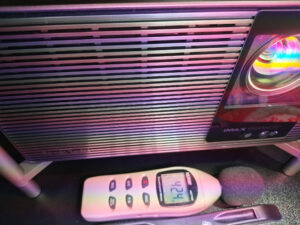
When I first switched on the XGIMI Titan Noir, I had the impression that it was noisier than the Max model. This impression was confirmed by the fact that I got just over 40 dB right next to the projector. It's not enough to be disturbing, especially if you're not sitting next to the projector, but the figure shows that this projector is indeed a little noisier.
Image quality
Not yet available / testedColorimetry
More explanations on colorimetry
Measuring color fidelity (colorimetry) is not a subjective question, it is something completely measurable. This measurement is carried out with a device (colorimeter, spectrometer, ...) which measures the difference between the real color and the displayed color. This difference is expressed in delta E (abbreviation: dE). A dE greater than 3 indicates a deviation perceptible to the human eye.
The dE must therefore be as low as possible but projectors rarely have a dE lower than 3 out of the box. They are often between 5 and 10, only a calibration can correctly adjust the colors.
For a perfect calibration, you must call a professional. I give you my parameters which correspond to my situation. These settings might work for your situation but it is not a guarantee, so take them as an indication of the direction to follow.
Color fidelity in SDR
I measured color fidelity in the basic configurations with iris 2 to obtain the following table:
| Configuration | White | Red | Green | Blue | Yellow | Cyan | Magenta | Delta E average |
|---|---|---|---|---|---|---|---|---|
| Movie | 0.91 | 2.32 | 2.75 | 0.92 | 0.71 | 2.45 | 4.06 | 2.02 |
| ISF Night Iris 2 | 0.88 | 2.11 | 3.29 | 0.30 | 0.34 | 3.27 | 1.13 | 1.62 |
| Film Maker | 5.47 | 1.97 | 4.20 | 1.83 | 1.96 | 6.54 | 2.58 | 3.51 |
| Switchboard | 6.1 | 2.1 | 2.7 | 1.9 | 2.3 | 2.8 | 2.4 | 2.9 |
| Sports | 7.41 | 3.03 | 2.86 | 4.08 | 3.25 | 6.61 | 4.78 | 4.57 |
| ISF Day | 11.51 | 2.58 | 1.80 | 5.68 | 4.72 | 5.14 | 2.50 | 4.85 |
If I modify the iris, I obtain the following results:
| Configuration | White | Red | Green | Blue | Yellow | Cyan | Magenta | Delta E medium |
|---|---|---|---|---|---|---|---|---|
| ISF Night Iris 2 | 0.88 | 2.11 | 3.29 | 0.30 | 0.34 | 3.27 | 1.13 | 1.62 |
| ISF Night Iris 3 | 1.08 | 1.96 | 2.37 | 0.31 | 0.35 | 3.15 | 0.74 | 1.42 |
| ISF Night Iris 4 (DC) | 1.54 | 2.01 | 2.38 | 0.31 | 1.01 | 3.02 | 0.74 | 1.57 |
| ISF Night Iris 4 (DC ON) | 1.59 | 1.69 | 2.17 | 0.21 | 1.10 | 2.99 | 0.66 | 1.49 |
| ISF Night Iris 5 | 1.86 | 1.60 | 1.98 | 0.19 | 2.24 | 3.58 | 0.87 | 1.76 |
HDR color fidelity
| Configuration | White | Red | Green | Blue | Yellow | Cyan | Magenta | Delta E average |
|---|---|---|---|---|---|---|---|---|
| Movie | 4.77 | 3.40 | 1.99 | 3.07 | 2.55 | 3.32 | 2.10 | 3.03 |
| ISF Night | 5.70 | 2.89 | 2.20 | 2.60 | 3.66 | 3.76 | 2.24 | 3.29 |
| ISF Day | 7.69 | 8.87 | 1.98 | 2.66 | 3.76 | 3.25 | 3.73 | 4.56 |
| Switchboard | 5.04 | 5.68 | 2.08 | 4.39 | 4.22 | 7.43 | 3.93 | 4.68 |
| Filmmaker | 8.25 | 8.63 | 1.99 | 3.24 | 4.53 | 3.58 | 4.15 | 4.91 |
| IMAX | 13.21 | 5.14 | 1.93 | 6.48 | 5.31 | 4.95 | 3.23 | 5.75 |
The gamut covered by this projector is enormous, even exceeding the REC2020 color space, which will enable you to use this projector very comfortably for all future films in HDR and Dolby Vision.
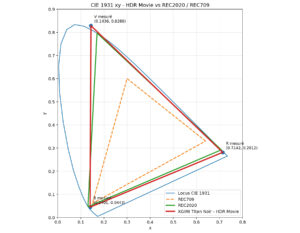 Image SettingsNot yet available / tested
Brightness
More explanations on brightness
The brightness for a projector is absolutely crucial. The brightness is measured in ANSI lumens and the values provided by the manufacturer are very often higher than reality.
I measure the brightness with a lux meter and I convert my measurements into ANSI lumens in relation to the projection surface. You thus obtain a real value.
A video projector, even if it is bright, cannot compete with a television. The contribution of light (natural or artificial) will have the effect of drastically reducing the contrast of your image. With a brightness lower than 1000 ANSI lumens, the projector must be used in total darkness.
The XGIMI Titan Black has a theoretical brightness of 4800 lumens, compared with 7000 lumens for the Max model. The actual usable brightness of the Max was around 4000 lumens, so the base model should be a little over 2500 lumens.
I measured brightness in the various configurations and by varying the laser to obtain a brightness that will effectively settle at around 2500 lumens when the laser level is at maximum and the iris level at minimum.
Here are some results:
Standard, iris 2, laser 10: 2408 lumens
Standard, iris 3, laser 10: 2076 lumens
Standard, iris 4, laser 10: 1477 lumens
Standard, iris 5, laser 10: 845 lumens
Standard, iris 7, laser 10: 299 lumens
As you can see, brightness drops sharply from iris 4 onwards.
If I lower the laser level to 1 with iris 2, I get 610 lumens.
Lumens are very abstract, but I'll give you an indication of the screen size you can aim for with each of these settings:
Standard, iris 2, laser 10: 2408 lumens => 175 inches (diagonal)
Standard, iris 3, 10 laser: 2076 lumens => 163 inches
Standard, iris 4, laser 10: 1477 lumens => 138 inches
Standard, iris 5, laser 10: 845 lumens => 104 inches
Standard, iris 7, laser 10: 299 lumens => 62 inches
I measured the brightness in the other configurations and didn't notice much difference: brightness varies between 2300 and 2500 lumens.
What influence does the zoom have?
Zoom influences brightness, with a greater impact on the extremities. The 2 zoom offers the most luminosity, the intermediate zoom the least.
If I have to simplify things, I'd say that the 2 zoom generates around 10% more brightness than the 0.98 zoom, which gives you a safety margin. For the intermediate zoom, it depends on the value, but brightness is generally lower than at 0.98. I've noticed a few anomalies in the measured values, which are probably linked to the firmware version, because sometimes the intermediate zoom generates more light than the 0.98 zoom.
At this brightness level, you're in the same zone as the XGIMI Horizon 20 Pro, for those wondering.
You'll see in the paragraph on contrast that the iris greatly influences the contrast level, so if you want better contrast you'll have to sacrifice a little brightness.
I haven't carried out a survey on the screen size desired by buyers of this type of projector, but based on the information you've provided, I'd say that the vast majority of buyers are aiming for a maximum screen size of 120 inches. This means that you could very comfortably get this projector with a 4 iris. If you want to go a bit higher, you could stay at iris 3 and use dynamic contrast.
So, Titan Noir, Noir Pro or Noir Max? Based on these first measurements, you can already check whether the target screen size is achievable for this projector, and I'm guessing it will be for the vast majority of buyers. I was pretty sure I was going to reach this kind of conclusion with this projector. This was already the case with the Horizon 20 range, where the emphasis was on the Max version, but the basic version was also very interesting.
Sharpness
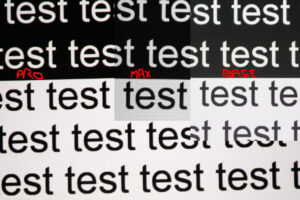
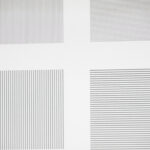
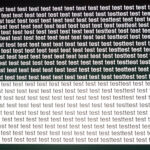
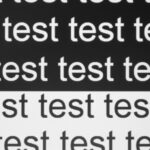
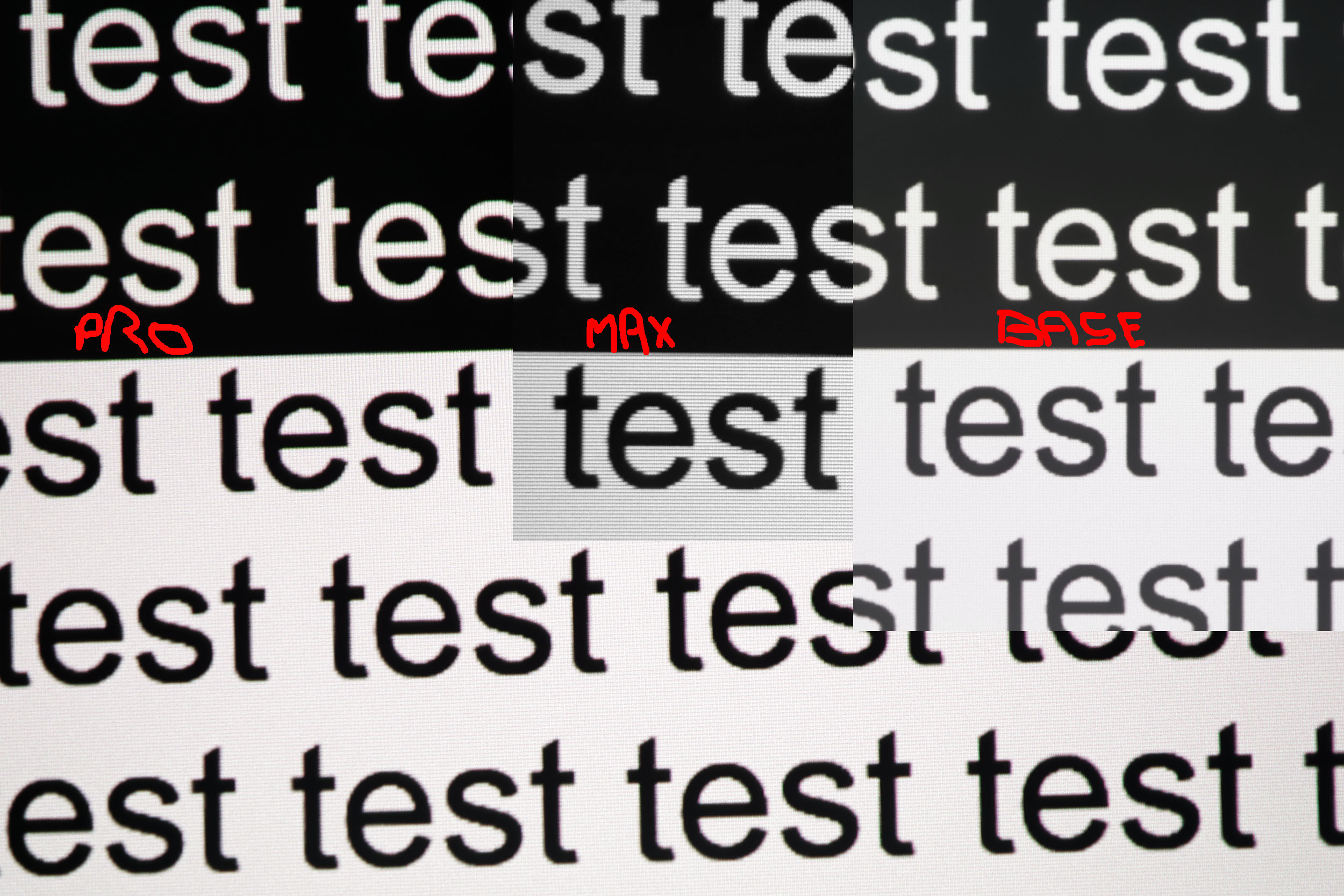
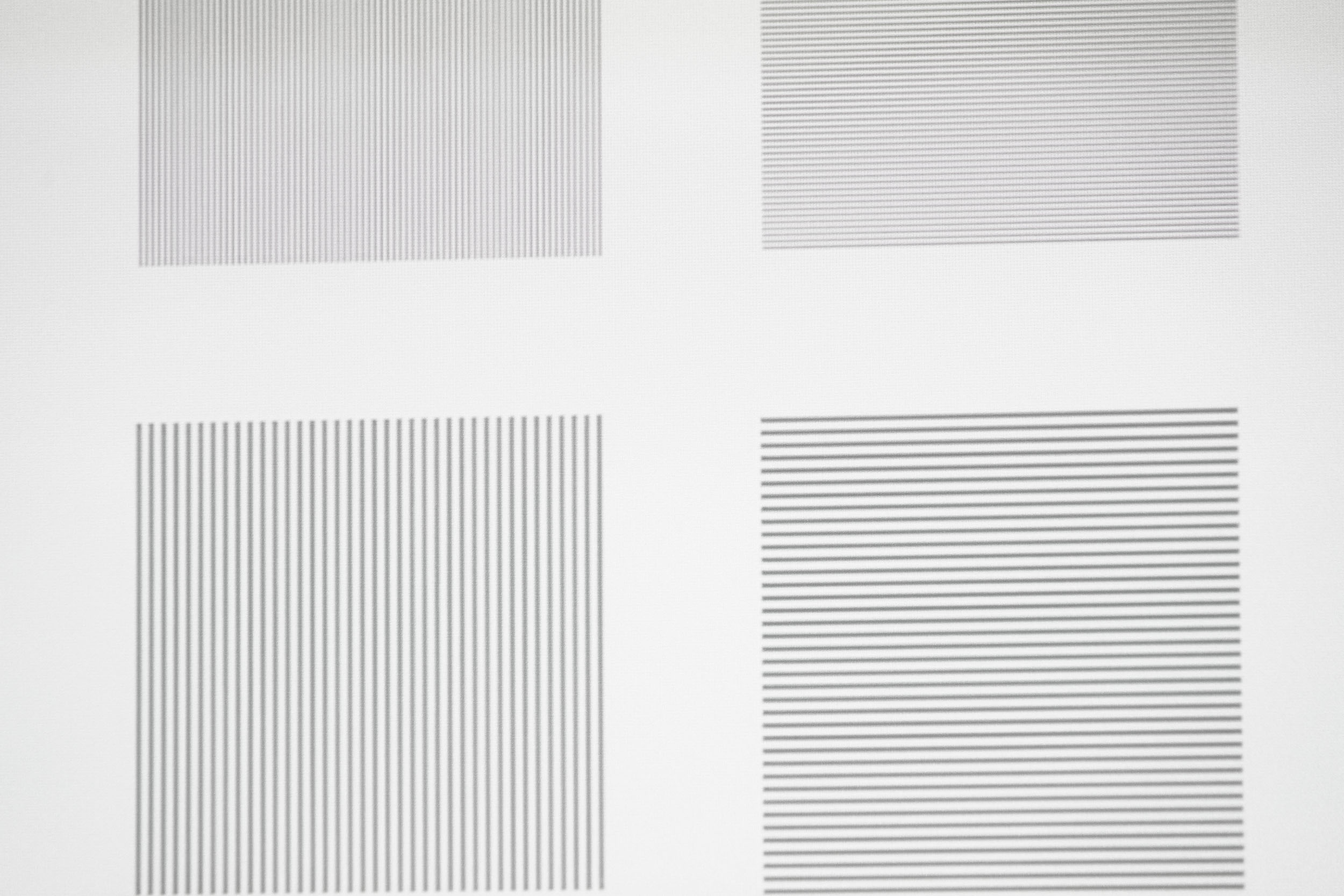
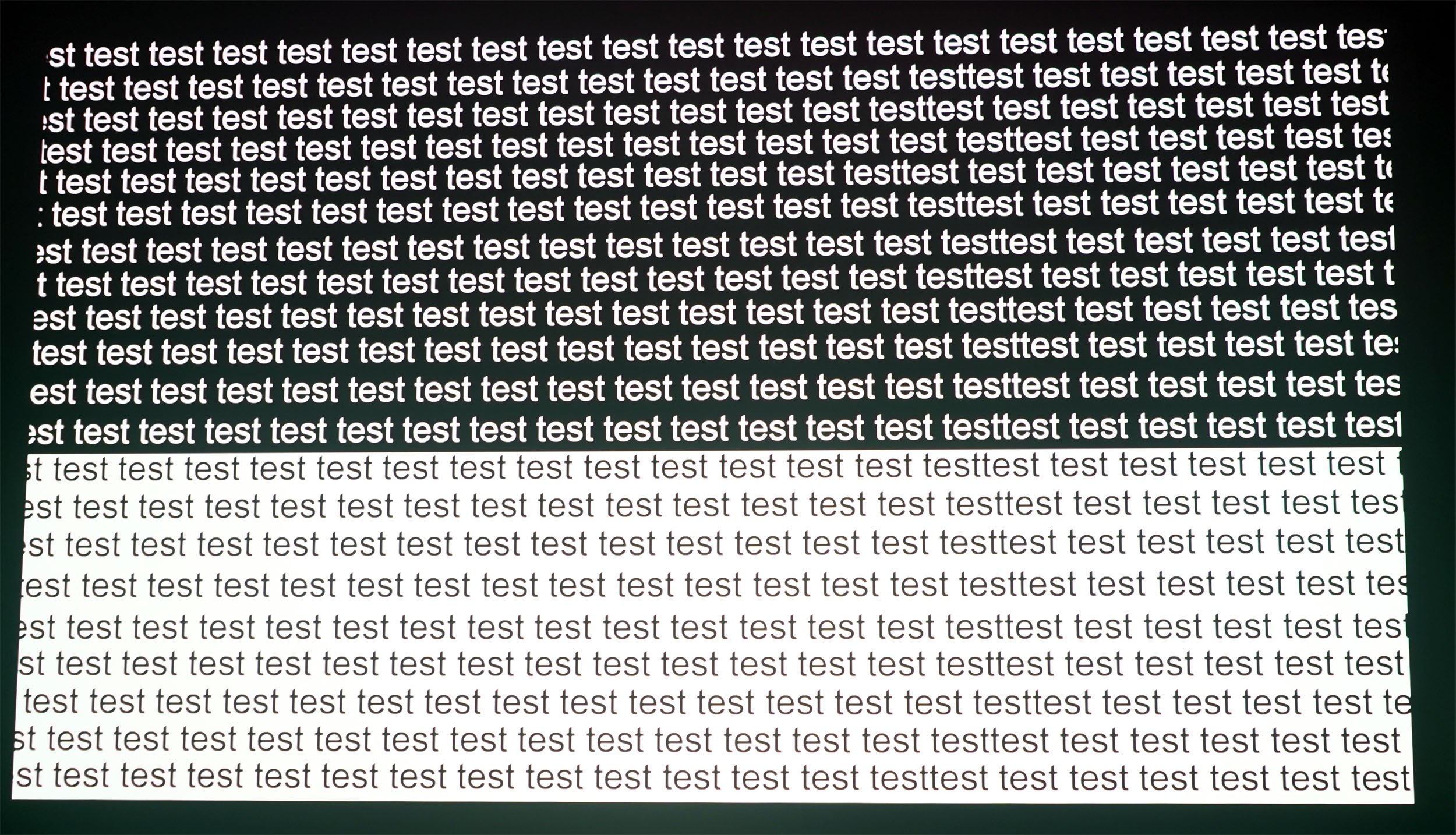
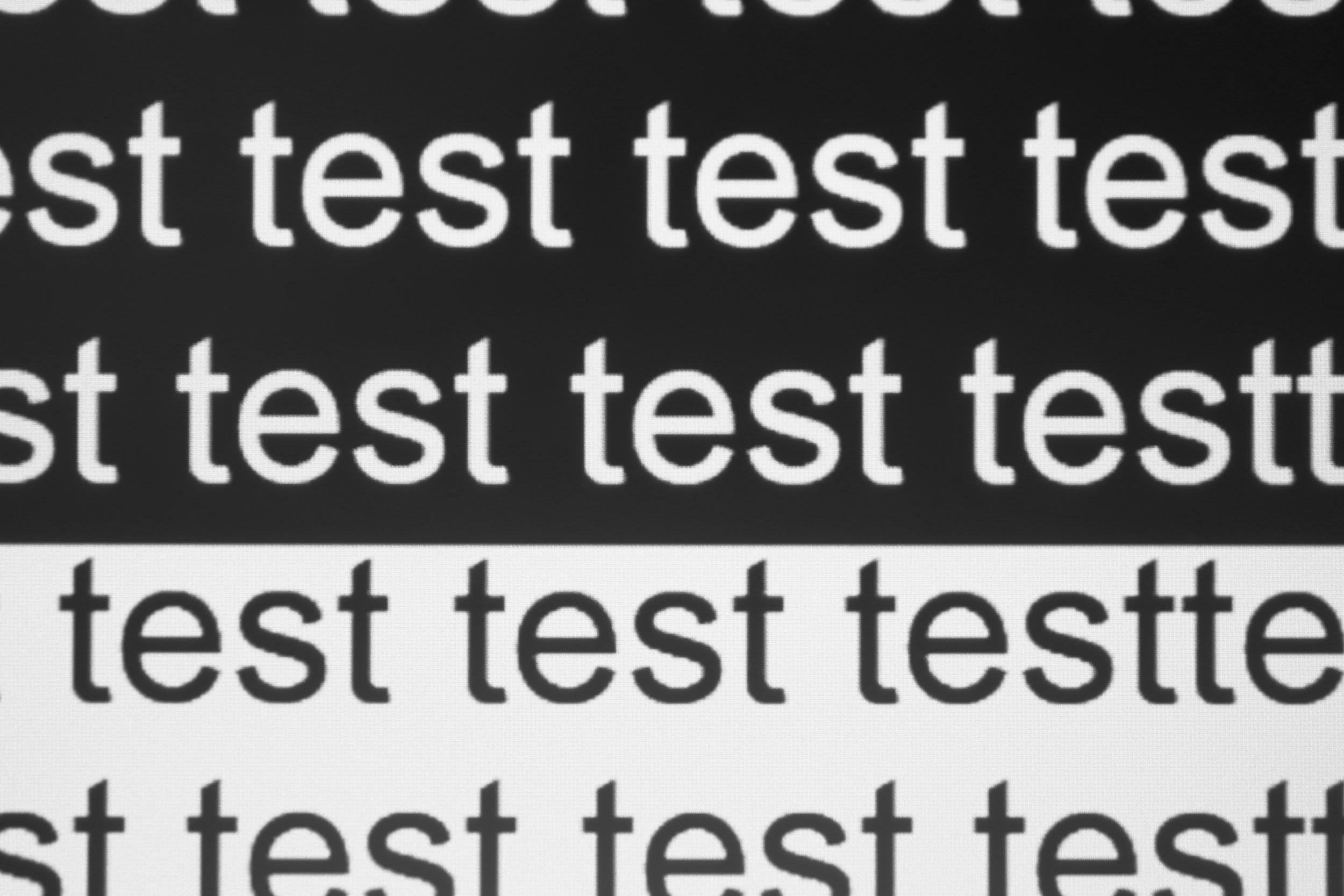
The XGIMI Titan Black uses a different optical system to the one used in the Pro and Max models, to the extent that it has become a selling point for the other two models. Is there really a difference? Yes, take a look at the comparison image. If you’re viewing this page on a phone, you might not see the difference, but on a large screen you’ll notice that the text edges are sharper on the Pro and the Max. Is this a problem? No, I don’t think so, because I’ve zoomed in on the image here, and you’re unlikely to ever look at the image with your face that close to the screen; the effect is mainly visible on static, well-defined elements like text. On a moving image, this difference in sharpness is much less noticeable.Contrast
More explanations on contrast
Contrast (on/off) is used to measure the difference between white and black. This measurement gives an indication of the ability of a projector to produce a good rendering in dark scenes.
A contrast lower than 500:1 should be considered as a very low contrast and the consequence will be especially visible in dark scenes where you will lose details. This is less of a problem for sports, bright films or even cartoons.
A low contrast ratio does not mean that a projector is not usable, you just have to be aware that for films like Aliens, dark scenes will no longer allow you to distinguish details.
This paragraph on contrast is not the first in this test, but I'm going to start my test with the contrast measurements, because there are some very interesting things to say that will show that the basic model has nothing to envy to the Max model.
I measured numerous combinations to assess contrast, but I'll give you a summary. The projector has 7 configurations, 5 iris levels, 10 laser levels and 3 contrast options... that's almost 1000 combinations to test. Impossible to cover everything, so I focused on the standard mode and ISF Night, which offers the best color fidelity.
Standard configuration
Iris 2 - Laser 10: 1948:1
Iris 3 - Laser 10: 3766:1
Iris 4 - Laser 10: 4928:1
Iris 5 - Laser x: 6583:1
Iris 7 - Laser x: 11200:1
From iris 5 onwards, you can no longer control brightness, the menu is no longer accessible, so I've indicated "x" because I don't know what brightness level they correspond to.
With these first results, it's already quite impressive, and I haven't even used the dynamic contrast yet!
If I lower the laser to 1, I don't see much difference:
Iris 2 - Laser 1: 1901:1
So I'm not going to dwell on laser levels, since they don't have a drastic influence on contrast
If I dwell on the other configurations with iris 2 and laser 10:
Film 1990:1
Sports 2039:1
Film maker: 2039:1
ISF day: 2039:1
ISF night: 2039:1
I obtained the same values for the last 4 configurations. The values are quite close to the basic configuration.
Let's get down to business and test the dynamic contrast in standard configuration
Iris 2 - Laser 10: 2488:1
Iris 3 - Laser 10: 3841:1
Iris 4 - Laser 10: 4000:1
Iris 5 - Laser x: 6869:1
Iris 7 - Laser x: 12500:1
We're talking high-level values here, especially with XGIMI, but it's important to understand that using the iris reduces brightness. With my brightness test, you'll have to choose the brightness best suited to your screen size to find the right setting for your contrast. Fortunately, there's another type of contrast that will save you some trouble...DBLE (dynamic black level). This type of artificial contrast greatly reduces the black level to give the image greater depth. This type of processing always affects colors a little, but as with the Max model, the impact is acceptable.
With DBLE and dynamic contrast, I obtain the following results:
Iris 2 - Laser 10: 26588:1
Iris 3 - Laser 10: 42444:1
Iris 4 - Laser 10: 55000:1
Iris 5 - Laser x: 7380:1
Iris 7 - Laser x: ....
These values are absolutely gigantic, and will enable you to keep the brightness at Iris 2 or 3 to maintain good contrast on a large screen size. There's clearly an anomaly in the illumination of iris 5 combined with dynamic contrast and DBLE. For iris 7 I haven't indicated a value because the black level is so low that my meter wasn't able to measure a value. It looks nice on paper, but with iris 7 the brightness is so low that this iris level is absolutely unusable anyway.
The Titan Noir series has literally taken XGIMI to the next level in terms of contrast, thanks to the use of a double iris that has no impact on image quality, and a dynamic contrast that is better controlled than previous generations. As a result, black levels are among the lowest of any projector I've tested.
Motion compensation
More on Motion Compensation (MEMC)
Many projectors use a frequency of 60 Hz, which means that they broadcast 60 frames per second. Many films were designed to broadcast 24 frames per second. This means that for each second, the film does not have enough frames to fill the 60 frames broadcast by the projector.
This most often results in a jerkiness in the image. Some projectors are able to attenuate this jerkiness with a motion compensation system (also called MEMC). If you abuse this compensation, you will get what is called the 'soap opera' effect which makes the image a little artificial like the TV series of the 80s.
Like most projectors of this type, this model operates at a frequency of 60 Hz, which means that with 24p films, you may experience jerkiness during fast-moving scenes. The motion compensation system (MEMC) helps to smooth out this issue with three levels of adjustment, but you shouldn’t overdo it, as too much compensation will make the image look unnatural. The medium setting is generally more than sufficient.
The feature to change the refresh rate for 24p films is present but does not yet work; it will be included in a future update.
Image size and projection distance
More explanations on the projection distance
The projection distance determines the size of the image and the size of the image is determined by the projector's throw ratio. If a projector has a throw ratio of 1.2, it will have an image width of 83 cm with possibly a gray border.
The distance also plays a role in the brightness because the brightness decreases with the square of the distance. A projector placed at 4 meters will therefore lose 4 times more brightness than a projector placed at 2 meters.
Keystone image correction does not modify the projection cone, it resizes the image inside the projection cone. This means that in the event of a significant correction, you will see a large gray border appear around your image.
This projector features an optical zoom with a throw ratio ranging from 0.98 to 2. With such a wide range, the projector can produce a large image from a relatively short distance, but it is also suitable for placement at the back of the room. At a throw ratio of 0.98, you get an image 102 cm wide for every metre of distance from your screen. At a throw ratio of 2, you get an image 50 cm wide for every metre of distance. This projector therefore offers great flexibility in terms of placement, and the lens shift will also allow you to position it higher up without any loss of quality.
Screen choice
I use this section to recommend projection screens, but I will first use it to show what screen size you can aim for based on the screen type and viewing distance.With the small tool below, you only need to enter your projection distance. You will get green boxes (everything is fine), orange boxes (acceptable but borderline), red boxes (image too dim), and finally white boxes (image too bright and uncomfortable). XGIMI Titan projectors are all very bright, and too much brightness is not a good thing. If you purchase a model and find that you need to set the laser level to 1 or 2 to obtain a comfortable image, you should consider choosing a less powerful model.
What does this mean for this projector?
To achieve the best contrast, I recommend using iris level 3 in combination with dynamic contrast. With the iris set to 3, you can consider a 139-inch image in a dark room and 116 inches in partial ambient light.
If you can accept slightly lower native contrast (although dynamic contrast should compensate for it), you can aim for a 174-inch image in a dark room and 150 inches in a partially lit room.
These values apply to a white screen. You also have the option of using an ALR screen with a gain of 0.6 if you want deeper blacks, but this will reduce the maximum screen size.
These figures show that the base model will be more than sufficient for the majority of users.
If I briefly return to screen selection, which was the original purpose of this section, I would say that in a dark room, a white screen is probably the best compromise, but it should be avoided in bright environments. An ALR screen, whether in a dark or illuminated room, will produce deeper blacks, but you should be aware of three consequences:
- the image will be dimmer
- the image color accuracy will shift (this can be corrected)
- there is a risk of speckle appearing on some screens
NothingProjector ALR Screen
Audio quality
More explanations on audio quality
I use several types of music tracks to illustrate the sound quality of the projector but the rendering will always be limited by the recording device. Since I always use the same device, you will be able to compare the difference on the same basis.
I regularly use well-known songs protected by copyright to illustrate the sound quality of a video projector. It therefore sometimes happens that YouTube decides to block my videos for these reasons. In this case, you can listen to the soundtracks directly on YouTube and hope that YouTube has not completely blocked my channel.
This projector is fitted with two 12-watt Harman Kardon speakers; this is the same across all models in the Titan Noir and Horizon 20 ranges. The audio quality is very good; there is no difference in sound quality between these two projector ranges. I’ll include my usual soundtrack in the video review.
Video games
More explanations video games
To be able to play in good conditions with a projector, the latency must be low. Latency is the reaction time between pressing a button on your controller and the reaction on the screen, this latency is expressed in milliseconds and is also called 'input lag'.
I measure this latency with a specialized device. To be able to play fast-paced FPS-type games online, you need to obtain a latency of less than 30 ms. For games where the reaction time is less important, a latency of less than 100ms should be suitable for most situations.
I generally test ShadowRunner from Geforce Now on my Nvidia Shield except when this is not possible. I'm not used to playing with a controller, so I'm not very good at it, but the point is to show the projector's ability, not mine.
Gaming became a strong selling point for XGIMI with the previous generation (Horizon 20), and this is once again the case with the Titan Noir. Latency is ultra-low, allowing you to play games where reaction times are crucial. The refresh rate is adaptive and can go up to 240 Hz. I tested it on my Xbox Series X, which runs at 120 Hz in 1080p, and it works flawlessly – much to the delight of my son, who has more time to play than I do. I’ll add a gaming section to my video when it’s ready.
Encoutered bugs
Not yet available / testedALR/CLR Projection screen
Are you looking for a good ALR/CLR screen for your projector? I may have what you need:ALR/CLR NothingProjector Screen
Test / Review conclusion
The XGIMI Titan Noir is significantly less expensive than the Pro and Max models, yet it offers exactly the same strengths: excellent image quality, outstanding out-of-the-box color accuracy, excellent contrast (further enhanced by dynamic contrast), good sharpness, good audio quality, great placement flexibility, and a top-tier gaming experience.After reading this paragraph, you might think there is no reason to buy either of the other two models, but there are actually two. The first reason is brightness. The base model is already very bright, and if you have tried my calculator, you have probably noticed that it will suit a very wide audience. You can comfortably aim for a 140-inch image in a dark room on a white screen. In certain use cases, such as a very large screen or a bright room, the Pro or Max model will be a better choice.
The second reason is much less obvious: sharpness. The sharpness of this model is good, but the Pro and Max models are even sharper, especially when displaying elements with very defined edges, such as text.
If I had to add one more minor drawback, I would say that the base model is slightly noisier than the other two, although the difference is quite small.
It is therefore an excellent projector, just like the other two models. It is less expensive while delivering almost the same image quality, and unless you specifically need more brightness, this model will do the job perfectly.
Strengths
image quality
colour accuracy
native contrast
dynamic contrast
placement flexibility
brightness
audio quality
gaming experience
HDR tone mapping
Anti-RBE
Weaknesses
Bulky
Large power supply
Slightly noisier than the other two
24-bit MEMC not yet functional


A question? A remark? Feel like shouting? (not too loud)