Like the Horizon 20 range, the Titan Noir is available in 3 versions: the basic version, the Pro version and the Max version. Here too, brightness and contrast will play a decisive role in the choice between each projector, and as with the Horizon 20s, I'm going to help you make the right choice objectively. You might be tempted to go for the brightest version, but don't get carried away too quickly - it could be totally counterproductive, and I'll explain why.
I’ve installed version 1.0.36, which is the latest version, but I haven’t had time to update my figures yet. The contrast with the Max is now striking, with very deep blacks. With Iris 2 and DBLE activated, I get a contrast ratio of over 80,000:1 (that’s not a typo) – so deep that I can’t even measure the black level anymore. The Halo is a better projector; it has a better image and brightness.
Warning: before diving headlong into the purchase of a Titan Noir Max, be sure to consult the results of this test, as you may be surprised which model to choose.
If you'd like to take part in the launch campaign, here's the link to the official website:
XGIMI Titan Noir / Launch Campaign
I have received the following information from XGIMI regarding the commercial conditions on Kickstarter:
- 2-year warranty in Europe
- VAT not included for Europe unless you have a VAT number
- VAT and taxes included in the price for USA/CA
- No customs fees for Europe
Test video
Languages: French, EnglishSubtitles available
Manufacturer web site: https://www.xgimi.com
Timeline
april 16, 2026: receipt of XGIMI Titan Black Maxapril 18, 2026: unpacking and first impressions of version v1.0.56
I'll try to publish first measurements around April 20-21, and we'll probably have to wait until early May for the rest
11/05/2026: installation of version 1.0.99, a new series of measurements will follow. If the results are different, I'll add the information to this test.
Why this projector?
XGIMI has always succeeded in marketing projectors that are accessible to all budgets, always offering good value for money. The main weakness of their projectors compared to some competing models was contrast, but with the Horizon 20 range, they've taken a big leap in the right direction, and they're going the whole hog with the new Titan Noir range. This range uses the word "Black" to emphasize the fact that they have specifically worked on black depth to achieve a better image rendering.The test of the Titan Noir range will therefore be very interesting, as it relies on dual-iris technology and a new DMD chip, so it's not just an update, it's literally a major evolution. We're getting very close to the dream of being able to use a projector in daylight, but I still don't think it's going to be enough to beat a TV in the same conditions. And let's be honest, these projectors aren't within everyone's budget, and it'll probably be a few years before we find projectors of this type in the sub-1000€ budget bracket.
As I've tested the 3 Horizon 20s in depth (and in a quantified, objective way) and I'm going to test the 3 Titan Noir in the same way, you'll have here a unique perspective to make your choice among these 6 projectors.
If I mix the two ranges and use brightness to rank them, I get this:
XGIMI Horizon 20: 3200 lumens
XGIMI Horizon 20 Pro: 4100 lumens
XGIMI Titan Black: 4800 lumens
XGIMI Horizon 20 Max: 5700 lumens
XGIMI Titan Black Pro: 6000 lumens
XGIMI Titan Black Max: 7000 lumens
With my Horizon 20 comparison, I had established a threshold at which each projector became interesting in the dark and in daylight.
In the dark:
XGIMI Horizon 20: up to 114 inches
XGIMI Horizon 20 Pro: up to 123 inches
XGIMI Horizon 20 Max: up to 143 inches
This already gives you an idea of the positioning of the new projectors.
Unpacking
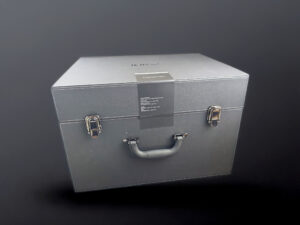
Cinema is an invitation to travel, and what better way to do it than with a suitcase? The XGIMI Titan Noir Max takes a completely different approach to packaging: it comes in a large suitcase, protected by a thick layer of foam. The projector itself weighs just over 8 kg, but add the case and you've got a package weighing over 10 kg, which is quite unusual for a projector.
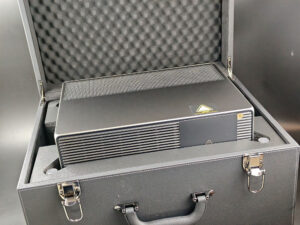
The projector sits in the middle of the box in a thick layer of protection, and the suitcase has a reassuring effect for those who might be reluctant to order online. My copy came all the way from China and arrived in perfect condition. Yours will probably come from a closer region (e.g. Germany for Europe).
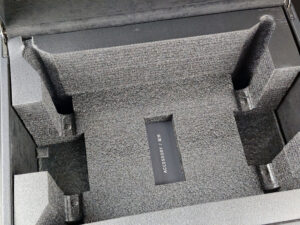
At the bottom of the case is the accessory box, which is well separated from the projector to avoid any crushing.
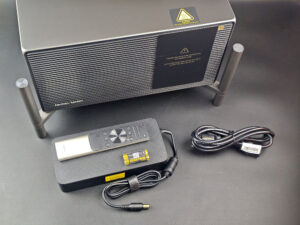
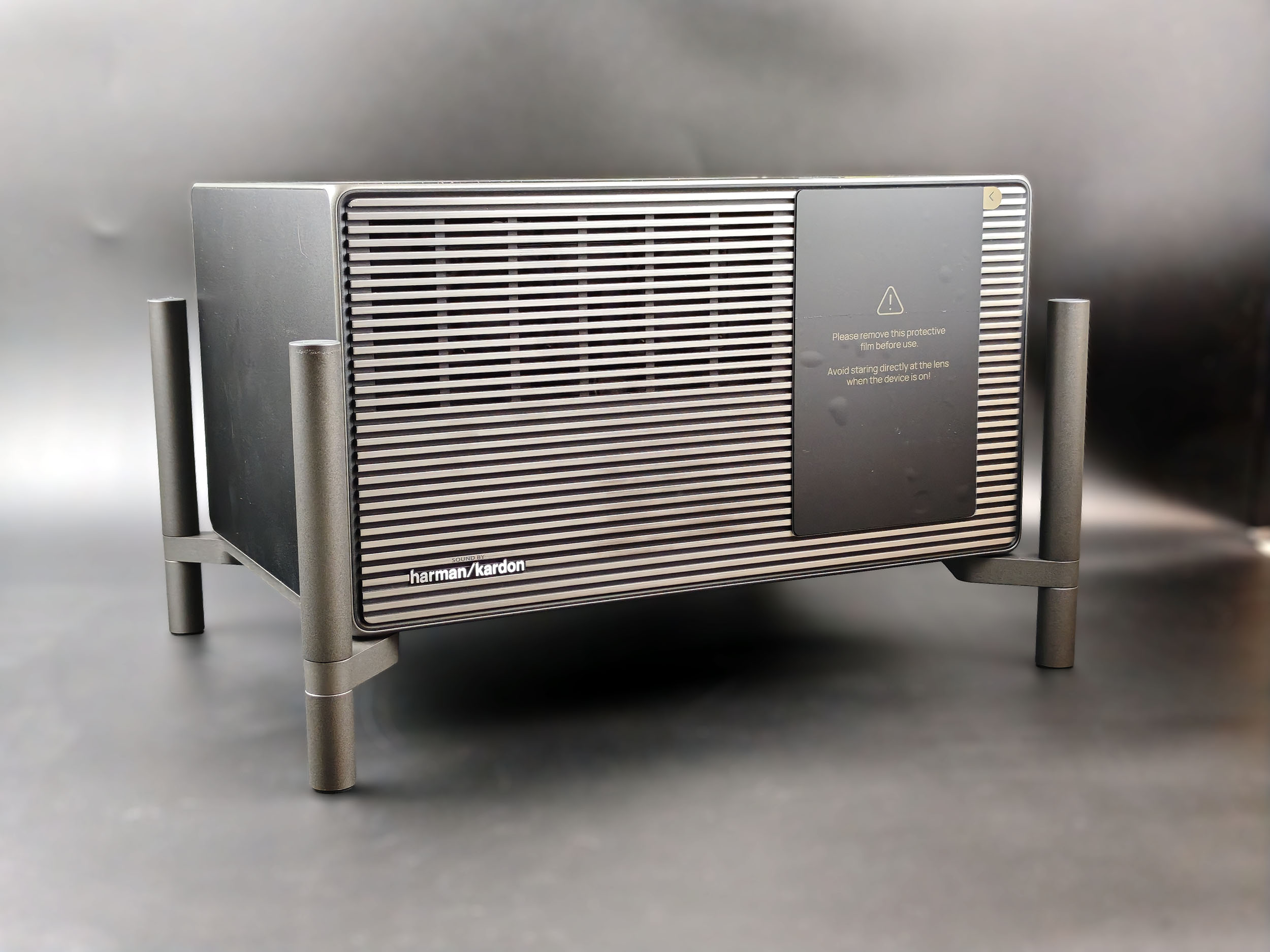
The case contains the projector, a large power pack, a power cable, the remote control, two AAA batteries, a small manual and that's it! The optical compartment is protected by a sticker to prevent any scratches during transport, but everything is so well packed that I can't see what could scratch the optical compartment.
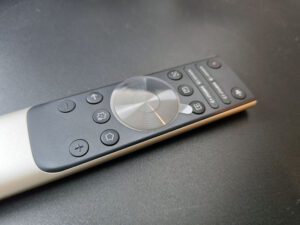
The remote control is almost identical to that of the Horizon 20 range. The layout is the same, but all the buttons are black - a choice no doubt in keeping with the projector's name. The usual YouTube/Netflix/Disney/Amazon shortcuts have been replaced by customizable ones. This projector has no operating system, so it's not possible to launch Netflix directly from the remote without using an external solution connected via HDMI.
Operating system
The XGIMI Titan Noir Max and all other Titan series projectors are not equipped with an operating system. There is a mini software layer to play local media, but no application that can be installed on the projector. You therefore need to use an external solution such as an HDMI dongle like Google Chromecast TV, Nvidia Shield or Apple TV. For this test I'm going to use my old Nvidia Shield, which despite the years still works like a charm and offers such a high level of performance that I'm not sure what could possibly outperform it even today.The projector's remote control works with the Nvidia Shield, I also tried it with a Google Chromecast TV but noticed a latency in use. This may be something that will be corrected with an update, but it's better to use the remote control of the device you've connected to the projector.
Finish
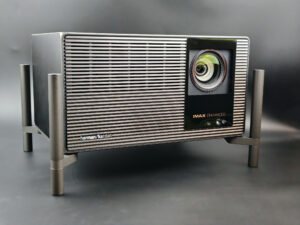
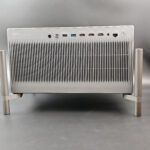
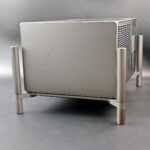
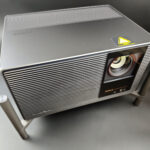
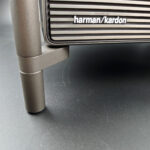
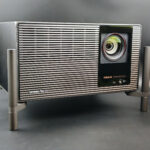
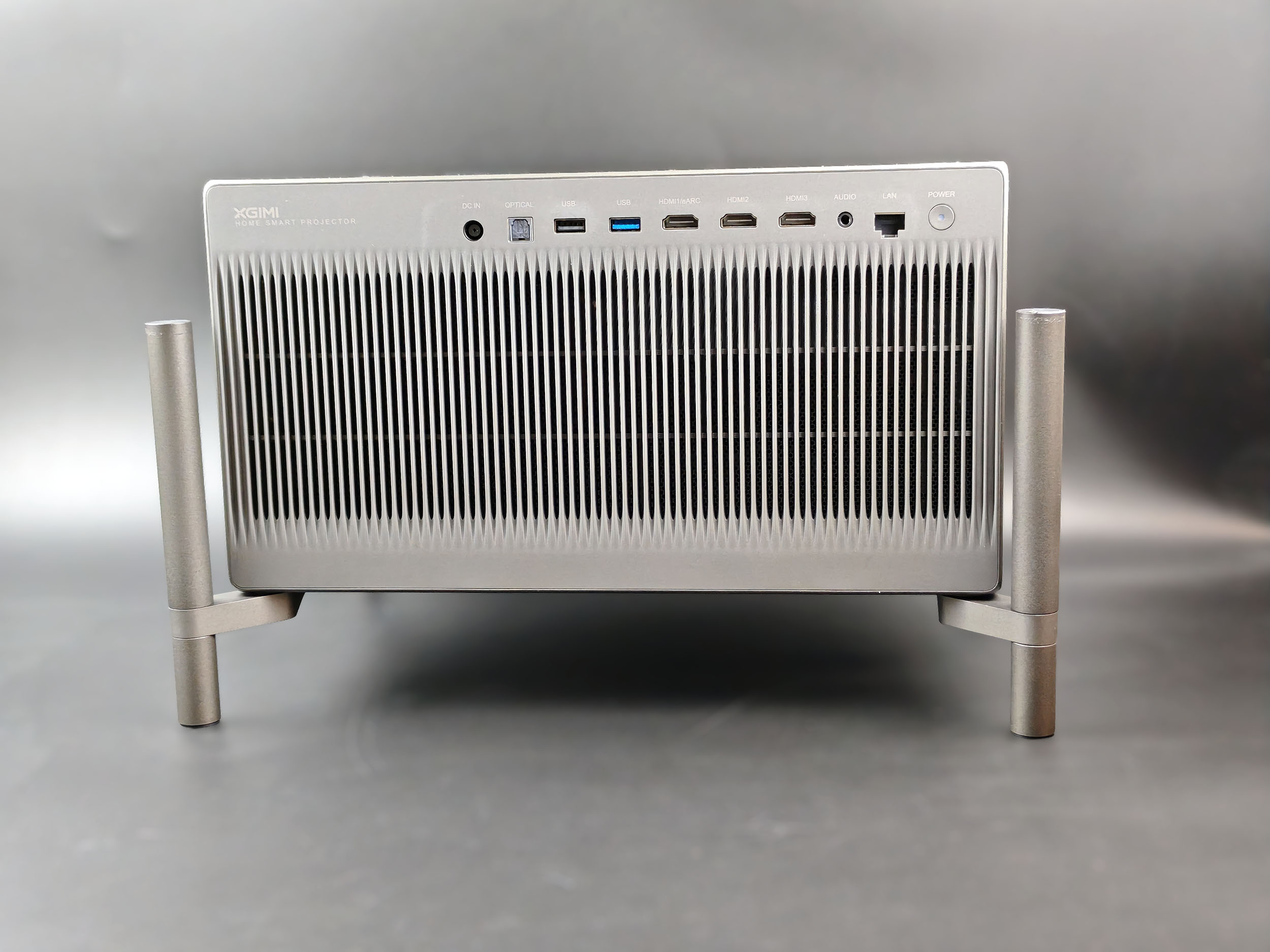
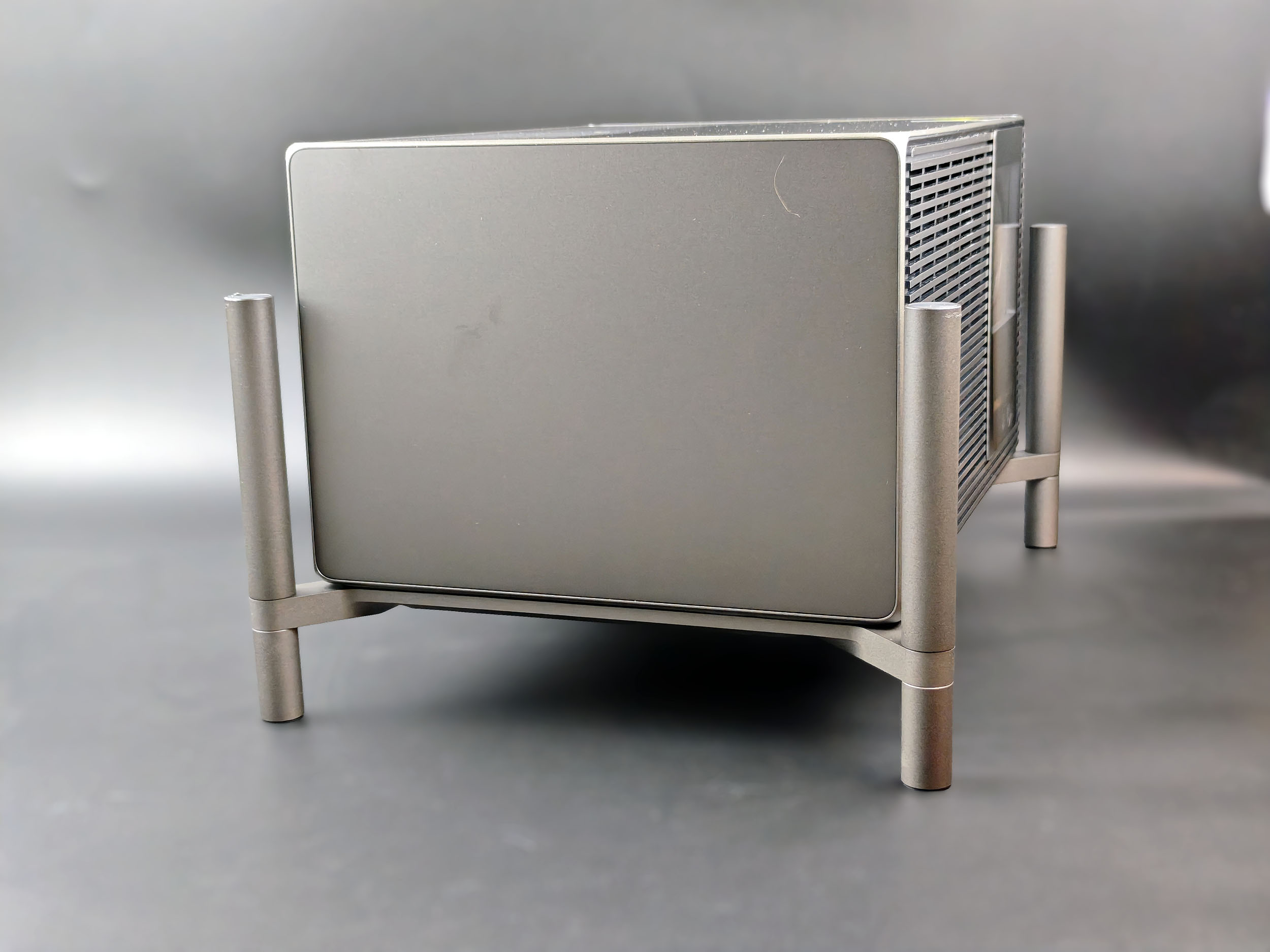
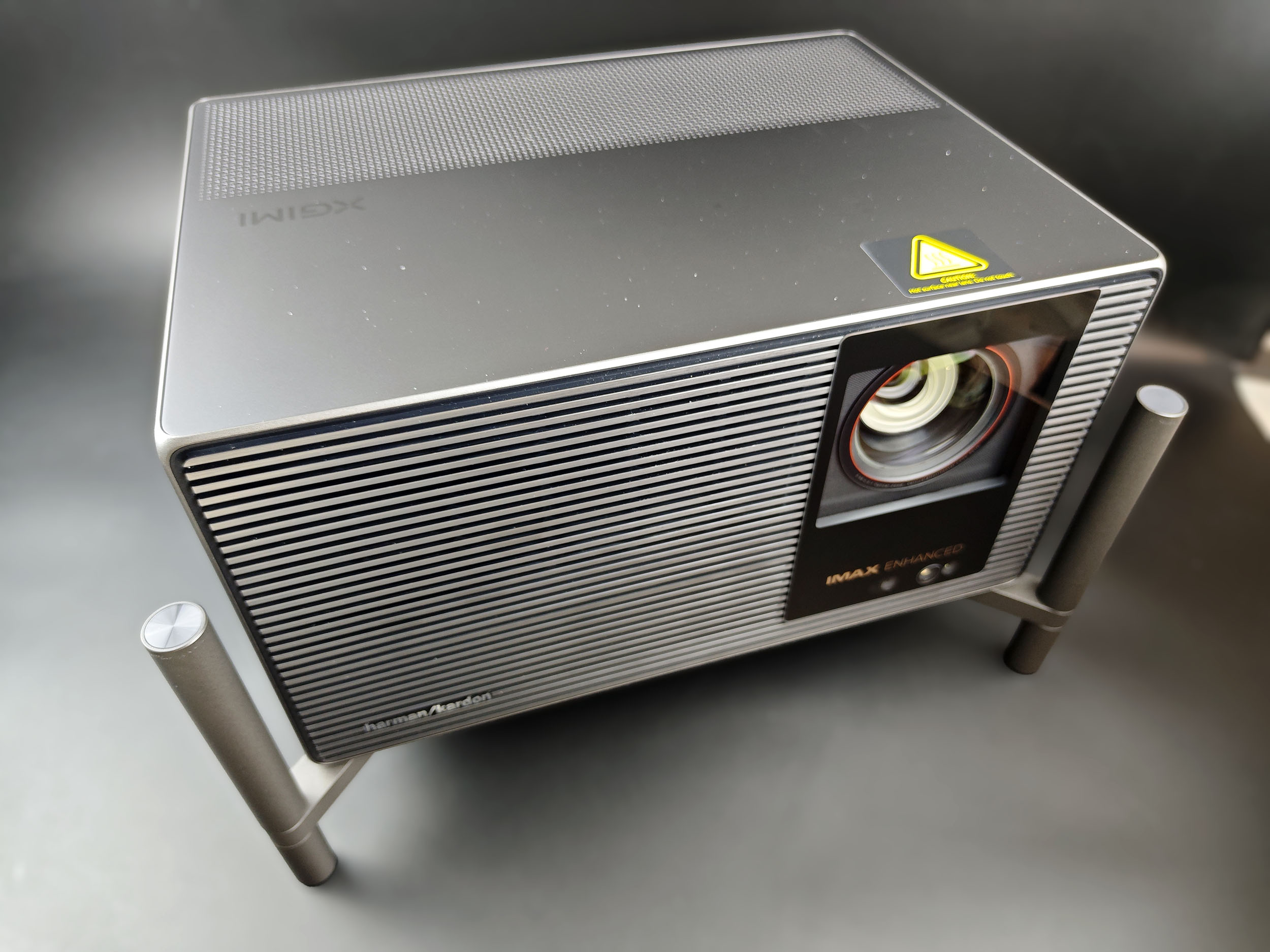
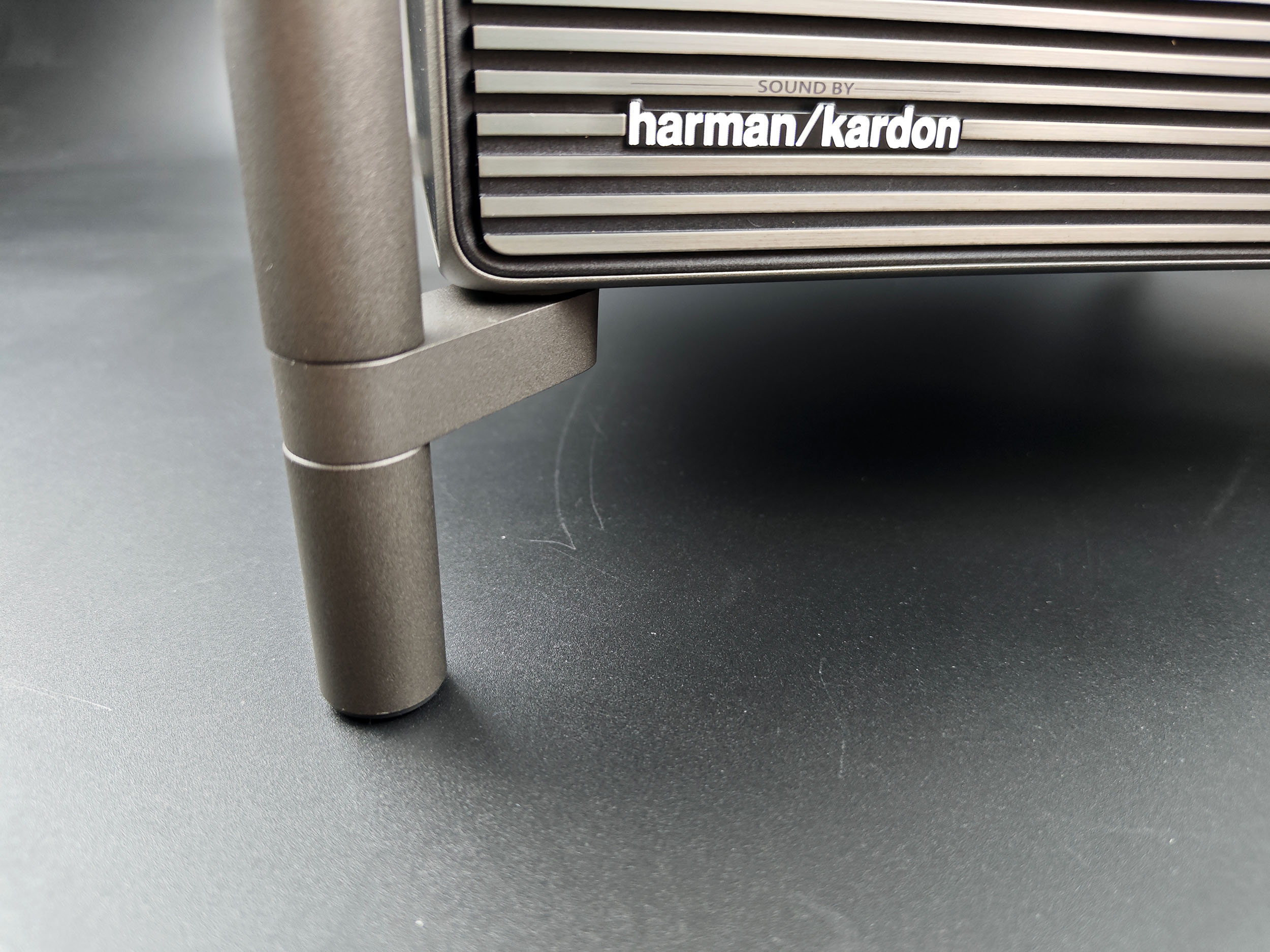
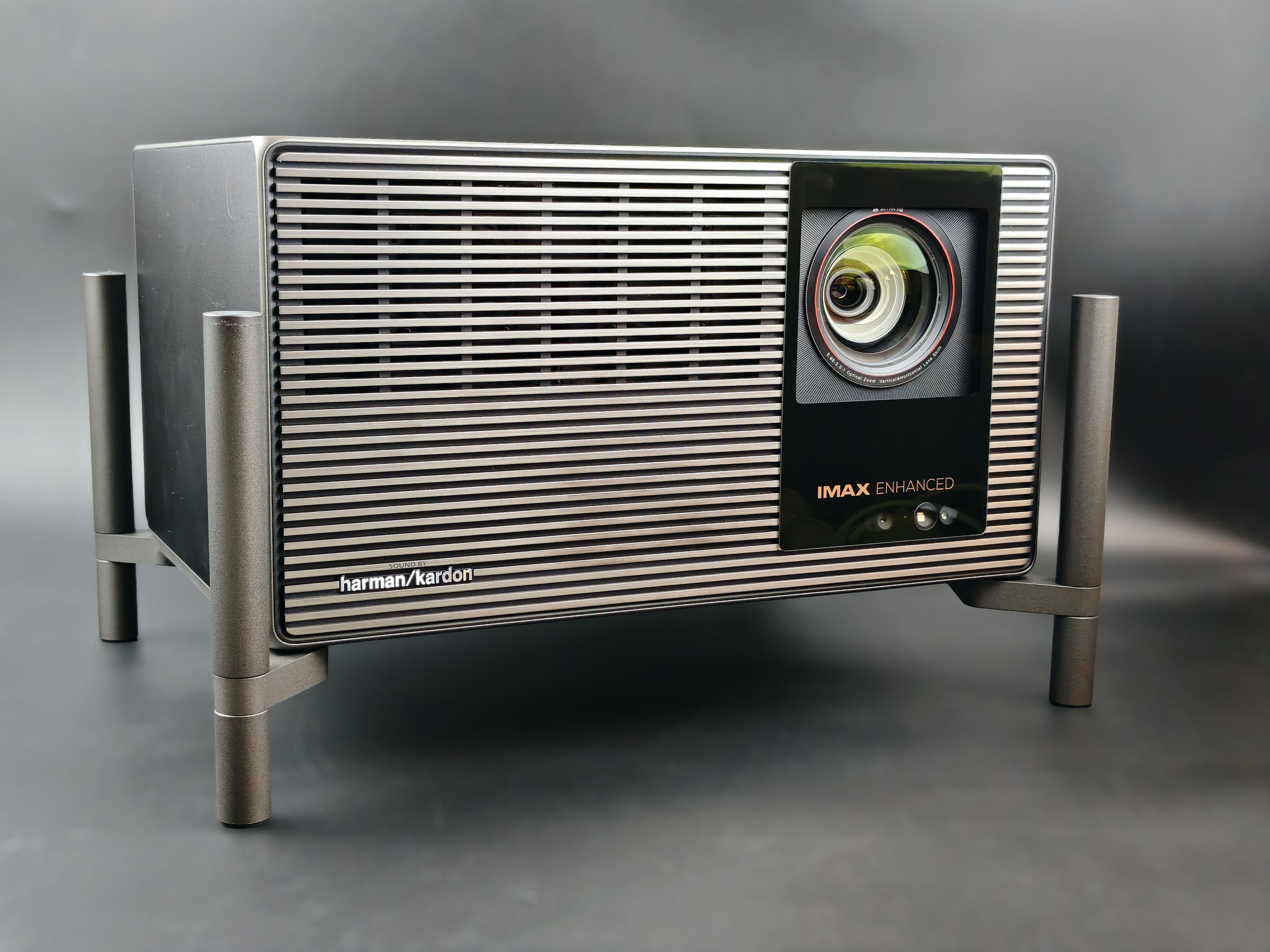
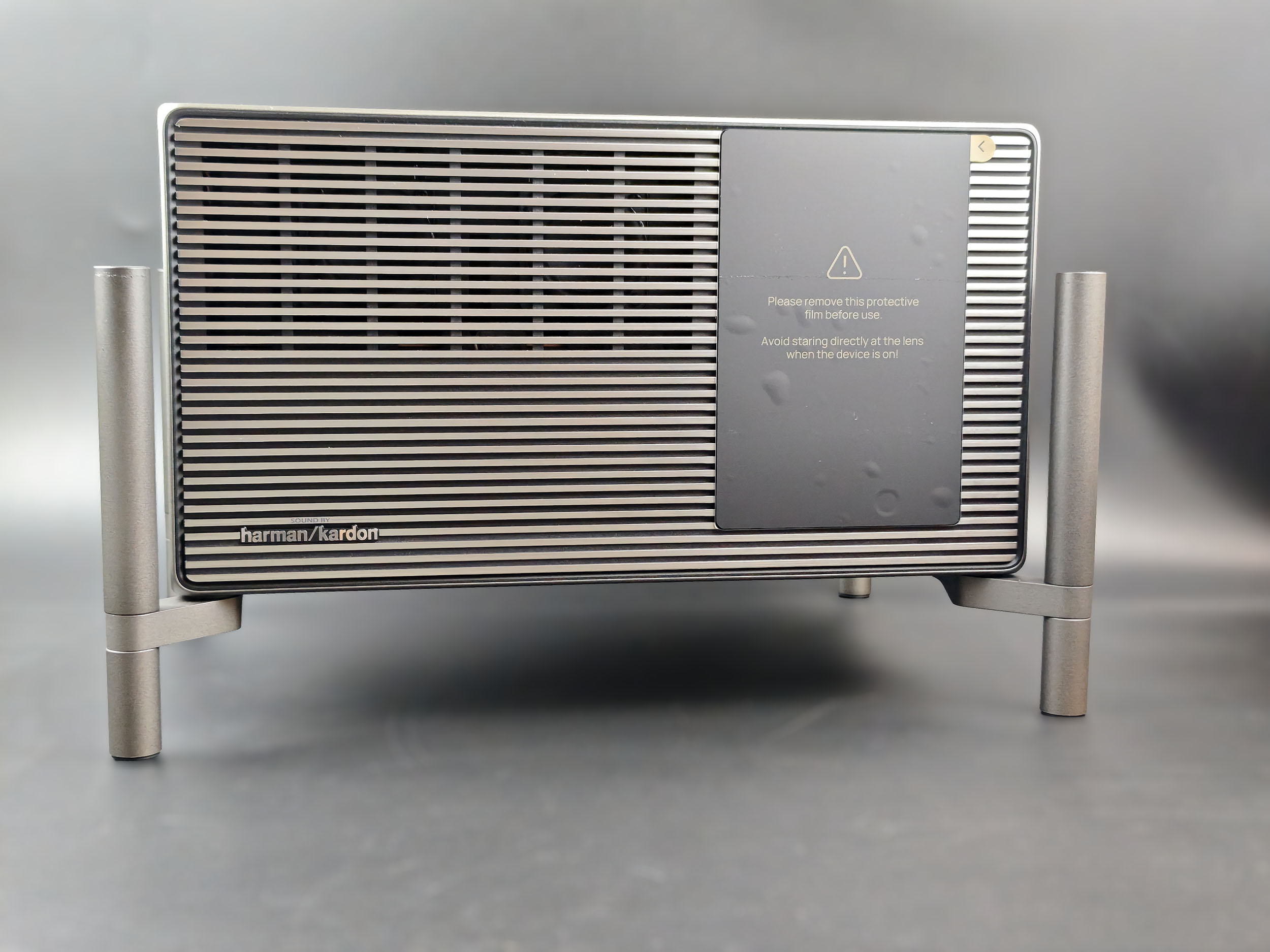
The XGIMI Titan Noir Max lives up to its name: it's huge, and I'm going to dwell a little on its size, as it will undoubtedly play a role in its placement. I've already mentioned the weight in the next paragraph, and at over 8 kg, you'll need a sturdy support to carry this projector. The projector case measures 24 cm deep, 33 cm wide and 18 cm high. To this must be added the space occupied by the feet, giving a depth of 28 cm, width 38 cm and height 23 cm. The lower part of the feet can be unscrewed, saving 3 to 4 cm in height.
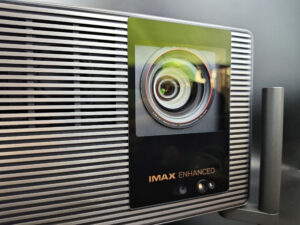
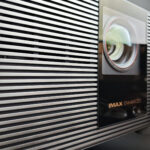
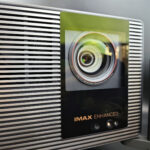
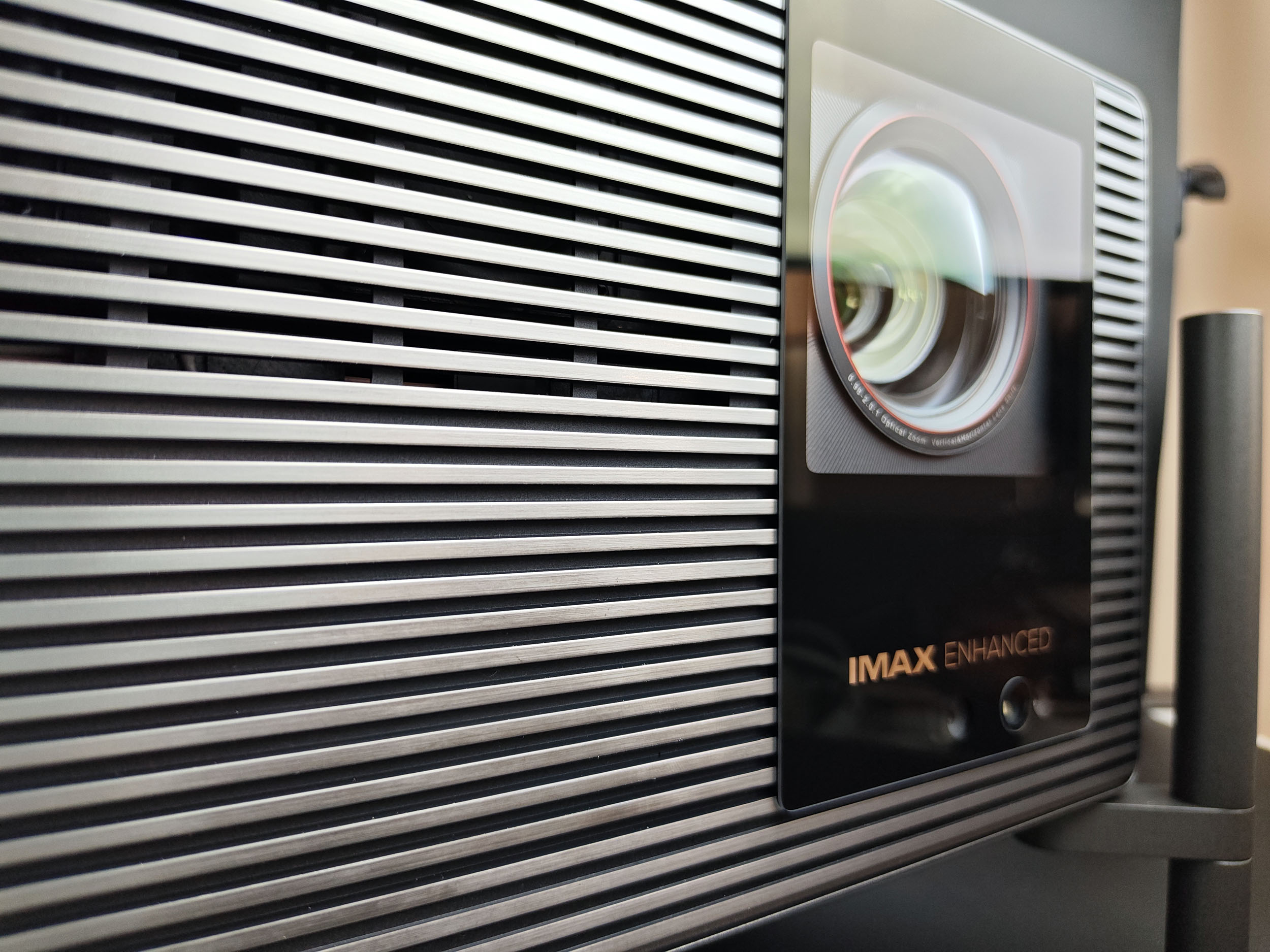
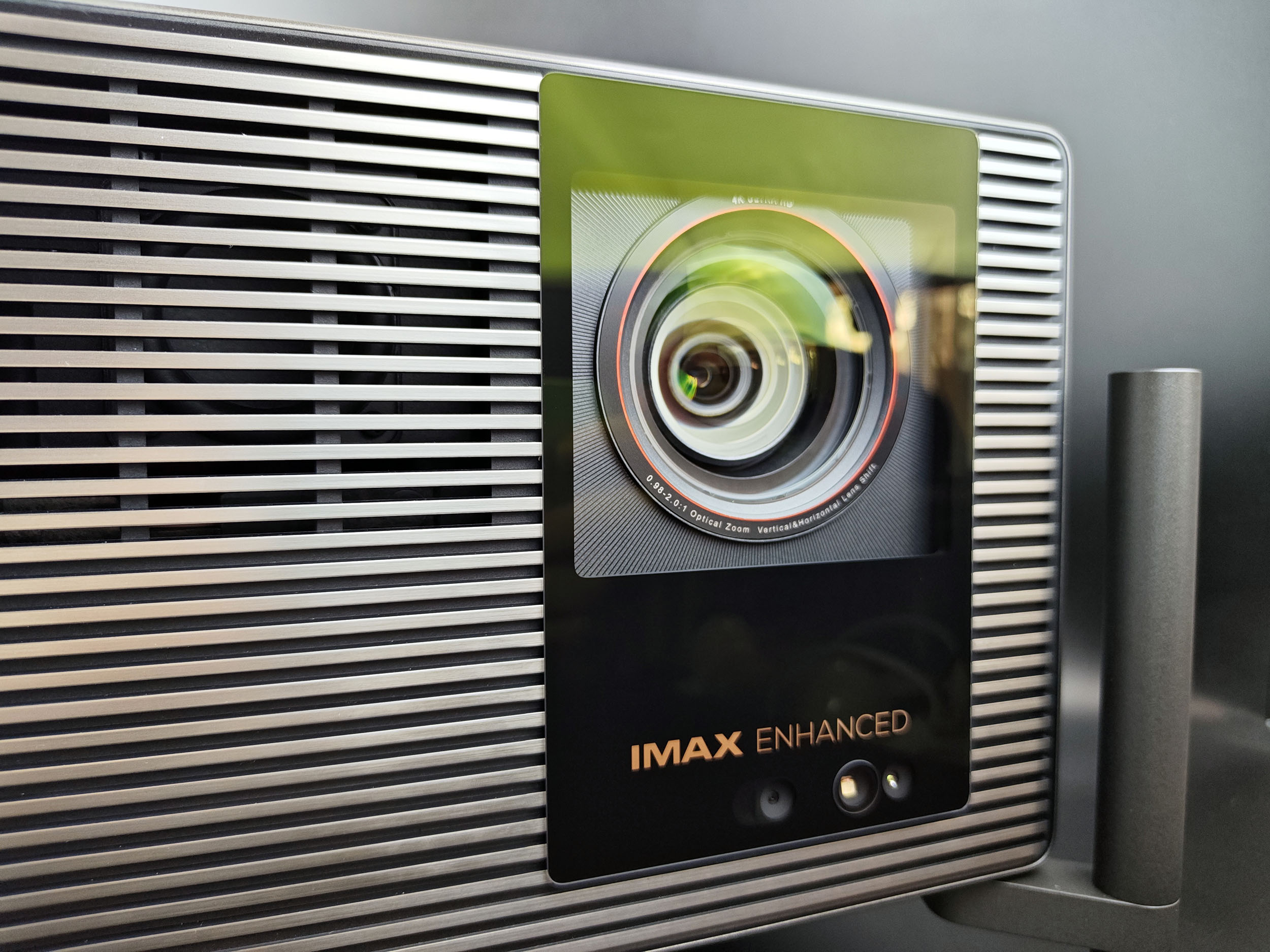
The optical unit is identical to that used on the XGIMI Horizon 20 Max (and Pro), and is the X-Master Red Ring Lens. This optical block is unique in that it is composed of 14 vacuum layers with high-quality glass to prevent spherical aberrations. I've already tested this lens unit on the Horizon 20 range, and it does indeed deliver a better performance in terms of sharpness and light diffusion, but the advantage is not ultra-determining compared to the basic model.
Behind this optical block is a new DMD chip. The size hasn't changed - it's still a 0.47-inch chip - but it's an evolution called DMD 0.47 SST, and SST stands for Super-Structure Technology. This evolution improves the pixel structure, resulting in a higher-contrast image. That's the theory, of course, but we'll see in practice if it proves true.
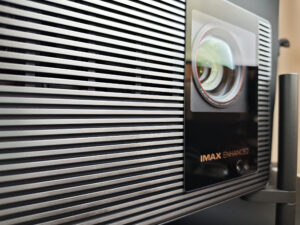
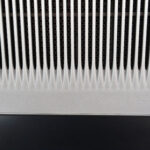
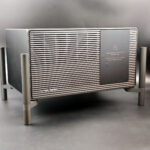
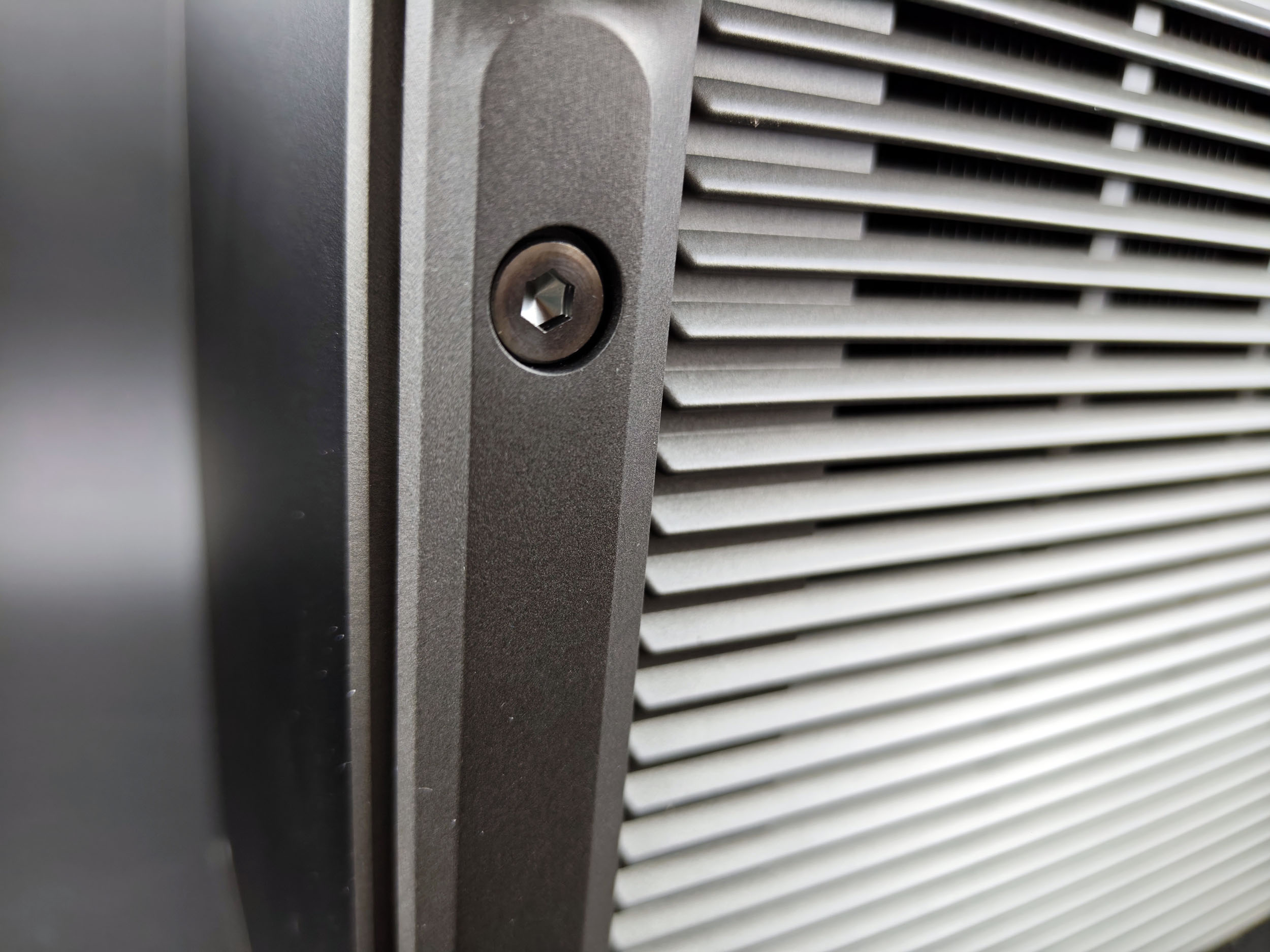
The Titan range uses a different format from previous models, but also a different visual identity. The front panel has a horizontal metal structure, giving it a more solid, metallic appearance than most of the brand's other models. This aesthetic choice fits in well with the premium price positioning of this projector.
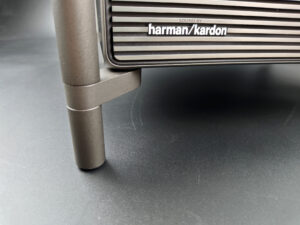
Sound is provided by Harman Kardon 2x12 watt speakers. In all likelihood, these are the same speakers used in the Horizon 20 range and the XGIMI Horizon S. Here, too, you can see the stand in detail, with its height-adjustable, removable lower section.
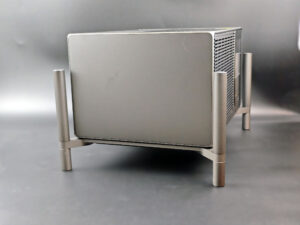
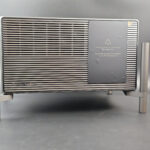
On the sides, the structure is perfectly smooth and metallic.
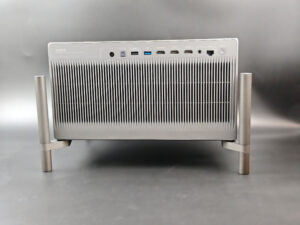
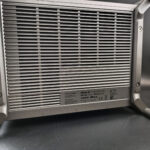
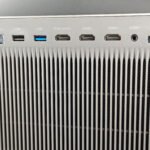
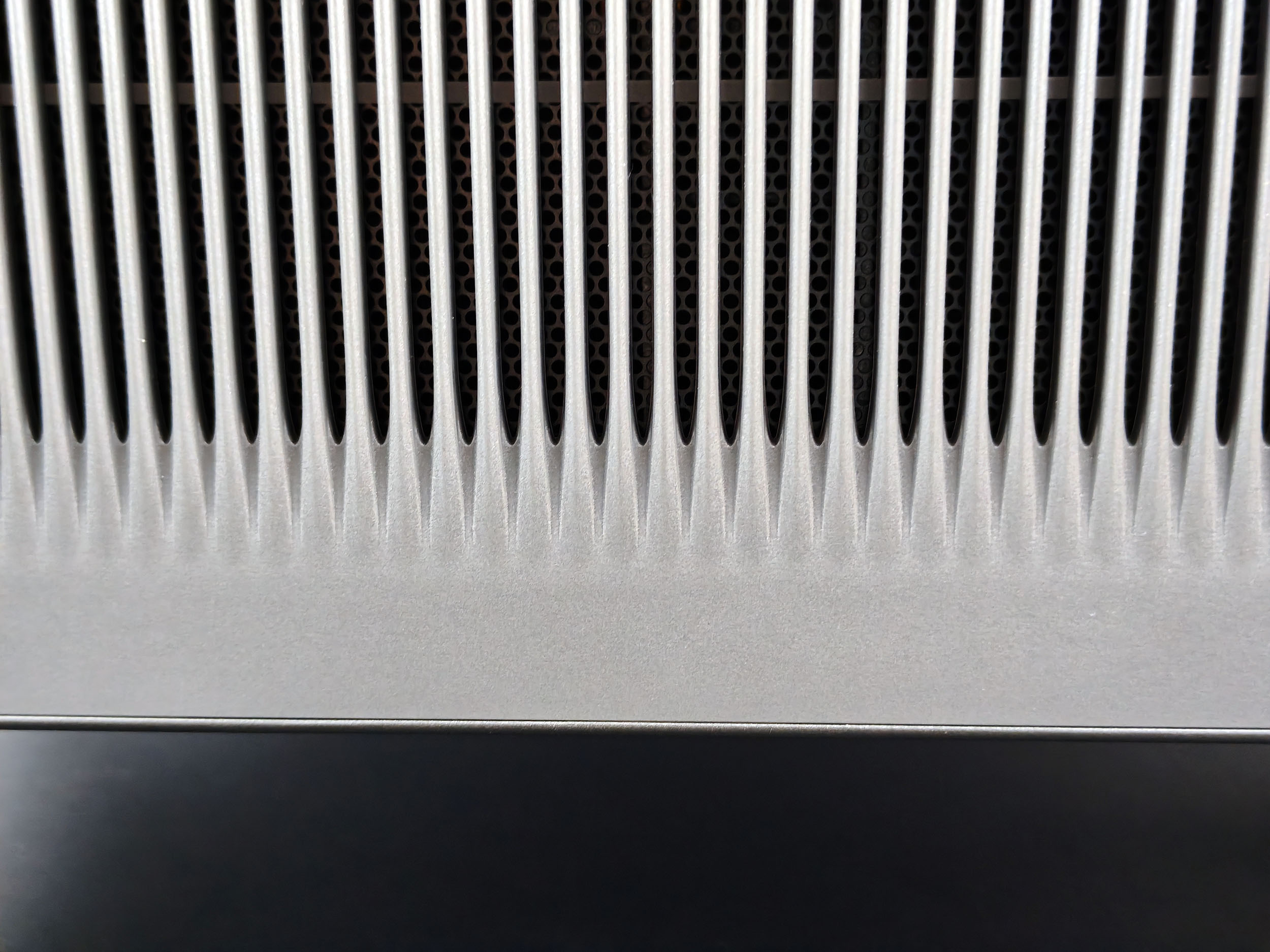
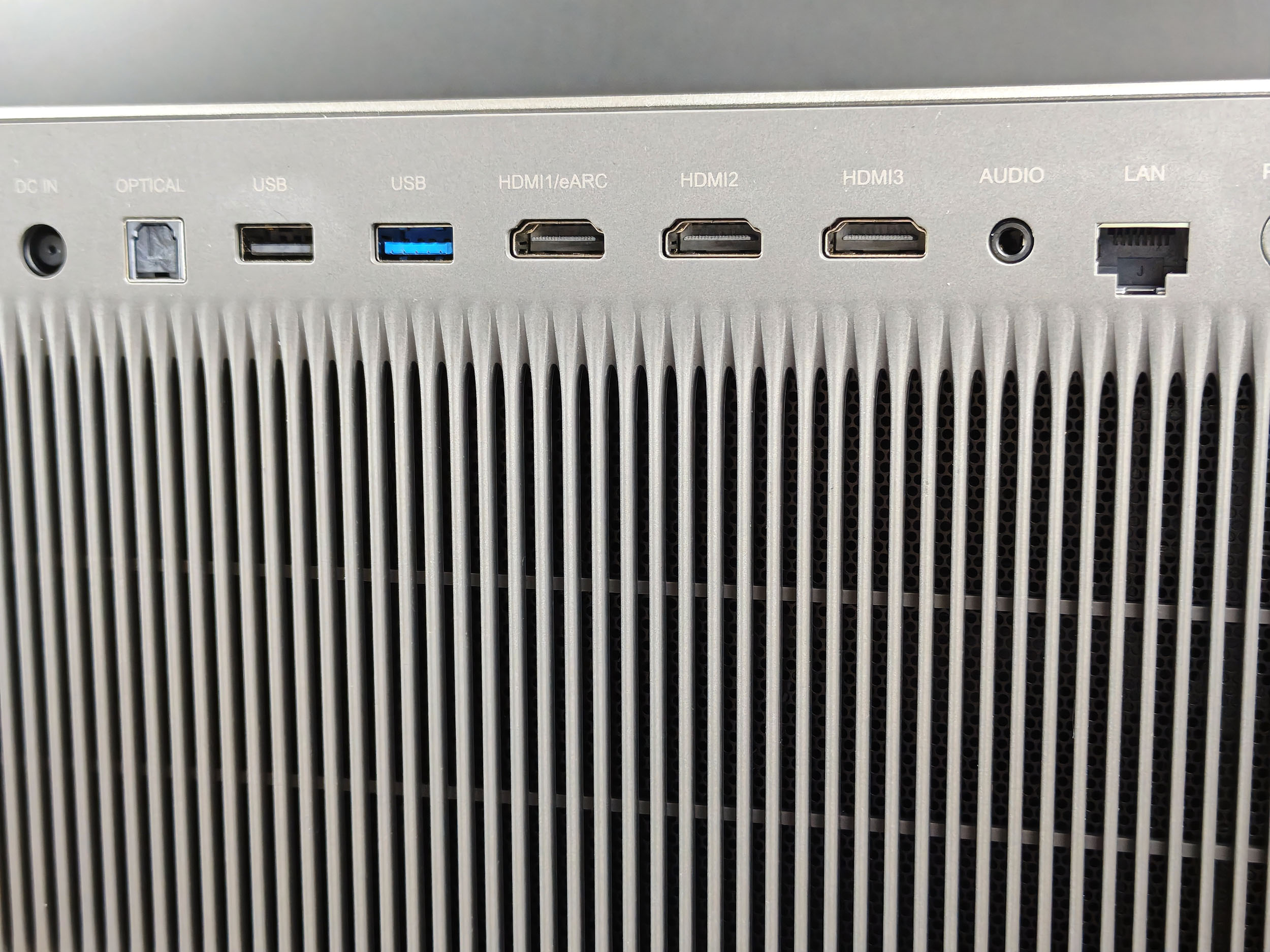
The rear features a large ventilation grille and a wide range of connectors: power supply, SP/DIF digital audio output, USB 2.0, USB 3.0, HDMIx3 including 1 in eARC, headphone output, ethernet.
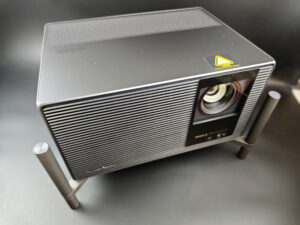
On the top, there's nothing special apart from a ventilation grille.
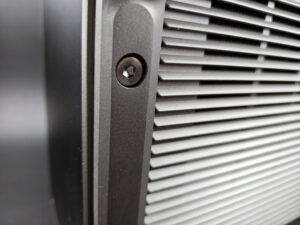
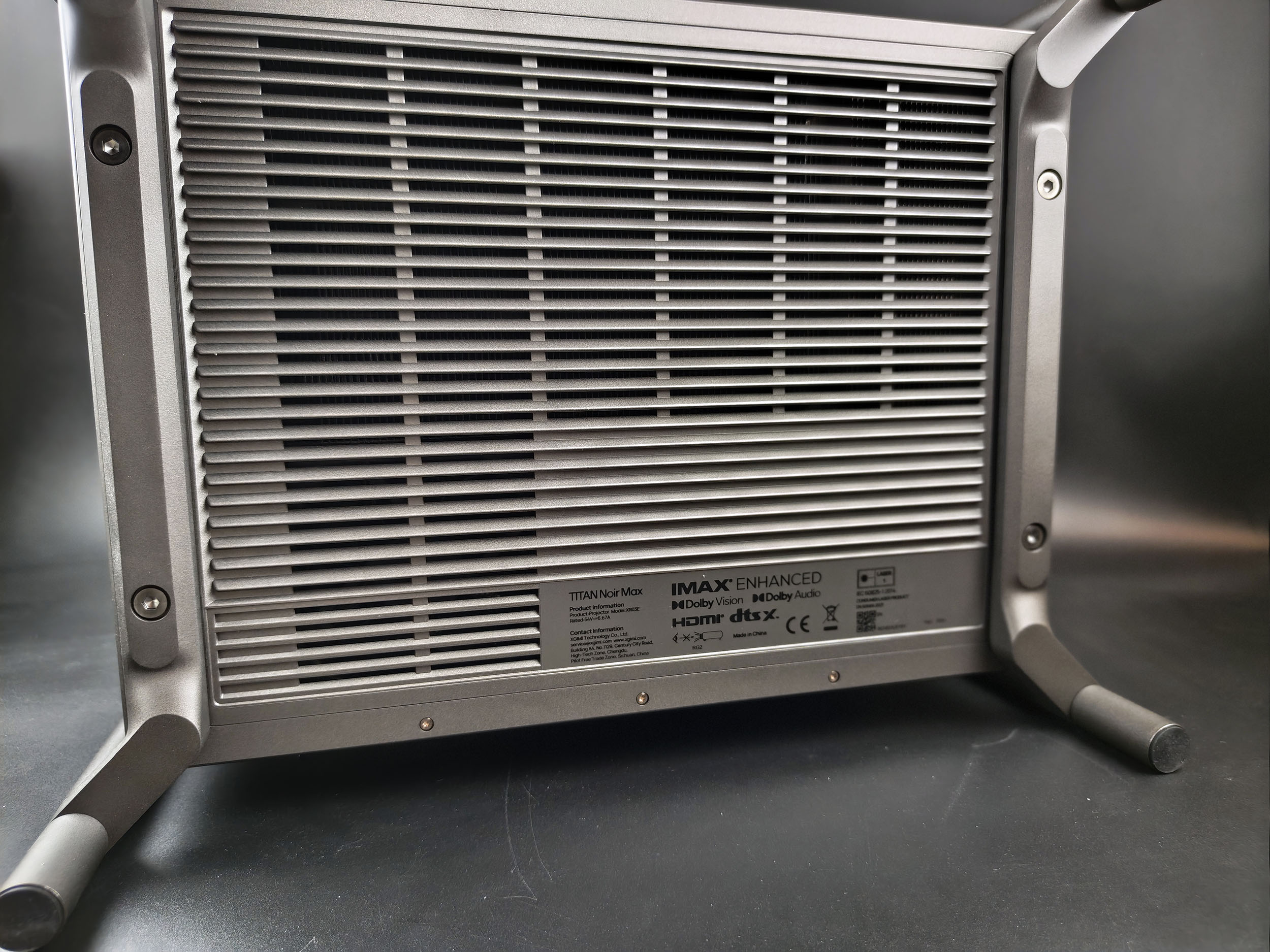
On the underside, there's no tripod support in the center as usual, but I imagine it must be possible to unscrew the feet with a suitable wrench.
Projection room
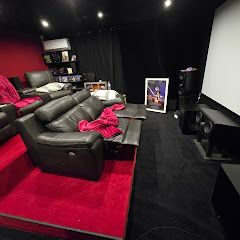
My projection room is rectangular, 4.6m by 2.9m (height 2.2m). I have two projection walls, one white wall 2.9m wide with just white paint with a possible 4m setback. I then have a 133 inch ALR screen on another wall with a possible setback of 2.8m. I mainly use the ALR screen except when the layout or type of projector is not suitable for this situation.Battery autonomy
This projector is not equipped with a battery.Power consumption
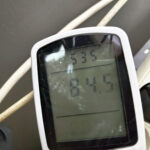
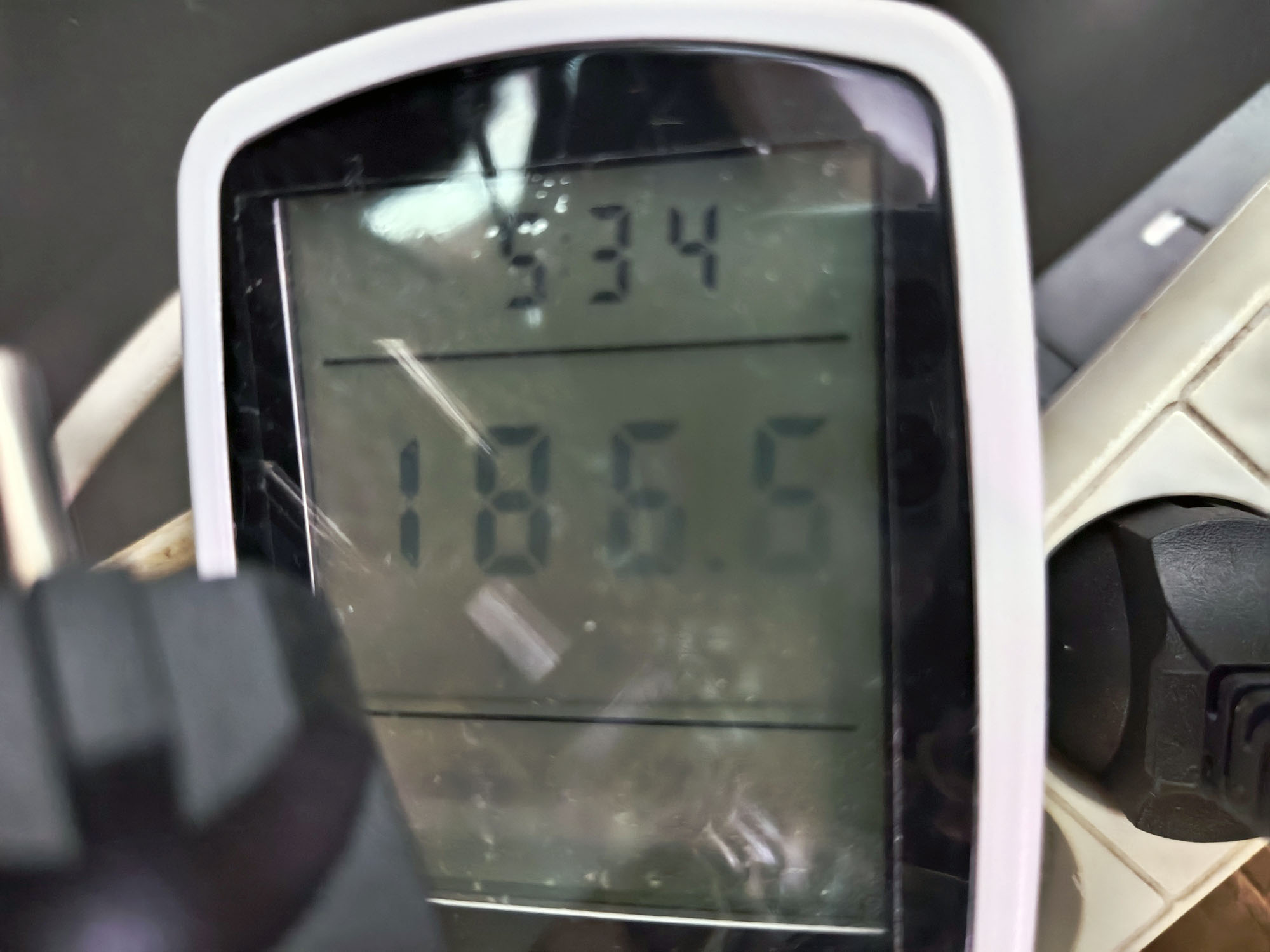
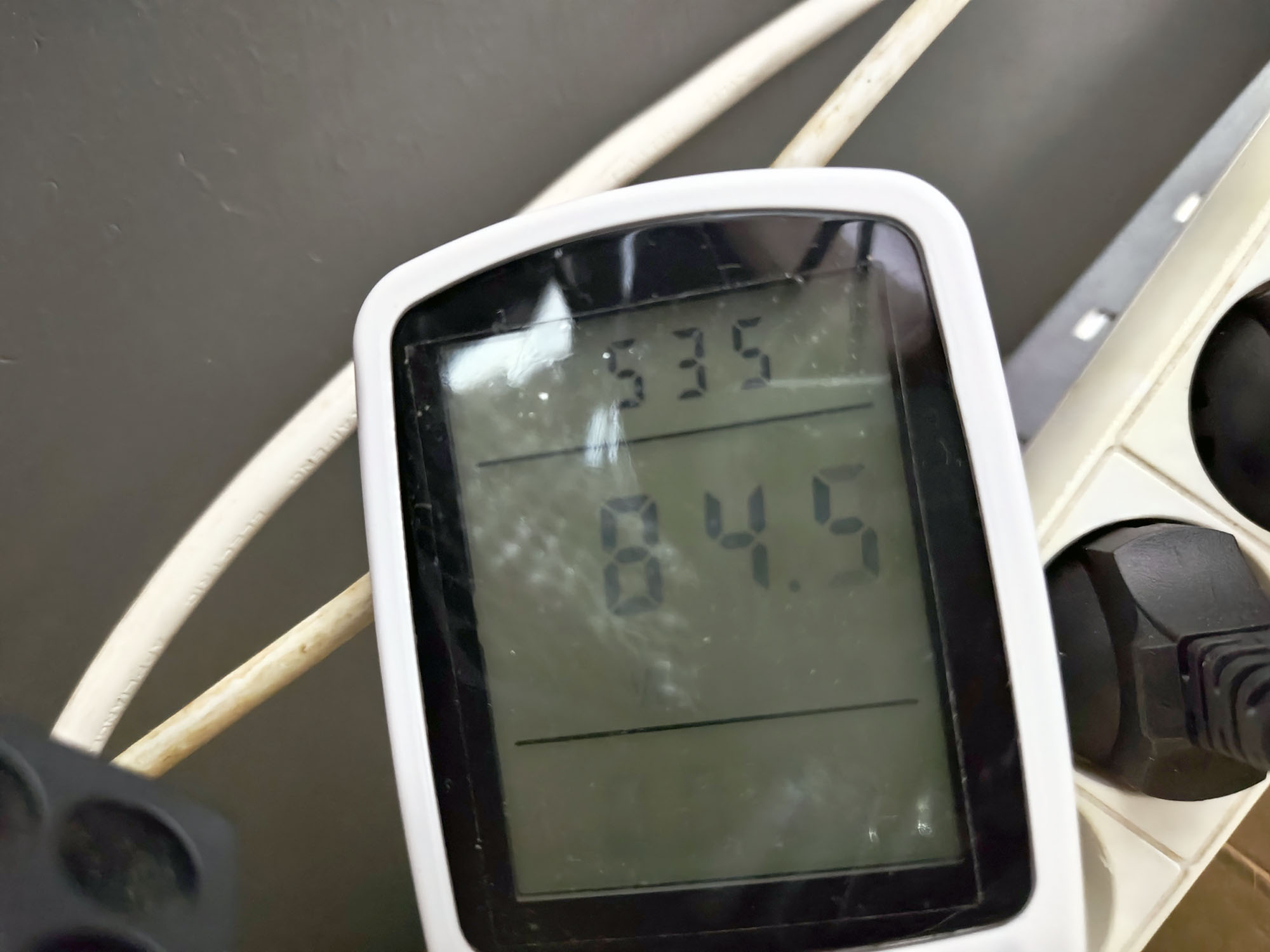
I measured the power consumption of this projector between 2 extremes, with the laser level at 1 on one side and the laser level at 10 on the other. With laser level 1, I obtained a ridiculous power consumption of 84 watts, but I imagine that if you buy a projector of this type, it's not to use it with laser level 1. With laser level 10, I obtained a power consumption of 186 watts. This is very reasonable for the brightness delivered. Power consumption will be higher with the boost/performance mode, but using these settings makes no sense because they will degrade image quality.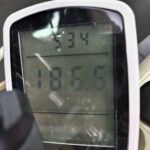
Operating noise
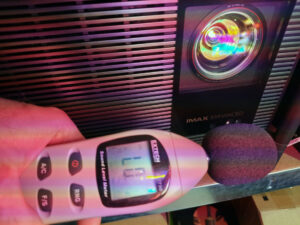
I measured the noise level of this projector by placing the measuring device next to the projector and the noise level was less than 40 db. It's barely audible in most configurations with the laser at 10. On the other hand, in certain brighter configurations, it will be a little noisier, but without exceeding 40 db, unless you use the performance mode, but then again, this mode is useless.
Image quality
Not yet available / testedColorimetry
More explanations on colorimetry
Measuring color fidelity (colorimetry) is not a subjective question, it is something completely measurable. This measurement is carried out with a device (colorimeter, spectrometer, ...) which measures the difference between the real color and the displayed color. This difference is expressed in delta E (abbreviation: dE). A dE greater than 3 indicates a deviation perceptible to the human eye.
The dE must therefore be as low as possible but projectors rarely have a dE lower than 3 out of the box. They are often between 5 and 10, only a calibration can correctly adjust the colors.
For a perfect calibration, you must call a professional. I give you my parameters which correspond to my situation. These settings might work for your situation but it is not a guarantee, so take them as an indication of the direction to follow.
SDR
I tested the fidelity of primary, secondary and white colors to obtain the following (results with version 1.0.99). Measurements were taken with a spectroradiometer (spectral resolution 2 nm) calibrated by a 17025:2018-certified laboratory.
| Configuration | White | Red | Green | Blue | Yellow | Cyan | Magenta | Medium |
|---|---|---|---|---|---|---|---|---|
| Movie | 4,32 | 0,34 | 1,26 | 1,87 | 2,41 | 2,21 | 1,72 | 2,02 |
| Standard | 12,30 | 3,83 | 4,96 | 0,69 | 4,95 | 13,25 | 2,94 | 6,13 |
| Sports | 12,32 | 6,00 | 11,46 | 2,83 | 5,68 | 11,86 | 4,87 | 7,86 |
| Filmmaker | 2,86 | 0,81 | 1,39 | 1,93 | 2,02 | 1,79 | 1,69 | 1,78 |
| ISF Day | 3,09 | 0,75 | 1,34 | 1,74 | 1,99 | 1,82 | 1,75 | 1,78 |
| ISF Night | 3,01 | 0,40 | 1,38 | 1,59 | 0,93 | 1,20 | 1,85 | 1,48 |
With this new series of measurements, it's the ISF Night mode with D65 color temperature that achieves the best result, with a delta E of 1.48. This is the best result I've obtained with factory settings.
The choice of iris has a slight influence on colorimetry, with iris 3 and 4 offering the best color fidelity, especially on white. The above measurements were taken with a 2 iris for ease of use, but irises of 2, 5 or 7 show greater deviation on white.
In most cases, the REC2020 coverage calculation is above 90%, which will ensure very good color coverage for years to come.
HDR
I had obtained too high white values in my previous measurements, for the same reason as mentioned in the previous paragraph. The color temperature settings changed with each configuration change, which had the effect of distorting the white results. The conclusion remains the same as what I had written, but the figures are even better.
| Configuration | White | Red | Green | Blue | Yellow | Cyan | Magenta | Average | REC2020 coverage |
|---|---|---|---|---|---|---|---|---|---|
| Movie | 1,78 | 3,57 | 6,35 | 3,10 | 2,97 | 3,17 | 2,39 | 3,33 | 96,88% |
| Standard | 14,33 | 2,56 | 6,18 | 4,97 | 4,11 | 12,31 | 4,04 | 6,79 | 97,24% |
| Sports | 1,57 | 3,18 | 6,23 | 3,09 | 3,16 | 3,72 | 2,51 | 3,35 | 97,74% |
| Filmmaker | 2,19 | 4,17 | 5,92 | 2,76 | 3,59 | 3,30 | 2,19 | 3,45 | 95,86% |
| ISF Day | 1,93 | 2,67 | 6,28 | 2,82 | 3,24 | 3,33 | 1,88 | 3,16 | 96,30% |
| ISF Night | 1,72 | 2,53 | 6,59 | 3,02 | 3,10 | 3,22 | 2,38 | 3,22 | 98,02% |
To sum up
The colorimetry of this projector is simply excellent right out of the box. The projector offers numerous settings options, but in the end, these will be useless for the vast majority of users. Just choose ISF Night with color temperature D65 and you won't need to change a thing. I advise you to use my calculator in conclusion to set your brightness, because too much brightness will lead to greater color deviation and you'll burn your retina.Image SettingsNot yet available / tested
Brightness
More explanations on brightness
The brightness for a projector is absolutely crucial. The brightness is measured in ANSI lumens and the values provided by the manufacturer are very often higher than reality.
I measure the brightness with a lux meter and I convert my measurements into ANSI lumens in relation to the projection surface. You thus obtain a real value.
A video projector, even if it is bright, cannot compete with a television. The contribution of light (natural or artificial) will have the effect of drastically reducing the contrast of your image. With a brightness lower than 1000 ANSI lumens, the projector must be used in total darkness.
This projector is advertised with a brightness of 7000 ISO lumens, but as usual, this value is only achievable in performance mode, which is absolutely unusable. Here's a summary of my measurements for each configuration, with the corresponding laser levels:
| Configuration | Laser | Iris | Lumens |
|---|---|---|---|
| Standard | 10 | 2 | 4050 |
| Movie | 10 | 2 | 4012 |
| Sports | 10 | 2 | 4037 |
| Film maker | 10 | 2 | 4152 |
| ISF Day | 10 | 2 | 4160 |
| ISF Night | 10 | 2 | 4177 |
| Standard | 1 | 2 | 896 |
| Movie | 1 | 2 | 910 |
| Sports | 1 | 2 | 899 |
| Film maker | 1 | 2 | 937 |
| ISF Day | 1 | 2 | 940 |
| ISF Night | 1 | 2 | 940 |
| ISF Night | 2 | 2 | 1328 |
| ISF Night | 3 | 2 | 1704 |
| ISF Night | 4 | 2 | 2068 |
| ISF Night | 5 | 2 | 2419 |
| ISF Night | 6 | 2 | 2789 |
| ISF Night | 7 | 2 | 3137 |
| ISF Night | 8 | 2 | 3485 |
| ISF Night | 9 | 2 | 3825 |
| ISF Night | boost | 2 | 5298 |
| ISF Night | 10 | 3 | 3762 |
| ISF Night | 10 | 4 | 2801 |
| ISF Night | 10 | 5.5 | 1609 |
| ISF Night | 10 | 7 | 591 |
| ISF Night | 10 | Dynamic | 2962 |
As I explained in my comparison of the Horizon 20 range, aiming for the brightest projector is not a good idea, as you risk ending up with an image that's too aggressive for the eyes. In that case, you should lower the laser level, but why buy such a bright model when perhaps the one below it would be more than sufficient?
With 4000 lumens, you can aim at a screen of over 200 inches in the dark. If you have a 120-inch screen in the dark and a neutral white screen, you'll probably have to lower the laser level a bit. I will update my size calculator for this projector as soon as possible. This will help you make the right choice.
If you plan to use the projector in a brightly lit room, brightness is obviously very important, but don't lose sight of the fact that the black value will increase and you'll lose a lot of contrast. A projector is not like a television.
Sharpness
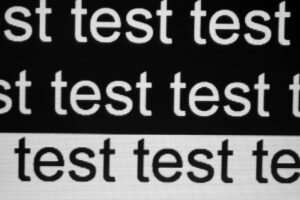
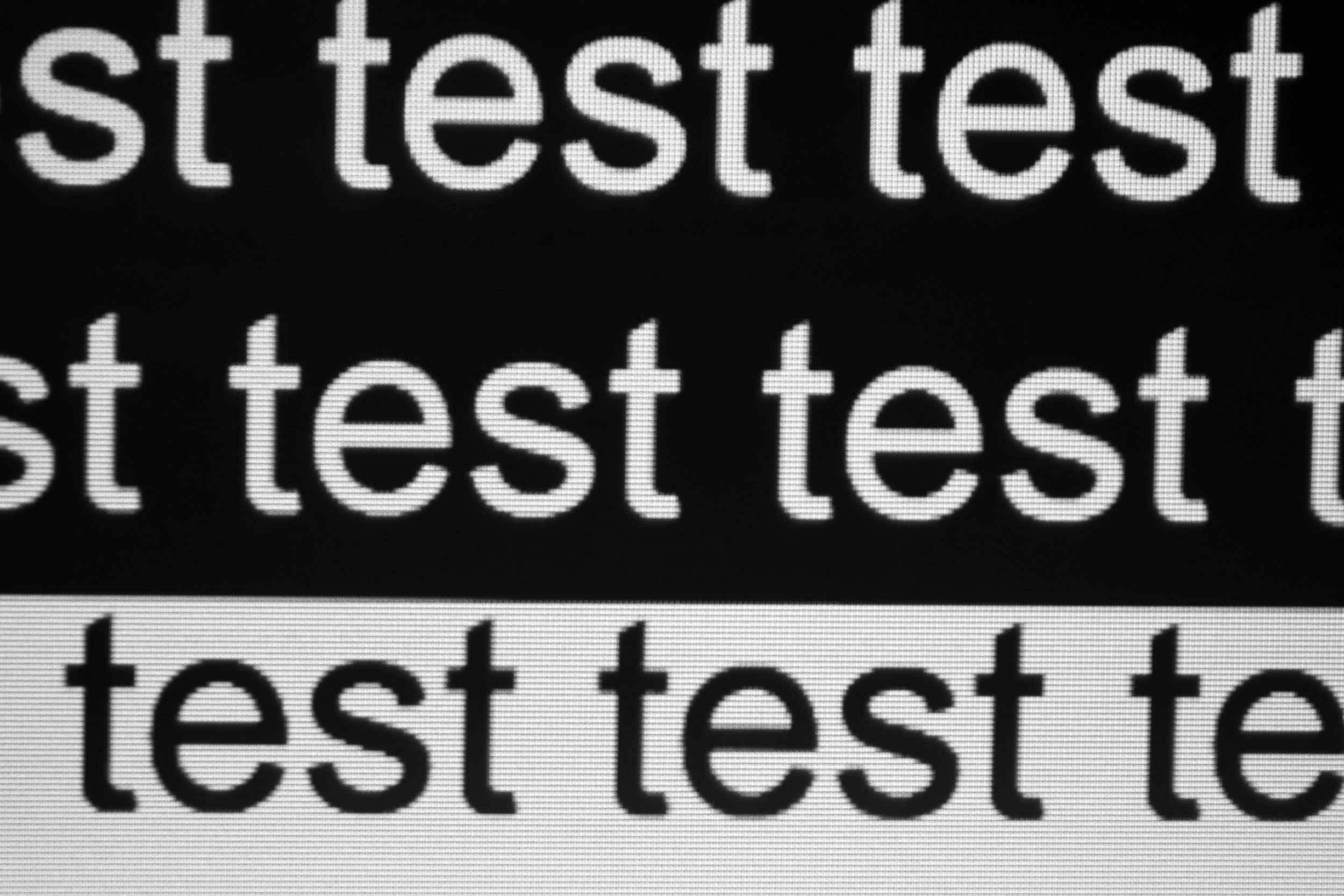
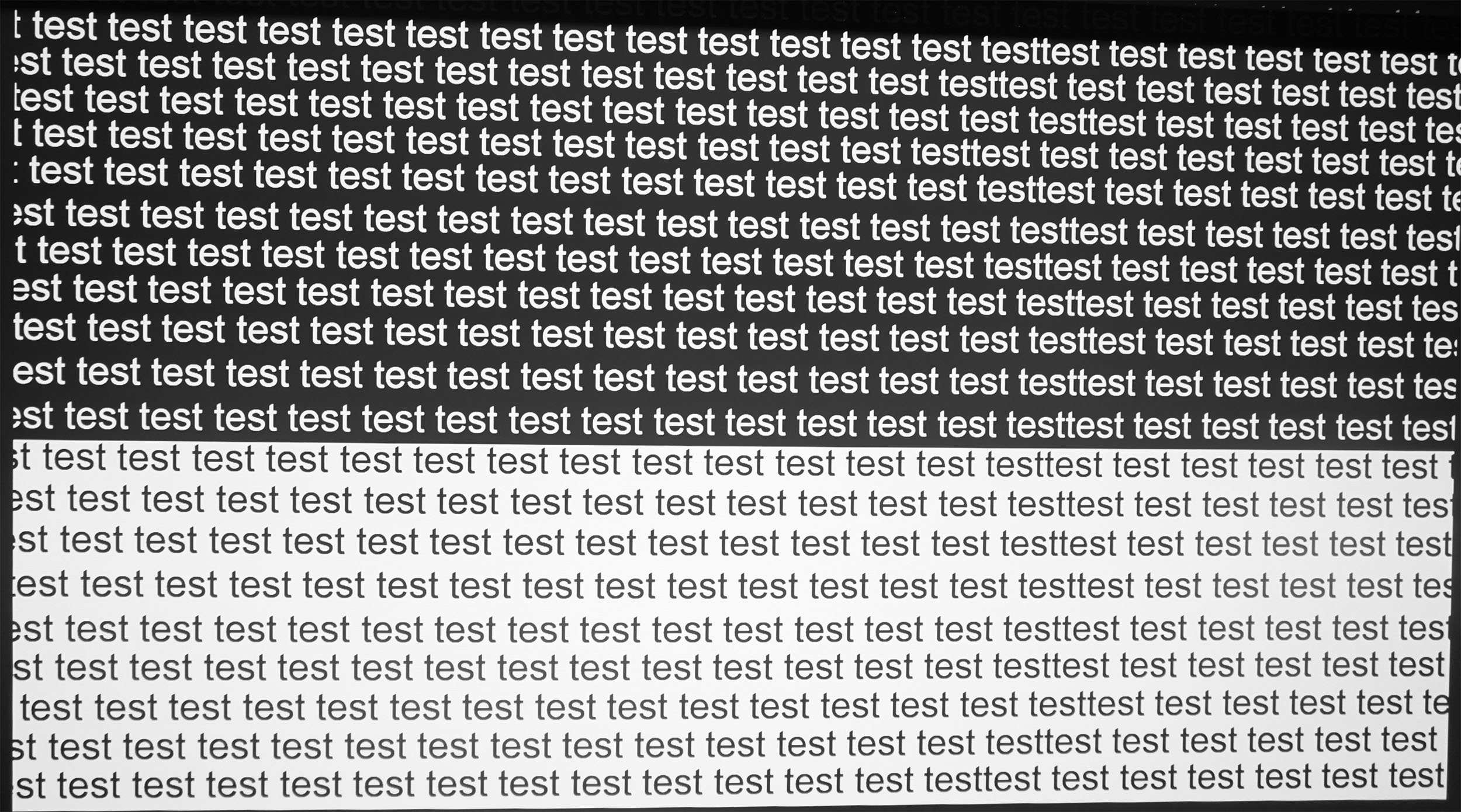
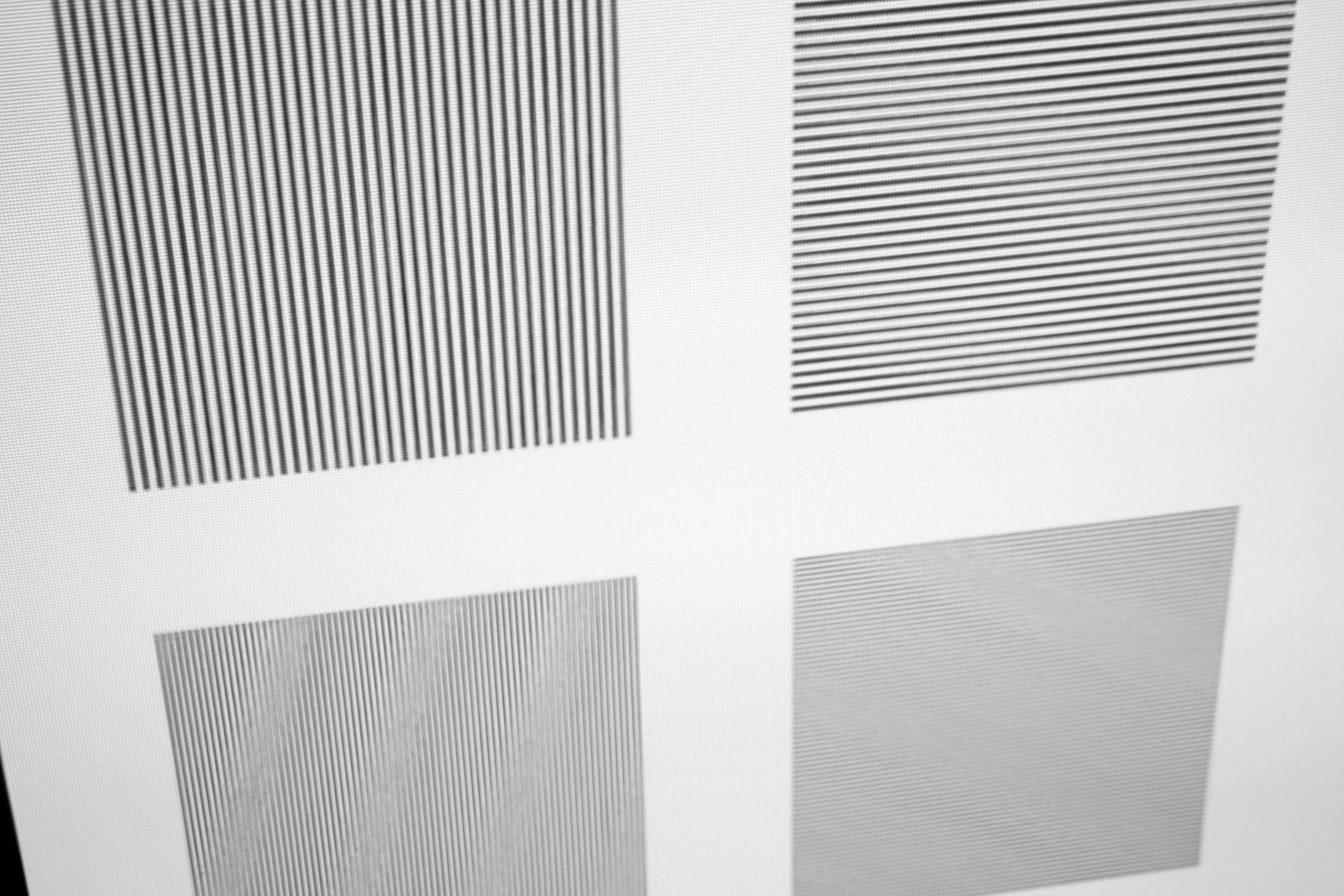
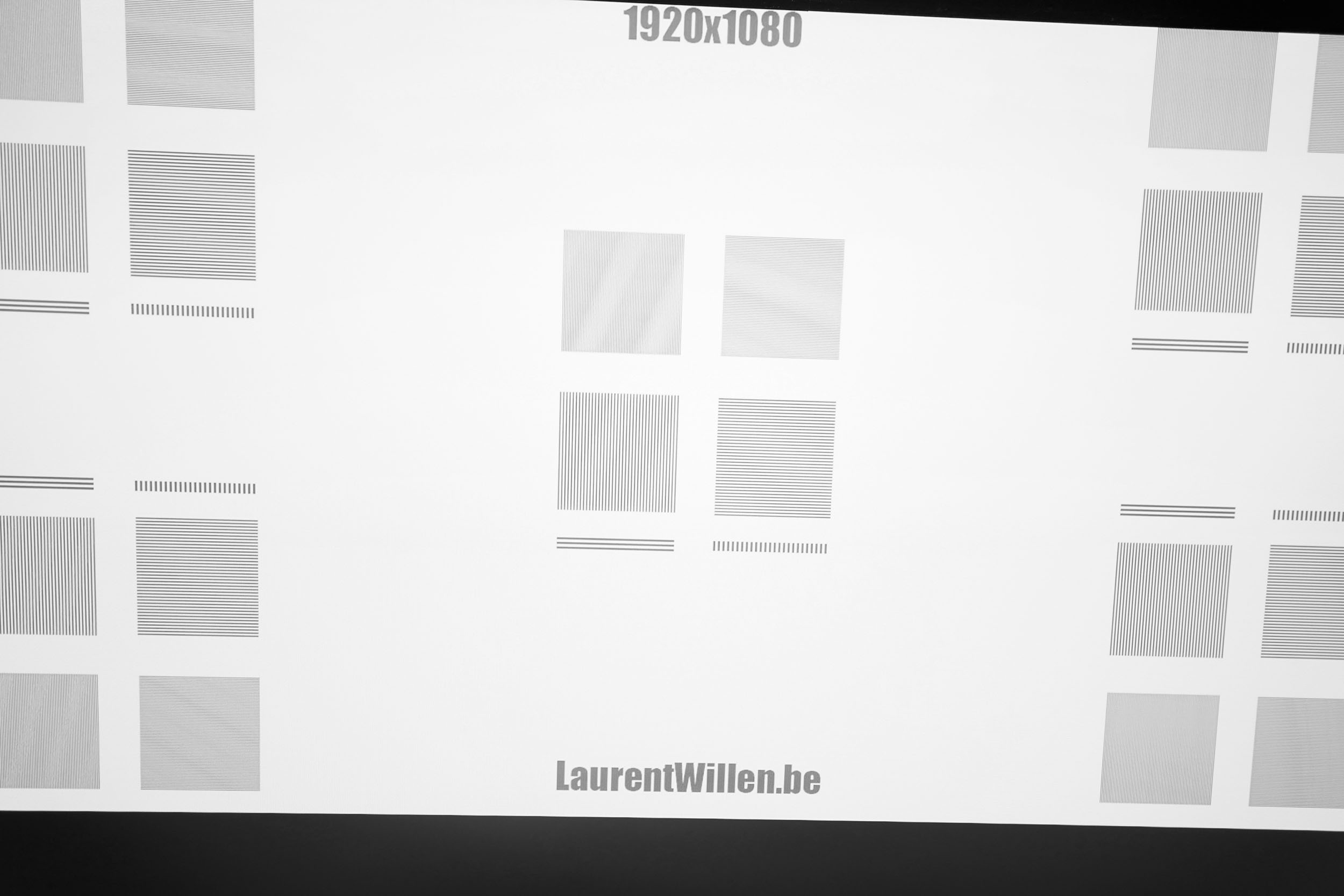
The XGIMI Titan Noir Max uses the same optical unit as the XGIMI Horizon 20 Max, once again the X-Master Red Ring Lens, which gave good results on the latter. With the new DMD SST chip, the result is just as good as ever, with sharp lines and absolutely no drooling around text.
In particular, I zoomed in on my test text to the point where you start to see the pixel separation, and the break between black and white is perfectly clear. As I said about the previous generation, this doesn't mean that the other optical blocks are bad, it just means that this block is better. Does this alone justify a purchase of the Max version over the normal version? I'd say no, it should be seen as a bonus, because an untrained eye probably won't notice the difference, and brightness is a much more decisive criterion in choosing a model.Contrast
More explanations on contrast
Contrast (on/off) is used to measure the difference between white and black. This measurement gives an indication of the ability of a projector to produce a good rendering in dark scenes.
A contrast lower than 500:1 should be considered as a very low contrast and the consequence will be especially visible in dark scenes where you will lose details. This is less of a problem for sports, bright films or even cartoons.
A low contrast ratio does not mean that a projector is not usable, you just have to be aware that for films like Aliens, dark scenes will no longer allow you to distinguish details.
The XGIMI Titan Noir Max offers a wide range of settings for enhanced contrast. You can play with brightness by adjusting the laser, but you can also play with the iris to increase contrast without software intervention. There are 6 configurations, 10 laser levels + a boost mode (11 in total) and 6 iris configurations... that's 396 different combinations. Given the time it would take to measure everything and the low interest of the result, I first measured contrast with a single iris configuration in laser 10 and then concentrated on the configuration offering the best color fidelity (ISF night). From this configuration, I tested the different laser levels and contrast levels for each iris.
Here's a summary table of these 59 measurements:
| Configuration | Laser | Iris | Contrast |
|---|---|---|---|
| Standard | 10 | 2 | 1518:1 |
| Movie | 10 | 2 | 1527:1 |
| Sports | 10 | 2 | 1482:1 |
| Film maker | 10 | 2 | 1363:1 |
| ISF Day | 10 | 2 | 1450:1 |
| ISF Night | 10 | 2 | 1437:1 |
| Standard | 1 | 2 | 1473:1 |
| Movie | 1 | 2 | 1509:1 |
| Sports | 1 | 2 | 1471:1 |
| Film maker | 1 | 2 | 1413:1 |
| ISF Day | 1 | 2 | 1441:1 |
| ISF Night | 1 | 2 | 1417:1 |
| ISF Night | 2 | 2 | 1690:1 |
| ISF Night | 3 | 2 | 1677:1 |
| ISF Night | 4 | 2 | 1663:1 |
| ISF Night | 5 | 2 | 1629:1 |
| ISF Night | 6 | 2 | 1626:1 |
| ISF Night | 7 | 2 | 1620:1 |
| ISF Night | 8 | 2 | 1629:1 |
| ISF Night | 9 | 2 | 1627:1 |
| ISF Night | 10 | 3 | 2707:1 |
| ISF Night | 10 | 4 | 3641:1 |
| ISF Night | 10 | 5.5 | 5069:1 |
| ISF Night | 10 | 7 | 4800:1 |
| ISF Night | 10 | Dynamic | 3718:1 |
It's a high-level performance, but it's also important to understand what these figures mean. The iris works with an inverted mechanism between brightness and contrast. This means that if you use an iris at 7, brightness also takes a dive in the other direction. This isn't very practical if you want to use this projector on a large projection surface, because with an iris setting of 7 you may not get enough brightness.
I detail the impact of brightness in the brightness section to better explain what it means for your image size.
To illustrate this, I'm going to use the usual scene from the Batman movie, with one shot taken in daylight and another in total darkness, each time with a white or alr screen. Don't pay too much attention to the colors, I forgot to set my camera to the right configuration. Look instead at the legibility of the image. All the photos were taken with the same exposure level, so it's normal for the ALR screen to produce a darker image. I used the iris setting on 2.
White / night screen
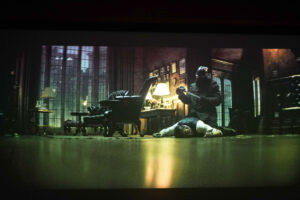
This type of screen is perfectly suited to this type of projector, provided it is used in the dark. The projector's good contrast makes this kind of scene perfectly legible.
White screen / daylight
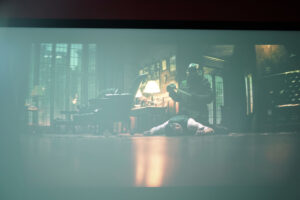
In bright light, this type of screen has serious limitations: even if the image is still visible, it will be very washed-out, with poor contrast despite the projector's high brightness
ALR screen / night
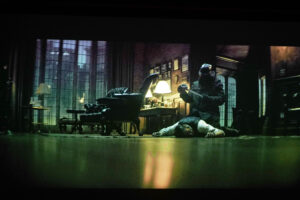
Here, the image will be darker than with a white screen, but this is not a problem as the projector is so bright that you may lose brightness, but gain depth of black. The gain in contrast can be over 20% with a good screen.
ALR / day screen
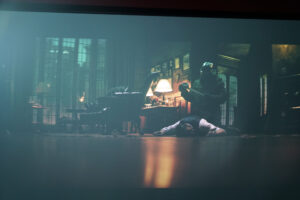
Although the image is visible, use in a very bright room will always be a problem for contrast. The lighting in the room will turn the black into gray, and so we lose depth here, even if it's still watchable.
Dynamic contrast
This projector features three types of dynamic contrast:
- dynamic contrast (simple)
- iA dynamic contrast
- black-focused dynamic contrast (DBLE)
This test is by far the longest I've had the opportunity to do, as it involves crossing several parameters (5 iris levels, 10 brightness levels, 3 additional contrast settings). To measure contrast, I'm forced to use black and white, so I can't measure what's happening in a film scene, and that's problematic for an AI-based setting because it analyzes the scene live. So I'll take the usual protocol and make a few hypotheses based on figures.
Simple dynamic contrast has almost no impact, I've tested it on all irises and laser levels, the differences are so small that I can't consider this feature to have any impact.
IA dynamic contrast has a slight influence on contrast, but even limiting myself to black and white, I'm measuring a colorimetric drift, which I imagine will be even greater on an animated sequence.
Dynamic contrast on black (DBLE) undoubtedly has the greatest impact, but it doesn't have an equal impact on all iris levels... as if things weren't already complicated enough to test, you have to take iris into account here. The good news is that I obtained a contrast of 9367:1 using iris 3 and laser 10. This is a very interesting result, because with iris 3, you still don't lose too much luminosity.
My results for the other irises are a bit messy, and may change again as my measurements in version 1.0.99 are different from the previous version. I've discovered a few anomalies which I've submitted to XGIMI so that they can take them into account for the next version. The DBLE works very well, I don't see any image jumps. If I analyze the color deviation on white, it's very low, and that's a great novelty too. To be confirmed in the final firmware version, but it's a big leap forward compared with the Horizon 20 series.
After installing firmware version 1.2.36, I’ve noticed a massive improvement in dynamic contrast—to such an extent that the black level is almost impossible to measure. I’m now getting a contrast ratio of over 80,000:1 with the iris set to 2! This is by far the projector with the highest contrast ratio I’ve ever had the chance to test, and unfortunately I can no longer measure the contrast from iris setting 3 onwards. The native contrast is already very good to begin with, but with dynamic contrast and DBLE, we’re reaching a level rarely achieved. Dynamic contrast is a software trick, so it involves image manipulation, but this version works well, unlike the previous generation. There’s no significant colour shift; I just sometimes notice a change in colour temperature and the scene becomes warmer, but not to the point of making you jump out of your seat. The contrast between a bright image and a dark one is stark. I often experience this with transitions to black in series where the room is suddenly plunged into total darkness, a bit like there’s been a power cut.
Motion compensation
More on Motion Compensation (MEMC)
Many projectors use a frequency of 60 Hz, which means that they broadcast 60 frames per second. Many films were designed to broadcast 24 frames per second. This means that for each second, the film does not have enough frames to fill the 60 frames broadcast by the projector.
This most often results in a jerkiness in the image. Some projectors are able to attenuate this jerkiness with a motion compensation system (also called MEMC). If you abuse this compensation, you will get what is called the 'soap opera' effect which makes the image a little artificial like the TV series of the 80s.
As usual, this projector is equipped with a 3-level motion smoothing system, which works just as well as on previous generations.
Anti RBE / Rainbow
I'm lucky enough not to be sensitive to the AEC / RBE Rainbow effect, but with the number of messages I've received on this subject in recent months, I realize that it's something important for many people. This projector is the first from XGIMI to incorporate a function to reduce the rainbow effect, but as I'm not sensitive to it, I don't really see any difference. On the other hand, if I film a fast-moving white square, I see a color spillover that could indicate a rainbow effect, and if I activate the anti RBE mode, this color spillover disappears. I'll include a short demo in my video test.
Image size and projection distance
More explanations on the projection distance
The projection distance determines the size of the image and the size of the image is determined by the projector's throw ratio. If a projector has a throw ratio of 1.2, it will have an image width of 83 cm with possibly a gray border.
The distance also plays a role in the brightness because the brightness decreases with the square of the distance. A projector placed at 4 meters will therefore lose 4 times more brightness than a projector placed at 2 meters.
Keystone image correction does not modify the projection cone, it resizes the image inside the projection cone. This means that in the event of a significant correction, you will see a large gray border appear around your image.
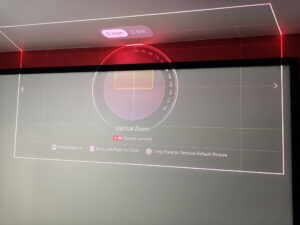
This projector is a true Swiss Army knife. The Horizon 20 range had already brought its share of innovations with a lens shift and optical zoom, and the Titan Noir range takes the same basics and improves on them in every respect. First of all, there's the optical zoom, which offers a range of 0.98 to 2, generating an image of 102 to 50 cm per meter of distance, whereas the Horizon 20s offered a projection ratio of between 1.2 and 1.5. This zoom offers considerable latitude in terms of positioning, and is particularly well-suited to rooms with little or no recoil. With a 2-metre set-back, you get an image 204 cm wide at minimum zoom. With a 4-meter set-back, you'll get an image 200 cm wide at maximum zoom.
Flexibility doesn't stop there: with lens shift, you can also shift the lens on the horizontal axis by 130° and on the vertical axis by 50°. The Horizon 20 range offered 120° horizontal and 45° vertical, which was already very good, but the Titan Black does even better.
It's also worth noting that the bottom of the image corresponds to the bottom of the optical compartment, and that thanks to the vertical lens shift, you can place the projector in either the low or high position without having to turn it upside down.
I used to recommend ultra-short-throw projectors to get a big image fairly easily, but with the placement flexibility of this projector, I'd be inclined to recommend this type of projector instead.
Screen choice
The choice of screen is quite essential for a projector of this type. Although technically a screen isn't really necessary, I'd find it a shame not to take advantage of this projector's excellent colorimetry. Using a white wall will work, but why invest in such a projector if not to take advantage of its colorimetry? The impact on the light and texture of the wall will also play a role.Does this mean you need to invest a lot of money in a screen? No, I'm not a purist. I use an inexpensive screen with a gain of 0.96 and a slight green drift. The value for money is unbeatable. If you have the means (and the inclination), you can always invest in a neutral screen from Lumène or Celexon; it's not the same budget, but it's top-of-the-range.
The white screen is suitable for dark rooms, as the black level will be higher than with an ALR screen, but the brightness is so high that you probably won't notice that the black isn't perfectly black. In a brightly lit room, however, this type of screen should be avoided at all costs, as it will send light in all directions and your image will be completely washed out. I also don't recommend using a screen with a gain greater than 1, as it's useless with such a bright projector.
The ALR screen is suitable for reducing the impact of light in a bright room, but can also be used in a dark room to obtain a deeper black. There aren't many ALR screens specifically for long focal lengths, but with such a high level of brightness, you might consider an ALR screen designed for ultra-short focal lengths. You'll lose up to 50% brightness, but unless you're aiming for 180 inches, this won't be a problem.
Laser speckle
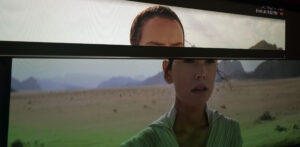
Using a triple-laser projector like this one in combination with an ALR screen can lead to speckle. I tested this projector on 2 NothingProjector UST screens and didn't notice any speckle. I concentrated hard to find any trace of speckle, but I didn't see any. So the presence of speckle will very much depend on the quality of the screen. I've yet to test a third screen, so I'll post the results after I've done my colorimetry tests.
In this image, I've projected a scene from a Star Wars movie where I've already seen speckle with other projectors, but here, as you can see, you can't see any at all.
Audio quality
More explanations on audio quality
I use several types of music tracks to illustrate the sound quality of the projector but the rendering will always be limited by the recording device. Since I always use the same device, you will be able to compare the difference on the same basis.
I regularly use well-known songs protected by copyright to illustrate the sound quality of a video projector. It therefore sometimes happens that YouTube decides to block my videos for these reasons. In this case, you can listen to the soundtracks directly on YouTube and hope that YouTube has not completely blocked my channel.
The XGIMI Titan Noir Max (and others in the same range) is equipped with 2 Harman Kardon 12-watt speakers. This is the same equipment as on the Horizon 20 and Horizon S range, so the sound is of good quality. I just noticed a slightly more pronounced echo effect, but this is no doubt due to the location of the projector, which I had placed in a spot just a little larger than the projector, so the sound doesn't have a chance to escape freely. I'm going to make a recording of the sound for the video test when it becomes available, but the tonality of the sound seems very similar to what I've already heard from XGIMI.
Video games
More explanations video games
To be able to play in good conditions with a projector, the latency must be low. Latency is the reaction time between pressing a button on your controller and the reaction on the screen, this latency is expressed in milliseconds and is also called 'input lag'.
I measure this latency with a specialized device. To be able to play fast-paced FPS-type games online, you need to obtain a latency of less than 30 ms. For games where the reaction time is less important, a latency of less than 100ms should be suitable for most situations.
I generally test ShadowRunner from Geforce Now on my Nvidia Shield except when this is not possible. I'm not used to playing with a controller, so I'm not very good at it, but the point is to show the projector's ability, not mine.
The Horizon 20 series had already established itself as a leader in the gaming market, with ultra-low latency, variable refresh rate and higher frequency. The Titan Noir series takes up the same basics, with 1 ms latency, VRR (variable refresh rate) and frequency up to 240 Hz in 1080p. Why change a winning team? The Titan Noir range will also position itself as a leader in the gaming segment, with exactly the same specifications as the Horizon 20 range.
I'm not a games console expert, so I don't know if there's a games console out there capable of fully exploiting this capability. I have an XBOX Series X that can go up to 120 Hz, but I don't have anything better at home. I think that with a gamer PC, it's possible to go up to 240 Hz, but I don't have that kind of machine to check.
I'd add a mini video sequence for gaming in my video, but I'm not going to dwell on it because it's systematically the least-read/watched section of my tests. If you're a hardcore gamer, the Horizon 20 range is already quite suitable, and it's once again the need for brightness that will define which projector to choose rather than its ability to give a good gaming experience.
Encoutered bugs
When Anti RBE mode is engaged, the image will become much noisier. I've reported the problem to XGIMI.When I'm using an XBOX Series X and a game is running in Dolby Vision, I find myself in a loop between picture mode and game mode. If I want to change the picture mode, the projector tells me I can't change it because I'm in game mode, and when I try to disable game mode, it tells me I can't change it because I'm in Dolby Vision mode. Problem also reported to XGIMI.
I noticed some jumps in the configuration, which won't have any impact on you if you keep the same image configuration, but in my case it was quite annoying because these changes aren't visible and then after doing X measurements, I realize I can start all over again because the settings have changed.
So nothing really critical, but I'll share my experience with you.
ALR/CLR Projection screen
Are you looking for a good ALR/CLR screen for your projector? I may have what you need:ALR/CLR NothingProjector Screen
Test / Review conclusion
I haven't finished my test yet, as I need to do my colorimetry measurements, but I'm already publishing a first conclusion, as the Kickstarter campaign has started, so I'm giving you a first opinion to steer you towards the right choice. According to my first observations, the colorimetry will be good, so don't worry about it.I'd simplistically say that this is an excellent projector, and that the price offered via the Kickstarter campaign makes it ultra-competitive. That's an ultra-simplistic but perfectly correct summary. Where I'd like to add a nuance is in relation to your needs and expectations. Image size and ambient brightness will play a crucial role, and these two factors will determine whether you opt for this model or another XGIMI model.
Update 13/05:
I've added my colorimetry and contrast results. Colorimetry is excellent, and you ideally need to position yourself on iris 3 to get the best white. Contrast is also excellent, but it's on dynamic contrast (DBLE) that I see the biggest improvement, with a contrast of 9367:1 with iris 3 again. With version 1.0.99, iris 3 with dynamic contrast seems to be the best compromise on all levels. It was different in the previous version, so this conclusion could change again with one of the next versions. I'm sorry I'm not quicker, but re-testing a projector of this type is extremely time-consuming and I have other products to test in parallel.
I had developed a little calculation tool for the Horizon 20 range comparison and quickly added my measurement results for the XGIMI Titan Black:
Simply choose your projection distance and I'll show you whether the resulting image size will result in a sufficiently bright image. Ideally, you should have green squares; orange is probably tolerable, but red is to be avoided just as much as white, because then you'll have too much brightness. My calculations are based on actual measurements (ISF night mode) and not on theoretical specifications. You could make up a little luminosity with the other configurations, but they're less color-faithful.
As you play with the table, you'll realize that choosing a projector is not an easy choice, and even less so with this one, because the iris changes everything. I'm going to try and summarize this with a few examples, but as I can't cover all cases, you'll have to play with the calculator or ask me a question if it's not clear.
Iris 2 / Total darkness:
This projector is a good choice from 160 inches upwards, because below this size you'll have to reduce the brightness so much that it would be preferable to get a less bright model (the Pro or basic version). I'm going to assume that you need to use at least the 5 laser to justify buying this model.
Minimum recommended size: 160 inches
Maximum recommended size: 231 inches
Iris 4 / Total darkness:
Minimum recommended size: 129 inches
Recommended maximum size: 189 inches
Iris 5.5 / Total darkness:
Minimum recommended size 101 inches
Maximum recommended size: 143 inches
Iris 7 / Total darkness:
Minimum recommended size 60 inches
Recommended maximum size: 87 inches
What this series of figures shows is that if you want the best contrast, you need to choose a higher iris level, which will greatly reduce brightness. Iris 7 is the best for contrast, but it's not bright enough for a large screen size.
You can use the table to calculate the same values with ambient light or daylight. As I can't measure the amount of light in your room, these values are based on averages. Use in a bright room means you'll have to choose an ALR screen (and therefore select this type of screen in the calculator).
You'll soon realize that this greatly reduces the possible screen size. To avoid disappointing you, I'd add that a projector, even a bright one, will always lose contrast when there's ambient light. So if you were hoping to match the experience of a TV, you're going to be disappointed, because yes, you'll get a huge image, but the blacks won't be black like on a TV. So it's up to you to decide whether this is acceptable. I prefer to be very transparent about this type of use, because I really do see anything and everything on YouTube
This projector lives up to its name: it's a brightness and contrast monster, but you need to understand how it works to master it. The balance between contrast and brightness will determine your image size. As for the rest, it ticks all the boxes, but I'll come back to these points in more detail when I've finished my test.
At this price, it's an opportunity not to be missed. Just remember to calculate your screen size when choosing between the basic model, the pro and the max.
If this projector is too bright for you, check out my Horizon 20 series comparison to find the one that's right for you:
XGIMI Horizon 20 comparison
Update 26/06/09:
With version 1.2.36, the XGIMI Titan Black Max takes contrast to a whole new level, with Dynamic Contrast and DBLE now working properly. The contrast is so high that I can’t even measure it anymore!
Strengths
Color accuracy
Brightness
Massive dynamic contrast
Dynamic contrast that works
Audio quality
Gaming experience
Operating noise
Surgical image sharpness
Power consumption
Number of available settings
Effective smoothing
Anti-rainbow functionality
Weaknesses
Bulky and heavy
Huge power supply
The best contrast isn't available out of the box; you have to tweak the settings (e.g., Iris 3 with DBLE or Iris 5 in native contrast)
Slight color shift with dynamic contrast, especially noticeable on reds and subtitles
24p mode not yet functional (scheduled for late June)


















Commentaires (88)