




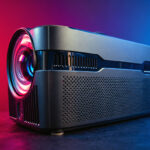
So why did I agree to test the Magcubic HY450C? There are several reasons. I had warned Magcubic that my test might be rather critical of the projector's qualities, but they accepted anyway, which is rather brave. To ensure that this test was not totally useless, I asked them if they would be willing to offer three projectors to my visitors, and they agreed. So I'm going to give away my test projector and two other copies, which Magcubic will send directly to my visitors as a reward. To win one of the projectors, all you have to do is enter the competition, which I'll publish when the video is ready (by the end of May)
There's another reason why I chose this model over another in their range: its focal length. This is the first time I've been able to test an entry-level projector with a short focal length. This means you can get a large image size with very little recoil.
Video test and competition
Contest until June 15, 2026: enter now!If you missed the competition and would like to buy this projector, here are the links to get a discount on this projector and all the others in the MagCubic range:
To activate the coupon code of your choice, simply click on one of the following links. You will be redirected to the Magcubic home page, but the coupon code will appear in your shopping cart.
18% discount for purchases of €50 or more
22% discount for purchases of €100 or more (valid for this projector)
27% discount for purchases of 200€ or more
Then simply choose the projector of your choice and you'll see the discount appear in your basket. These coupon codes are 100% official. The double-link system means you don't have to enter the coupon code yourself.
Magcubic HY450C / Official website
Manufacturer web site: https://www.magcubic.com
Timeline
End of April 2026: the projector arrives just before my vacation.Mid-May 2026: testing can begin. I estimate that it will take me a week to complete the written test. A video will follow and should be published at the end of May. The competition will follow.
Why this projector?
I've already tested many entry-level projectors of this type, and it's not the kind of product I prefer to test, as there's generally nothing new to discover. Entry-level LCD projectors such as those from Magcubic, Blitzwolf, Ultimea or Thundeal are all designed very similarly. The housing changes, the optics are often identical and so is the image rendering. If you've ever searched for this type of projector on Aliexpress, you'll have noticed that they're all oversold with unrealistic brightness and contrast specifications. In the vast majority of cases, these figures are false.Magcubic at least has the honesty to announce more realistic figures for brightness. This projector is advertised at 900 lumens, which strikes me as far more credible than models claiming 9000 lumens or more. Actual brightness will undoubtedly be a little lower, but this already gives a more coherent idea.
This type of projector should be considered as a back-up solution to take with you on vacation, to watch TV just about anywhere, or to keep the kids busy with cartoons. This is not a projector that should be considered for watching HDR movies, as it wasn't designed for that. Instead, this product should be seen as a solution for obtaining a very large image at a price lower than that of a television. However, you'll have to use it in the dark, and accept a somewhat bland color rendering.
If you keep these factors in mind, this projector, sold at less than €200, remains an interesting candidate.
Unpacking
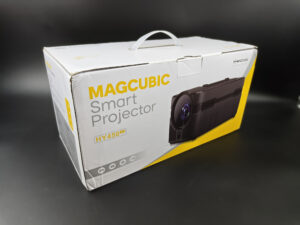
There's nothing special about the Magcubic HY450C box, apart from its format, which is particularly well-suited to transport. The projector isn't very bulky, and its elongated format means it can easily fit into your suitcases. You can also move it easily from one room to another in your home.
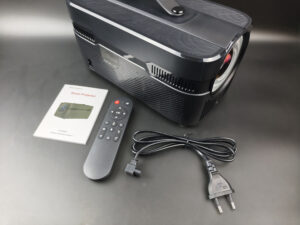
The box contains the projector, a power cable, a manual and a remote control (batteries not included). So there's no big power pack to carry around with you, which is pretty handy. On the other hand, the power cable is really short. It's about a meter long, so you'll always need to stay close to an outlet.
The box contains the bare minimum, but that's to be expected from a projector in this price range. After all, some top-of-the-range models don't do much better.
Operating system
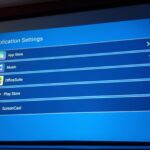
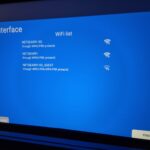
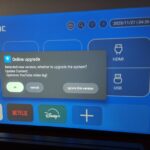
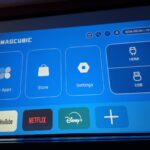
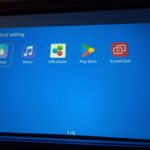
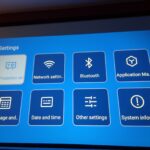
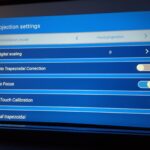
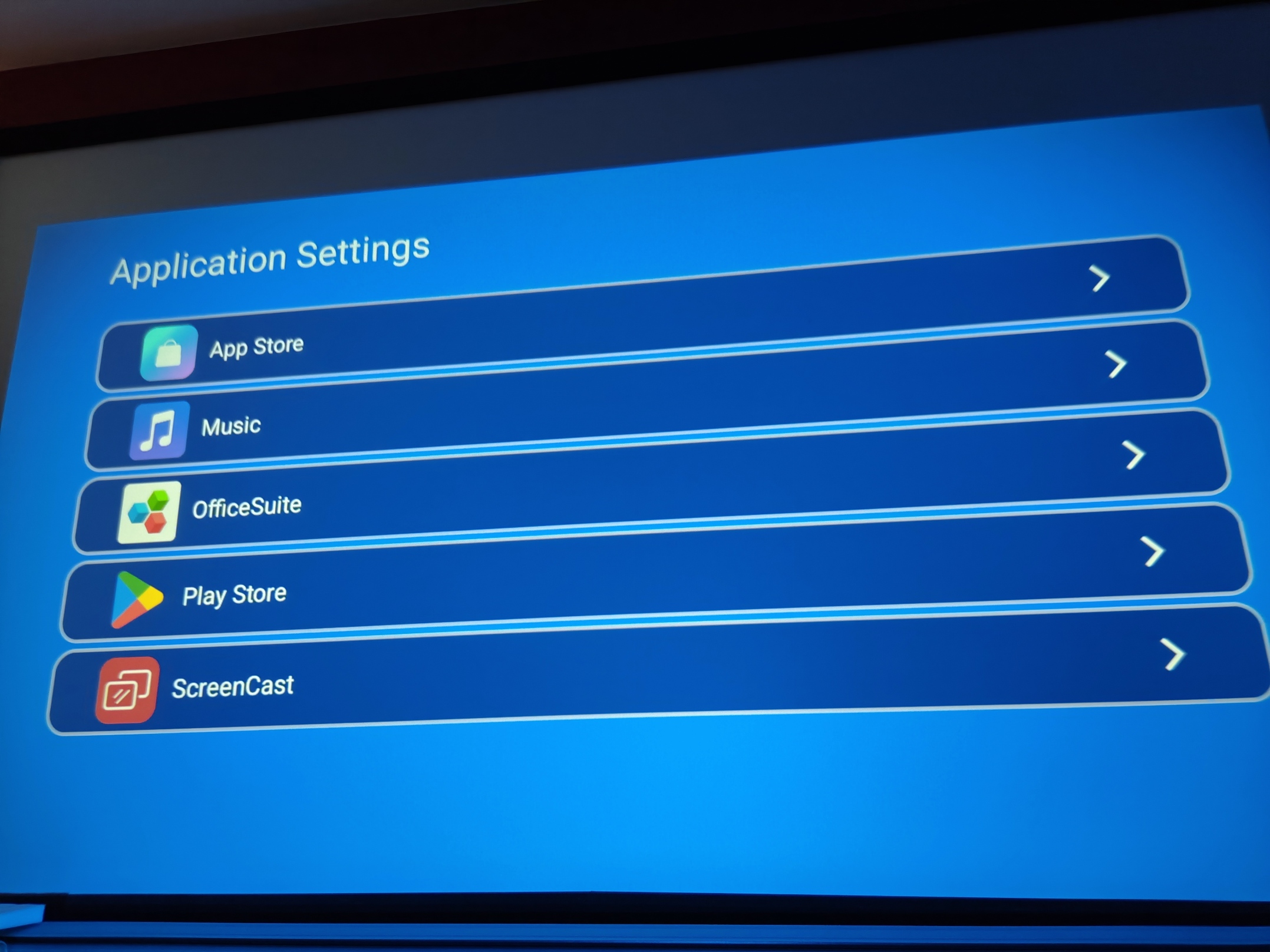
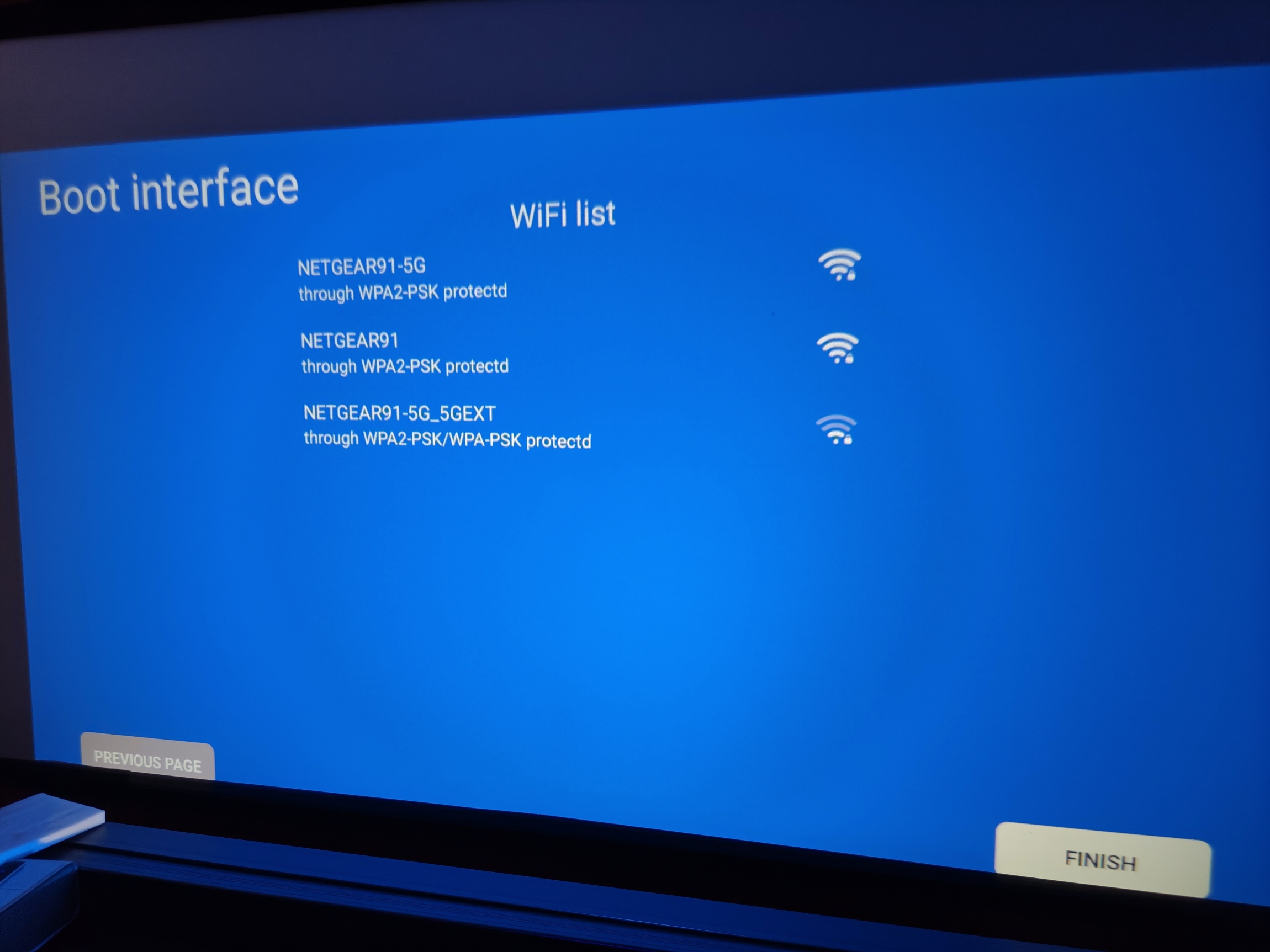
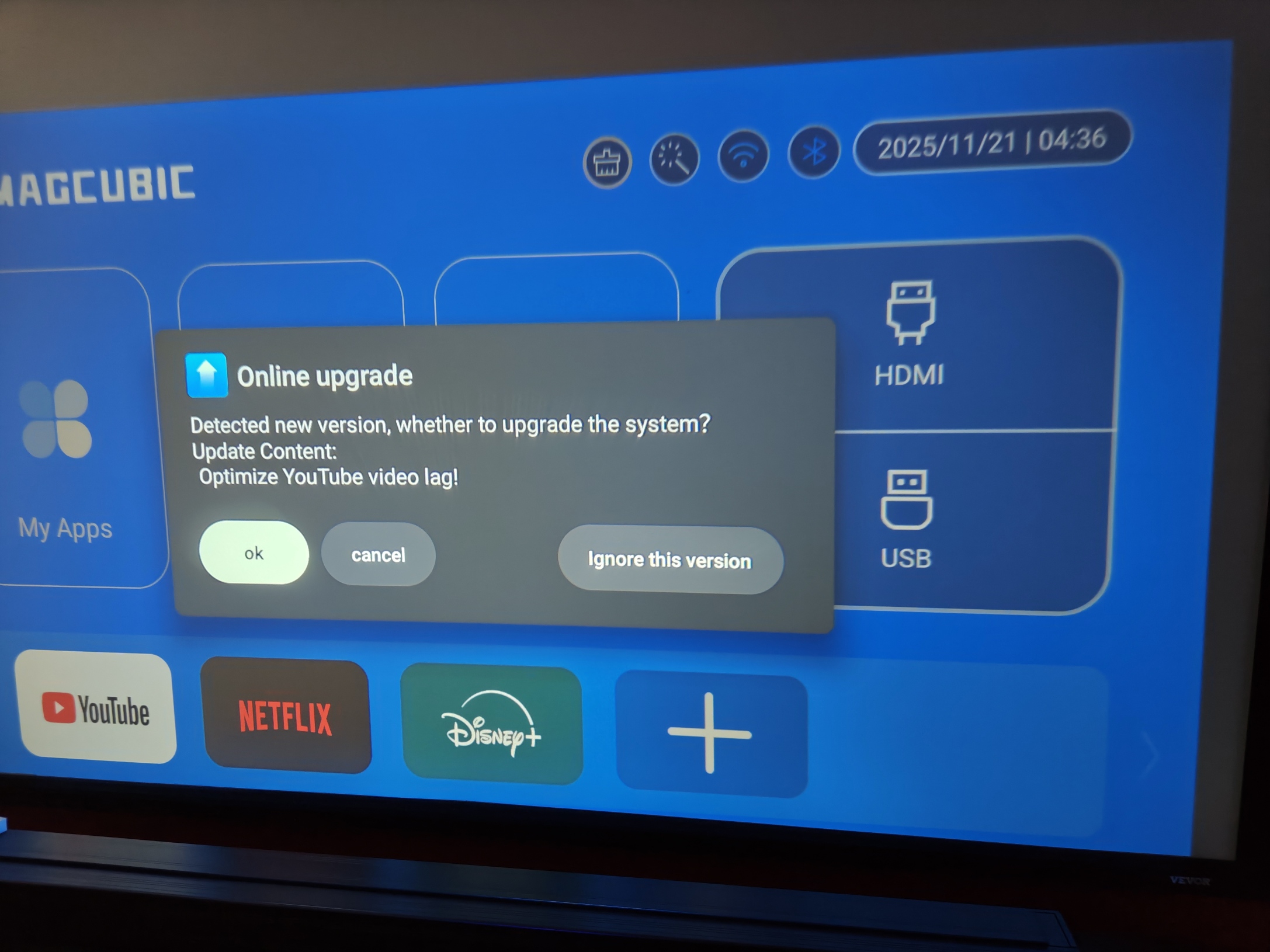
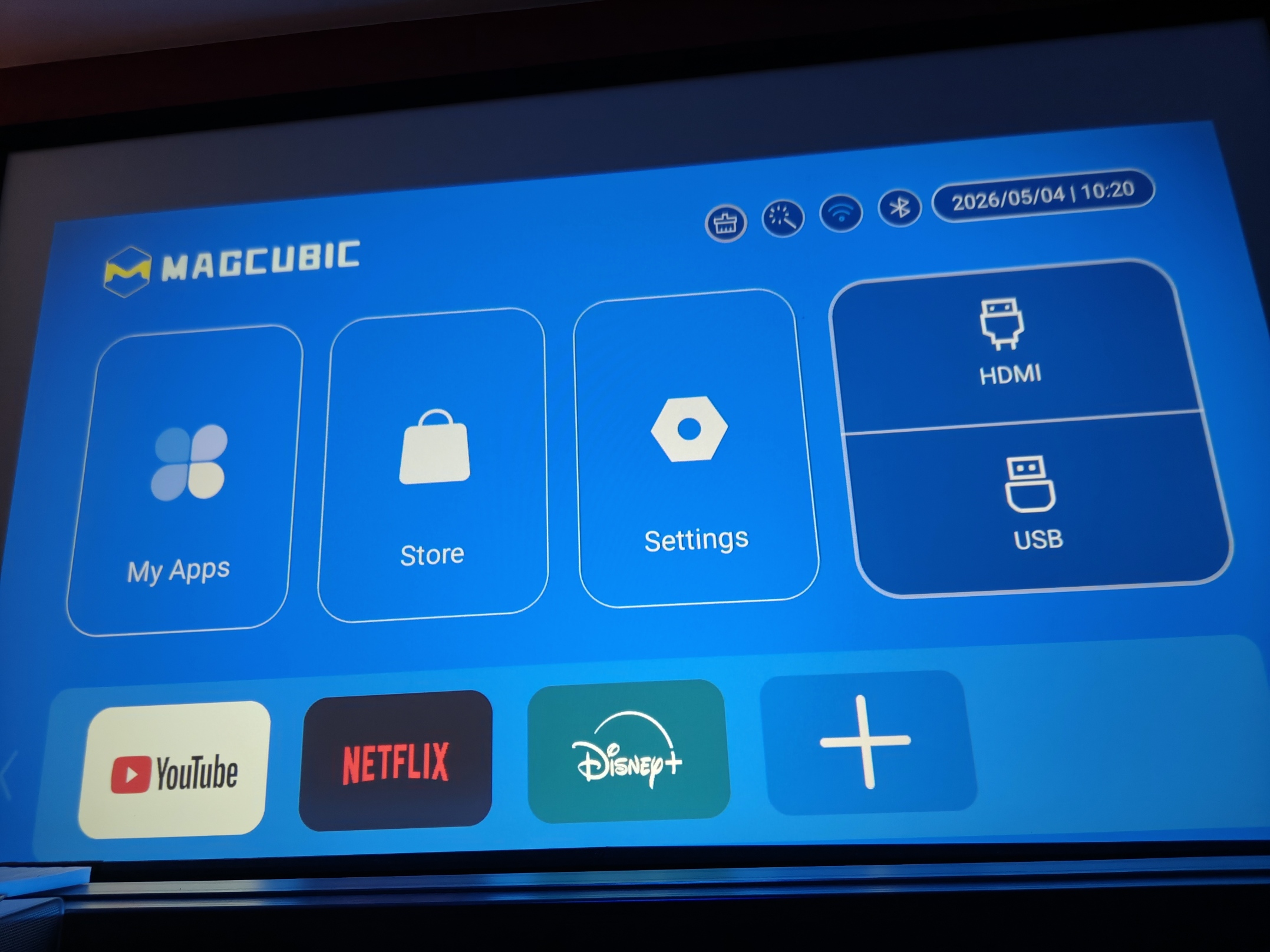
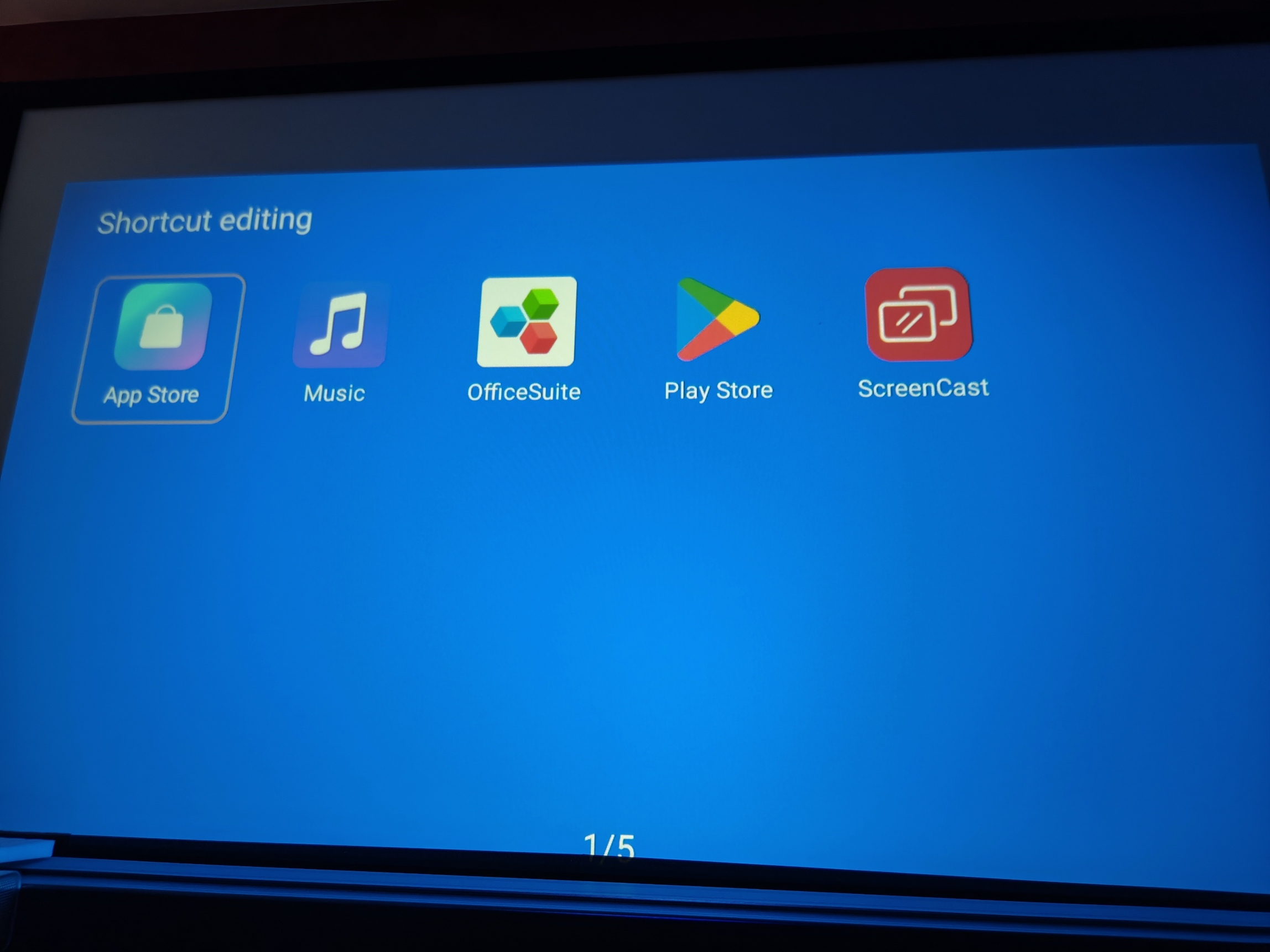
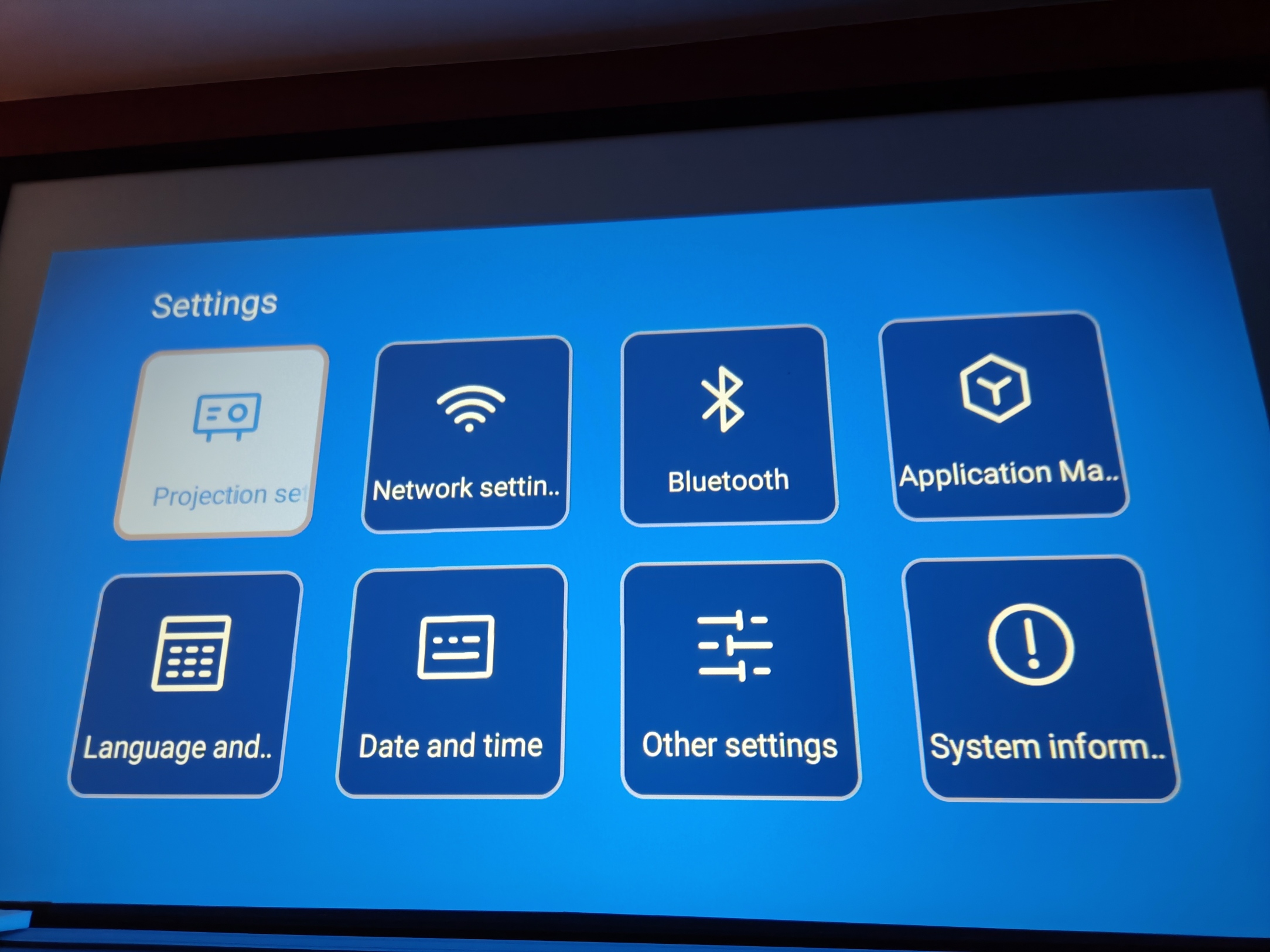
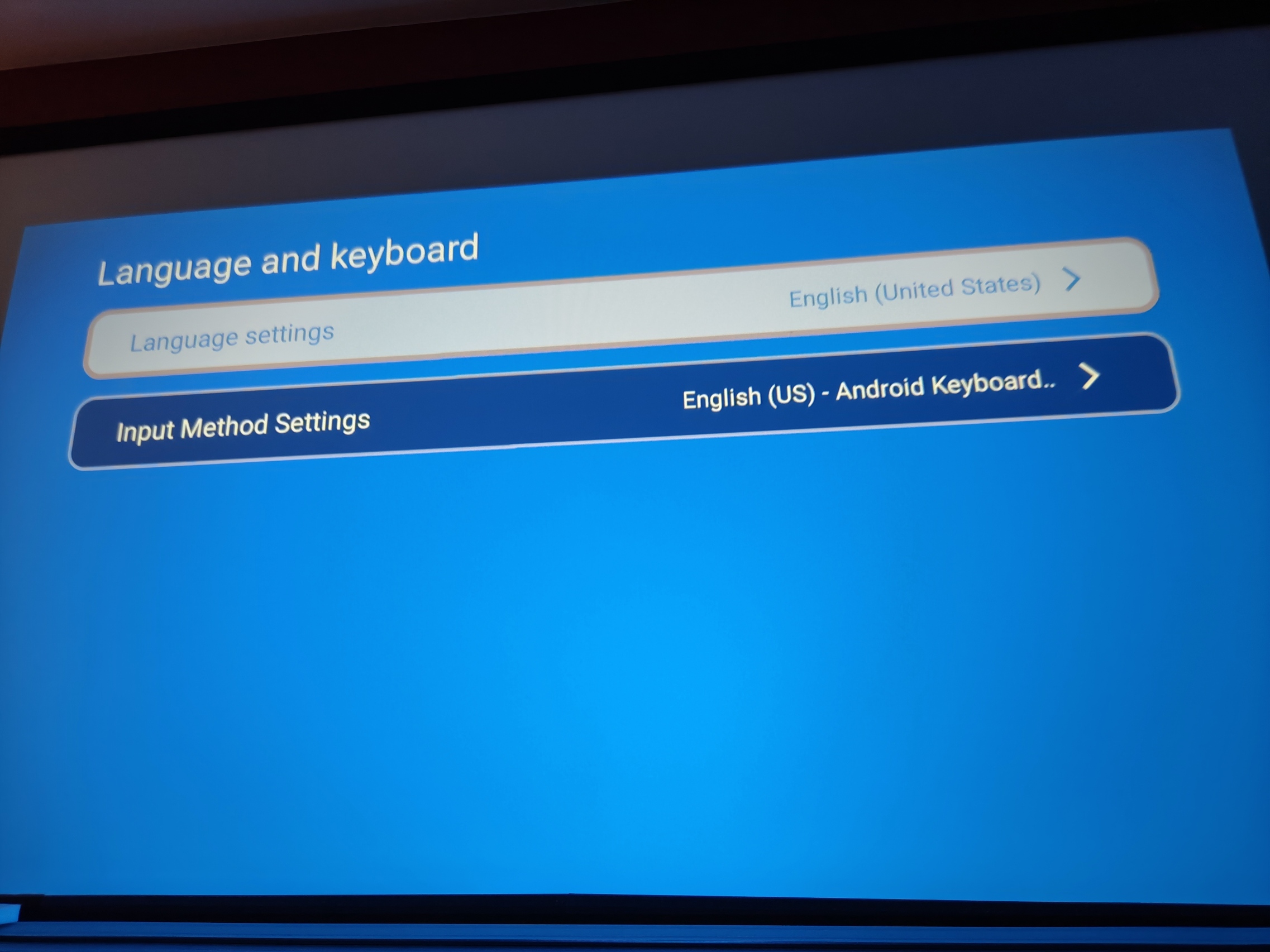
This projector runs on Android 11, but don't expect a phone-like interface. This is a projector-specific interface and it's still pretty limited. I'm not a big fan of this kind of unofficial interface because, sooner or later, it may stop being updated and some recent applications may no longer work.When I test this kind of projector, I generally use my Google Chromecast TV because it offers the advantage of being compatible with virtually every application on the market. I also don't necessarily want to use my credentials in an exotic interface like this without knowing exactly where my data will go. I'm well aware that Google is not beyond reproach on this point either, but as I already use their services elsewhere, it won't make much difference to me.
You also have the option of using screen casting. This is probably the most logical use for this projector, as it will allow you to easily broadcast your smartphone content without having to add an external solution.
Finish
The Magcubic HY450C adopts a rather unusual format. It's built lengthways, with a handle for easy carrying. I've never tested a projector in this format before, but I find this approach quite interesting for portability. The projector is very light, so you can easily put it away and take it out again when you need it.
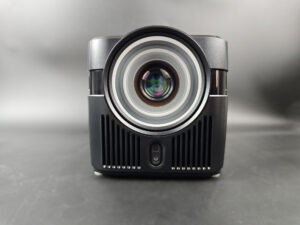
The front optics are huge, and there's a reason for that. The projection ratio of this projector is 0.6. This means that if you place the projector one meter from your wall or screen, you'll already have an image about 166 cm wide. This is clearly one of this projector's strong points. Obviously, you won't be able to generate a 15-meter-wide image, as the brightness deficit won't allow it, but I'll come back to this point later in the test.
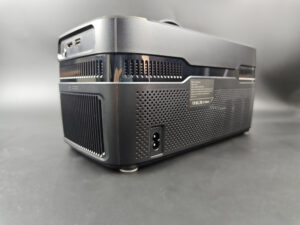
At the rear, you'll find a huge ventilation grille and basic connectivity (HDMI, USB). Nothing surprising here and, as with all projectors of this type, you can expect noisy ventilation and a fair amount of heat generation at the rear.
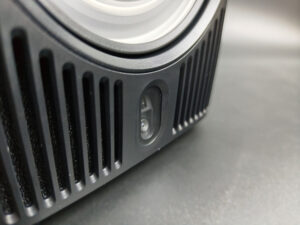
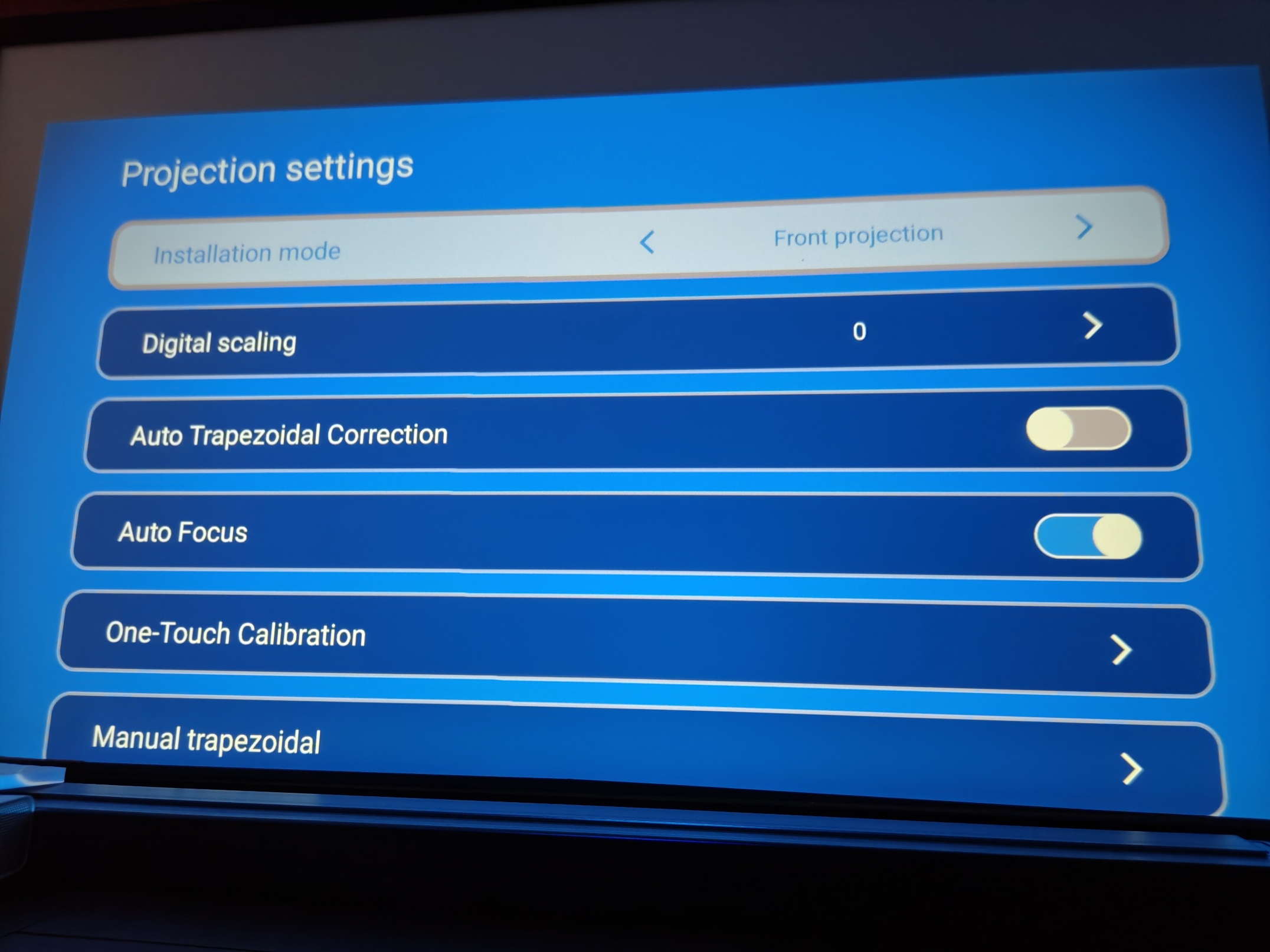
There's a depth sensor underneath the optical unit that automatically adjusts the image. Focusing is automatic and takes a few seconds. Keystone correction is also automatic. These are two positive features for a projector in this price range.
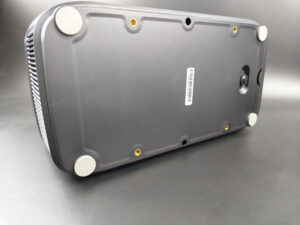
Underneath, the projector can be mounted on a wall bracket.
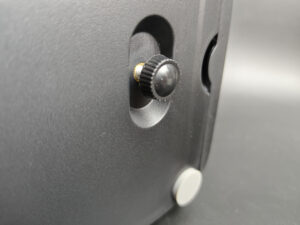
There's also a small wheel for tilting the projector when using low projection. If you use this wheel, you'll cause a slight distortion of the projection trapezoid, a bit like a Star Wars theme song.
I find this format quite interesting and, combined with a short focal length, the result is a flexible product that's easy to place and doesn't take up much space. A projector of this type equipped with a laser source and a battery could be an interesting idea to explore.
Projection room
My projection room is rectangular, 4.6m by 2.9m (height 2.2m). I have two projection walls, one white wall 2.9m wide with just white paint with a possible 4m setback. I then have a 133 inch ALR screen on another wall with a possible setback of 2.8m. I mainly use the ALR screen except when the layout or type of projector is not suitable for this situation.Battery autonomy
This projector is not equipped with a battery.Power consumption
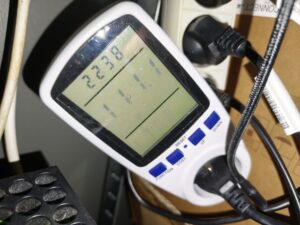
I measured a power consumption of 111 watts. This is quite high for the level of brightness offered, but it's quite normal for this type of projector.
Operating noise
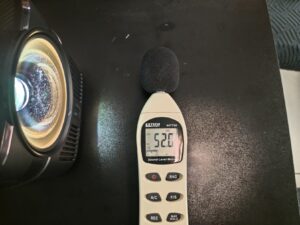
One of the main weaknesses of this type of projector is the noise generated by the fan. I measured over 50 dB in the vicinity of the projector. Fan noise is therefore clearly audible and, as the speed of the fans remains constant, so will the noise level.
Image quality
Not yet available / testedColorimetry
More explanations on colorimetry
Measuring color fidelity (colorimetry) is not a subjective question, it is something completely measurable. This measurement is carried out with a device (colorimeter, spectrometer, ...) which measures the difference between the real color and the displayed color. This difference is expressed in delta E (abbreviation: dE). A dE greater than 3 indicates a deviation perceptible to the human eye.
The dE must therefore be as low as possible but projectors rarely have a dE lower than 3 out of the box. They are often between 5 and 10, only a calibration can correctly adjust the colors.
For a perfect calibration, you must call a professional. I give you my parameters which correspond to my situation. These settings might work for your situation but it is not a guarantee, so take them as an indication of the direction to follow.

I measured color fidelity as I usually do, and this projector didn't give me much to work with, as it offers virtually no image adjustment. I obtained an average delta E of 11.29, which is quite high. I also noted significant color deviation on red, blue, magenta and white. The image shows a rather cold dominant, with white measured at 7403 K. This result doesn't really surprise me, bearing in mind that this is a projector sold for less than €200.
This color drift won't make your movies unwatchable. It simply means that, if you compare the image with that of a better-quality TV or projector, you'll clearly see the difference. If your priority is to get a great picture on a limited budget, this weakness will probably be less important to you. This problem is present in virtually all projectors of this type, as it is directly linked to the technology used.
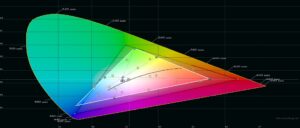
This graph shows the color space covered by the Magcubic HY450C. For accurate color rendering, the white triangle should overlap the black triangle as much as possible. This is not the case here and, once again, is a classic limitation of entry-level LCD projectors.
In practical terms, this means that the projector is unable to reproduce all the color nuances present in a video. I'm obviously not talking about an inability to display blue or green, but rather a limitation in gradations and intermediate nuances. Images will therefore appear less rich and a little blander.
For HDR, the coverage triangle should ideally exceed the reference triangle. Here, we're a long way from that. This doesn't mean that you won't be able to play HDR content, just that HDR rendering won't be convincing.
This projector does no better or worse than most of the similar models I've already tested. Overall, it's about average in this category.Image Settings I didn't find any image adjustments that really improved colorimetry or contrast. In the end, it's a time-saver for me, as this part of the test is usually the most labor-intensive.
Brightness
More explanations on brightness
The brightness for a projector is absolutely crucial. The brightness is measured in ANSI lumens and the values provided by the manufacturer are very often higher than reality.
I measure the brightness with a lux meter and I convert my measurements into ANSI lumens in relation to the projection surface. You thus obtain a real value.
A video projector, even if it is bright, cannot compete with a television. The contribution of light (natural or artificial) will have the effect of drastically reducing the contrast of your image. With a brightness lower than 1000 ANSI lumens, the projector must be used in total darkness.
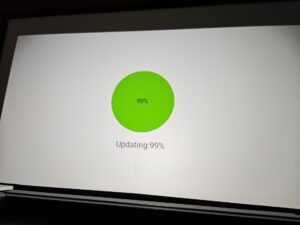
I measured a brightness of 721 lumens. That's not far from the advertised value, and it's this level of brightness that will determine the maximum usable image size.
Before talking about screen size, I'd like to draw your attention to the image above, and in particular to the edges. The brightness is not uniform and the four corners are strongly darkened. Once again, this is quite common with this type of projector. The optical block is not of exceptional quality, so there's a significant loss of brightness when you move away from the center of the image.
With 721 lumens, what can you expect? You'll have to use this projector in the dark and aim for an image of around 120 inches in SDR. Beyond this size, the image will become too dark. To get those 120 inches, you'll need to place the projector about 126 cm from your wall or screen.
I'm not taking HDR into account here, as this projector is simply not capable of delivering a convincing HDR experience.
Sharpness
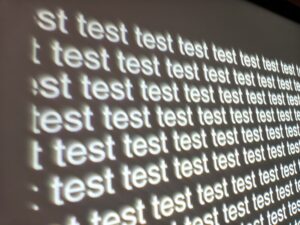
Sharpness is another typical weakness of this type of projector: as with brightness, it deteriorates sharply at the periphery. If you look at the text in this image, you'll no doubt notice that the outline of the letters becomes much less sharp in the corners.
Again, this is perfectly normal for this price range. Just be aware of this limitation before purchasing.
Contrast
More explanations on contrast
Contrast (on/off) is used to measure the difference between white and black. This measurement gives an indication of the ability of a projector to produce a good rendering in dark scenes.
A contrast lower than 500:1 should be considered as a very low contrast and the consequence will be especially visible in dark scenes where you will lose details. This is less of a problem for sports, bright films or even cartoons.
A low contrast ratio does not mean that a projector is not usable, you just have to be aware that for films like Aliens, dark scenes will no longer allow you to distinguish details.
I measured a contrast ratio of 871:1. This is a little low compared to some other similar models I've tested, but as the rest of the image is already affected by several other limitations, I don't think contrast is a decisive criterion for purchase here.
Motion compensation
More on Motion Compensation (MEMC)
Many projectors use a frequency of 60 Hz, which means that they broadcast 60 frames per second. Many films were designed to broadcast 24 frames per second. This means that for each second, the film does not have enough frames to fill the 60 frames broadcast by the projector.
This most often results in a jerkiness in the image. Some projectors are able to attenuate this jerkiness with a motion compensation system (also called MEMC). If you abuse this compensation, you will get what is called the 'soap opera' effect which makes the image a little artificial like the TV series of the 80s.
I couldn't find any motion smoothing functionality, so you might see jerky movements with fast image movements.
Image size and projection distance
More explanations on the projection distance
The projection distance determines the size of the image and the size of the image is determined by the projector's throw ratio. If a projector has a throw ratio of 1.2, it will have an image width of 83 cm with possibly a gray border.
The distance also plays a role in the brightness because the brightness decreases with the square of the distance. A projector placed at 4 meters will therefore lose 4 times more brightness than a projector placed at 2 meters.
Keystone image correction does not modify the projection cone, it resizes the image inside the projection cone. This means that in the event of a significant correction, you will see a large gray border appear around your image.
As I wrote above, this projector has a projection ratio of 0.6. This means that you get an image approximately 166 cm wide for every meter of distance between the projector and the wall or screen. This is the first time I've tested such a projection ratio in this price range, and it's clearly an argument in favor of this projector.
However, you also have to take brightness into account, as the further away you place the projector, the darker the image becomes. If I apply my usual criteria to determine the maximum usable size, I'd put the limit at around 95 inches diagonal in HDR, or around 210 cm wide. This value remains theoretical, however, as HDR is not really usable on this projector.
In SDR, you can aim for around 120 inches, i.e. an image width of around 266 cm, with a projection distance of around 160 cm.
If I had to create a cost-benefit indicator between price and image size obtained, this projector would probably rank among the best.
Screen choice
Given the price of this projector, I don't think a projection screen is absolutely necessary, as it would probably end up costing more than the projector itself without adding much value, unless you don't have a uniform white surface on which to project the image.If you still want to use a screen, you'll have to opt for a classic white model, as the Magcubic HY450C isn't bright enough to consider using an ALR screen.
Audio quality
More explanations on audio quality
I use several types of music tracks to illustrate the sound quality of the projector but the rendering will always be limited by the recording device. Since I always use the same device, you will be able to compare the difference on the same basis.
I regularly use well-known songs protected by copyright to illustrate the sound quality of a video projector. It therefore sometimes happens that YouTube decides to block my videos for these reasons. In this case, you can listen to the soundtracks directly on YouTube and hope that YouTube has not completely blocked my channel.
The Magcubic HY450C is equipped with two 5-watt speakers. It's not very powerful, and the sound quality remains fairly basic. The sound reminds me of a small radio: it's perfectly listenable, but lacks finesse, and there's also a little reverberation inside the case.
Video games
More explanations video games
To be able to play in good conditions with a projector, the latency must be low. Latency is the reaction time between pressing a button on your controller and the reaction on the screen, this latency is expressed in milliseconds and is also called 'input lag'.
I measure this latency with a specialized device. To be able to play fast-paced FPS-type games online, you need to obtain a latency of less than 30 ms. For games where the reaction time is less important, a latency of less than 100ms should be suitable for most situations.
I generally test ShadowRunner from Geforce Now on my Nvidia Shield except when this is not possible. I'm not used to playing with a controller, so I'm not very good at it, but the point is to show the projector's ability, not mine.
I measured a latency of 65 ms and couldn't find any settings to reduce it. This means that this projector is not particularly gaming-oriented, although it may be suitable for games that don't require very fast reaction times.
Encoutered bugs
Not yet available / testedALR/CLR Projection screen
Are you looking for a good ALR/CLR screen for your projector? I may have what you need:ALR/CLR NothingProjector Screen
Test / Review conclusion
As I explained in the introduction, I wasn't expecting to make any major discoveries with this projector, and this test confirms what I thought. This projector offers an excellent compromise between price and image size. Its short focal length optics are quite unique in this price range.This projector has been designed to be easily transported, to generate a large image with very little recoil, and to broadcast content from a smartphone. It's not a product designed to replace your TV, or to give you a true home cinema experience.
Entry-level LCD projectors like this one all have the same limitations. Color coverage is reduced, so images appear a little duller. Sharpness deteriorates sharply at the edges, and the same applies to brightness. You also have to accept a fairly high level of noise.
If you're aware of these limitations, the Magcubic HY450C will nevertheless enable you to generate a 120-inch image for less than €200, and this is clearly its main strength.
My test protocol highlights a number of weaknesses, but this is quite logical, as it was designed to evaluate a "cinema" type experience. The technology used in this type of projector simply doesn't allow for much better picture quality.
Where projectors of this type can differentiate themselves is in aspects such as sound quality, operating noise, operating system and product design.
For less than €200, the Magcubic HY450C does a good job of delivering a great picture in a simple, affordable way. This product is aimed above all at a public looking for a portable, easy-to-use and inexpensive solution. In fact, I think it's equally well-suited to family use or children.
Strengths
Portability
Projection ratio
Low price
True 1080p
No rainbow effect
Image up to 120" in SDR
Acceptable sound quality for this price
Weaknesses
Optical quality
Limited color space
Noisy
Unofficial Android system
Slightly low contrast


A question? A remark? Feel like shouting? (not too loud)